JayKay E-trucks Review – Tantalizing Future

Oh man… where do I begin with the JayKay e-trucks?

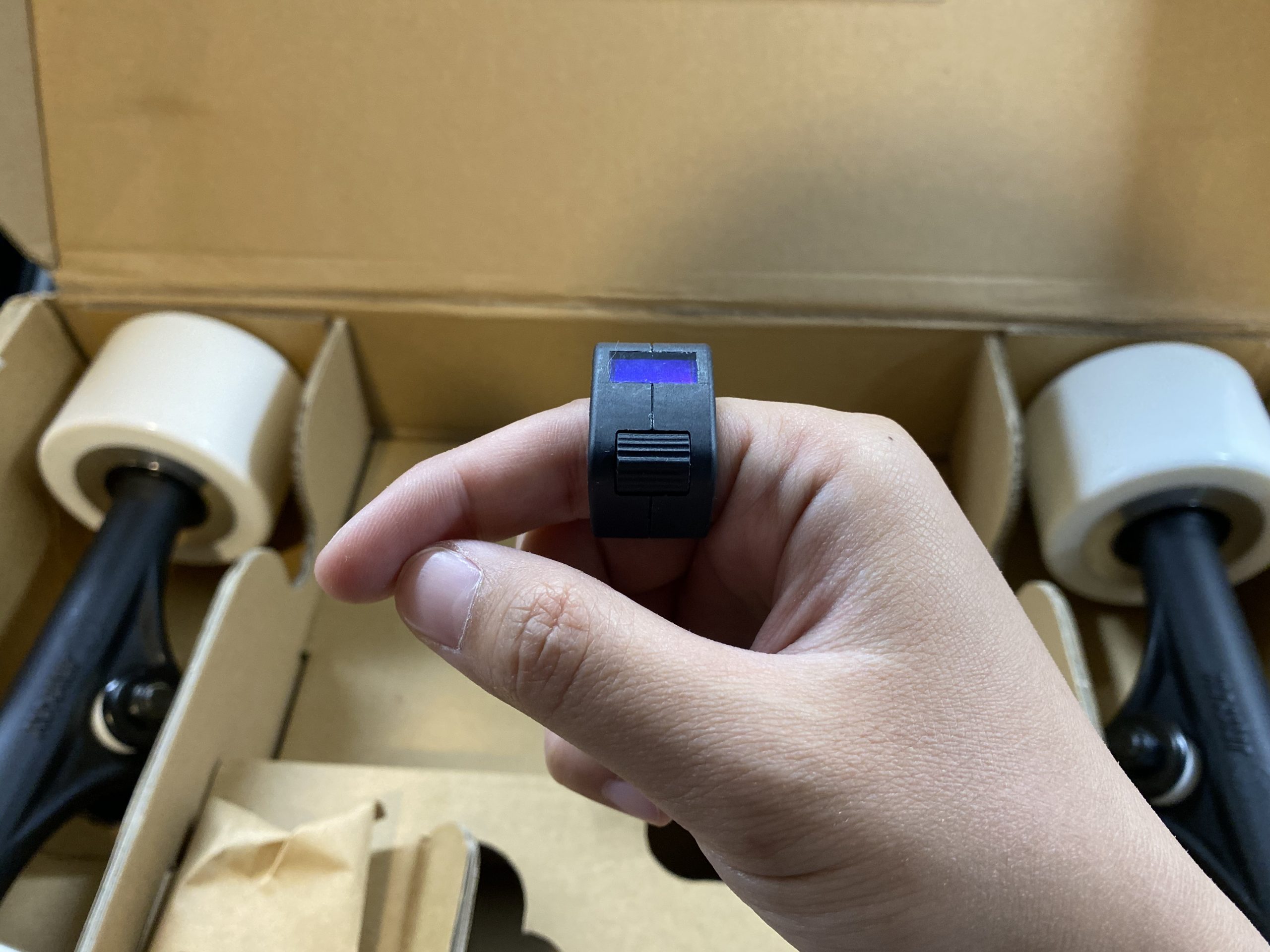
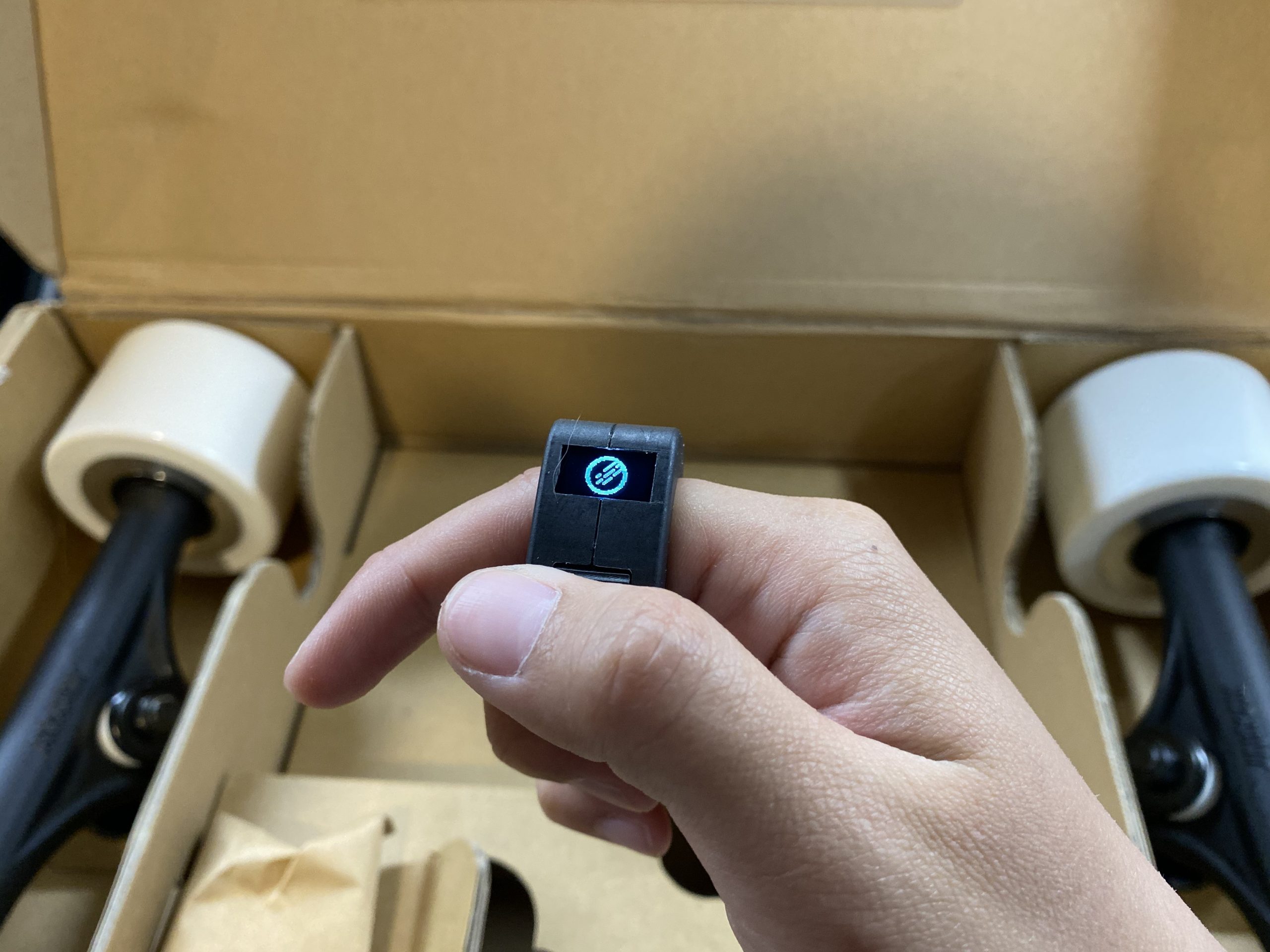
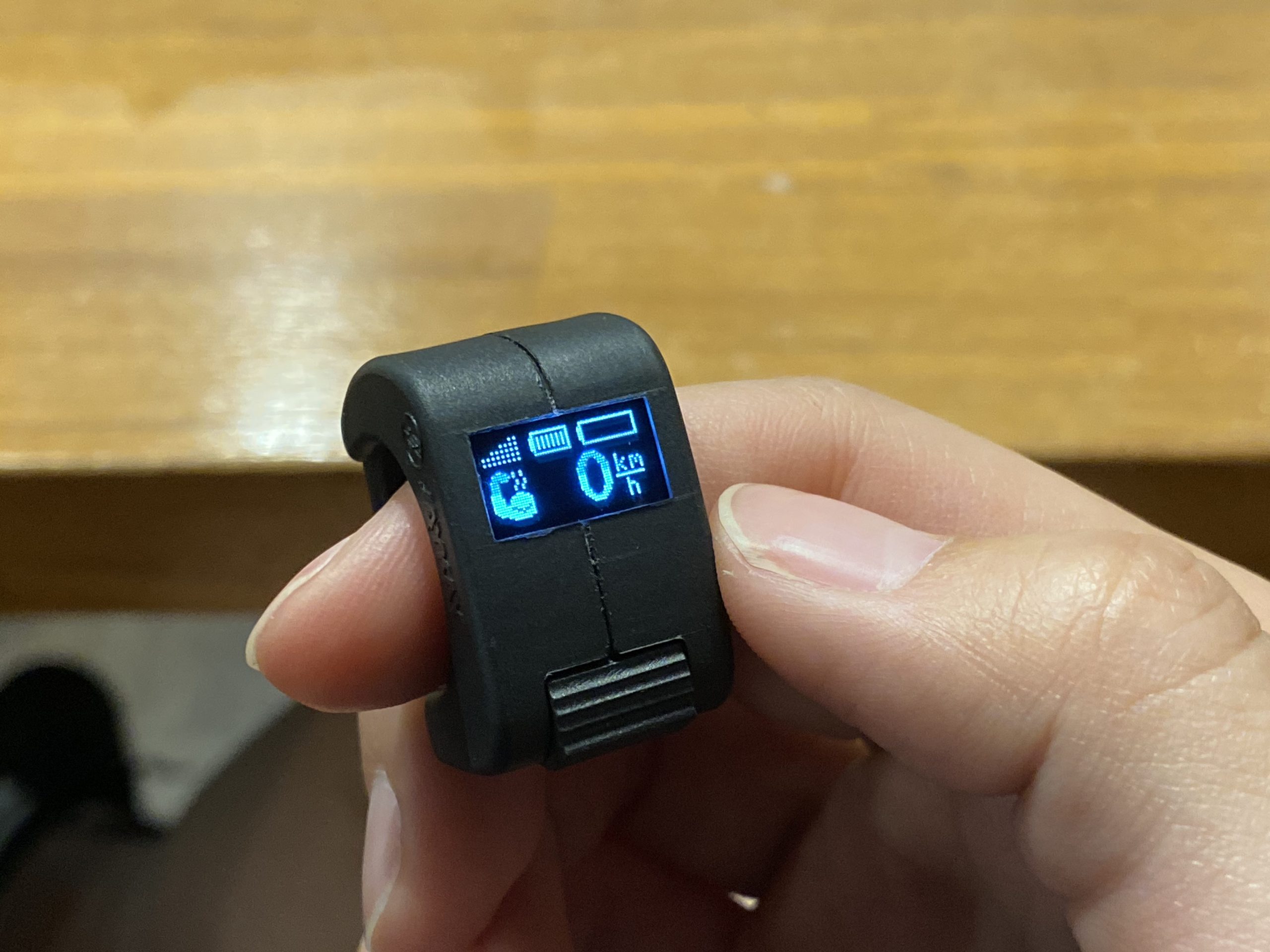
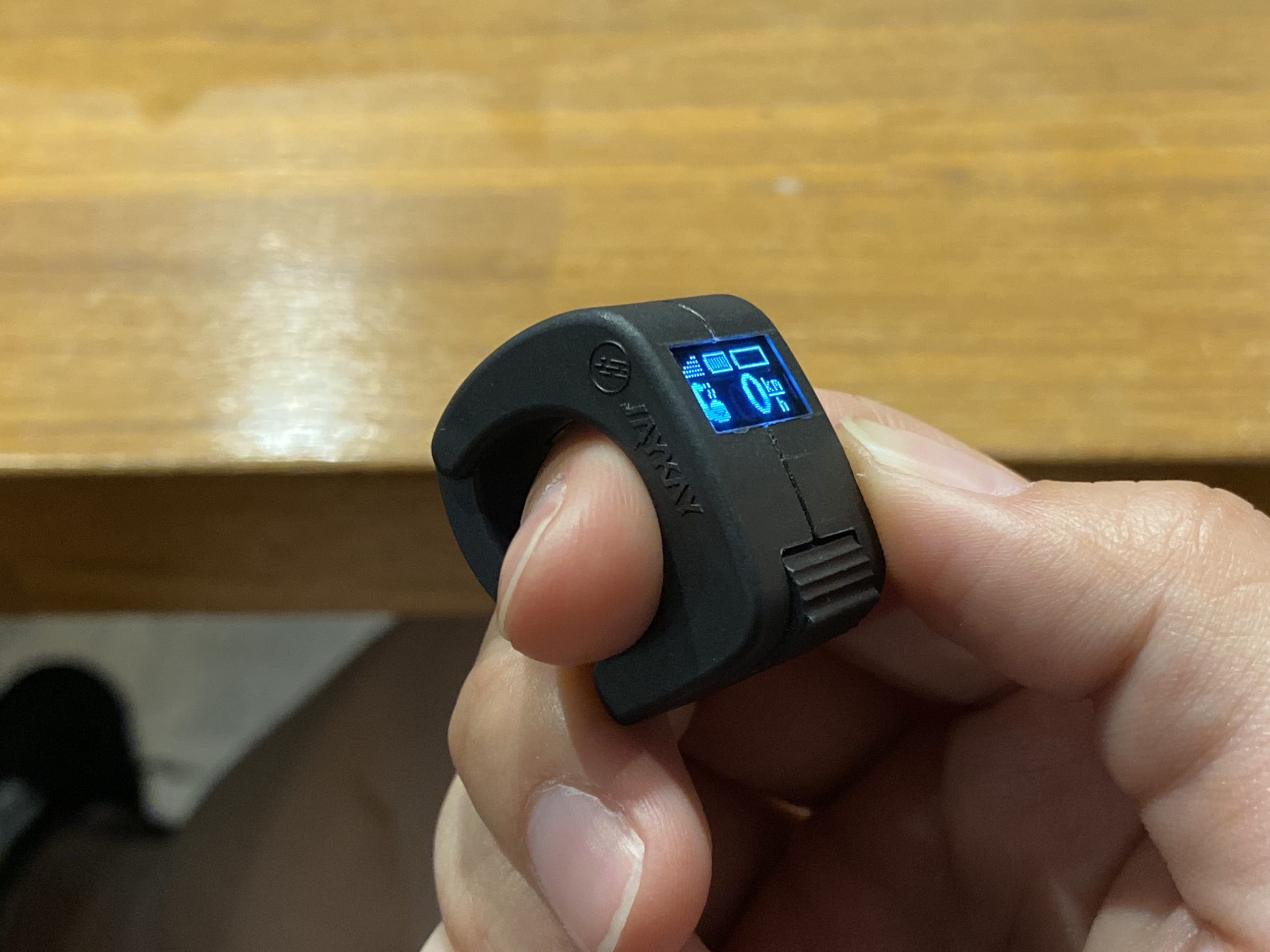
I guess the best place to start would be to explain what they are. The JayKay e-truck is a reverse kingpin longboard truck that has a bunch of electronics stuffed inside the baseplate and hanger. The truck links with a ring shaped remote with a thumbwheel and tiny display from which you can control acceleration and braking easily. JayKay sells these trucks in 2wd and 4wd options, though they recommend the 4wd option.

What this means is you can turn any deck into an electric skateboard with absolutely zero (0) modification. This, in turn, means total freedom of choice and ride. I love it. This is totally the fut– well let me back up to the beginning.

lol jk

I remember where I was when I first heard about JayKay. The year was 2017, the month was March, and I was sitting at home, reading a curious thread on the electric-skateboard.builders forum about an eskate Kickstarter from a company based out of Germany, JayKay Sports. The thread was mean. The people in it were tearing the Kickstarter apart and claiming that the trucks were “Grade A+ bull shit”.

I’ll admit, I was highly skeptical as well. Everything inside a truck? 7 mile range? Super tiny remote? Charging via USB-C? Zero-resistance hub motor with zero cogging? Sounds like somebody just took all the pipe dreams of an eskater and chucked them in one place! So I closed out of the thread and forgot all about it.

Until 2020.

I was vacationing in Taipei, Taiwan with my boyfriend and linked up with the Taiwan eskate group, Esk8 4Ever. It’s always fun to find like minded people when you travel, and the Esk8 4Ever peeps were definitely fun. At some point during our visit, we met up at a board shop (one of the best ever, possibly in the world, I might add. Amgreat Integration. Definitely visit.) and one of the chaps, Cheng Li-Wei, asked if we wanted to see something very curious that he’d just received from Germany. Of course we were interested, and thus was my first time seeing the JayKay e-trucks in person.
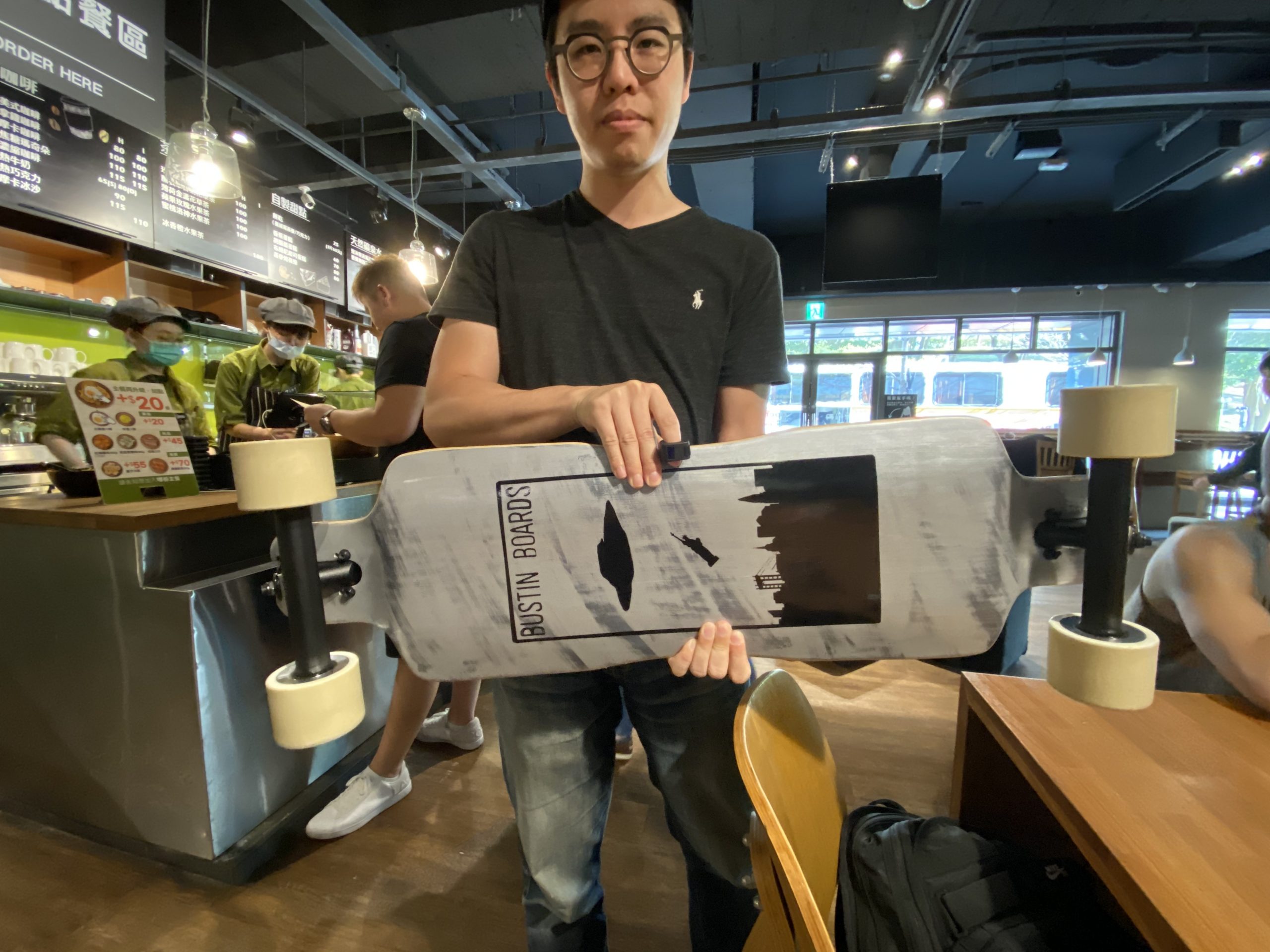
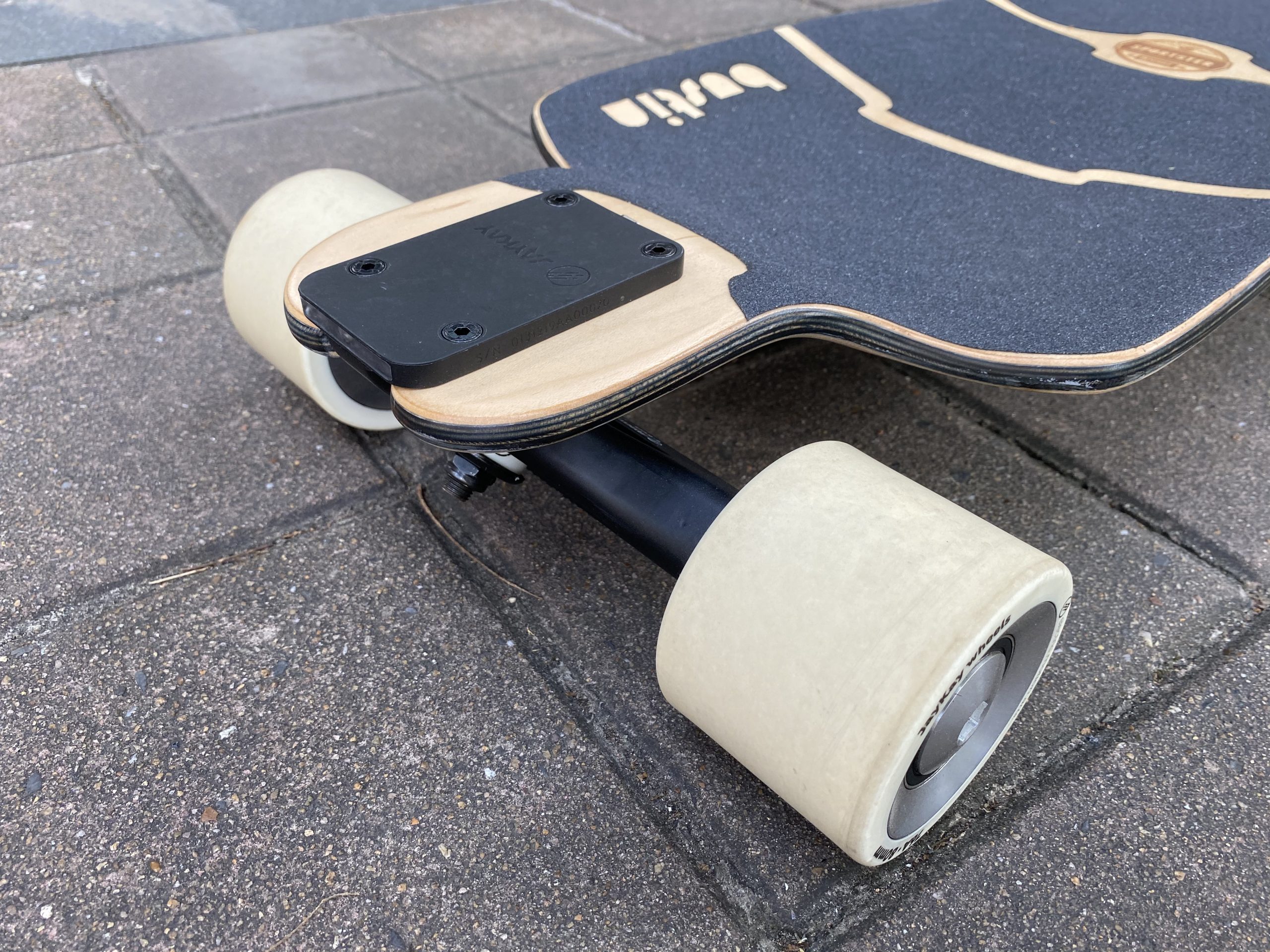
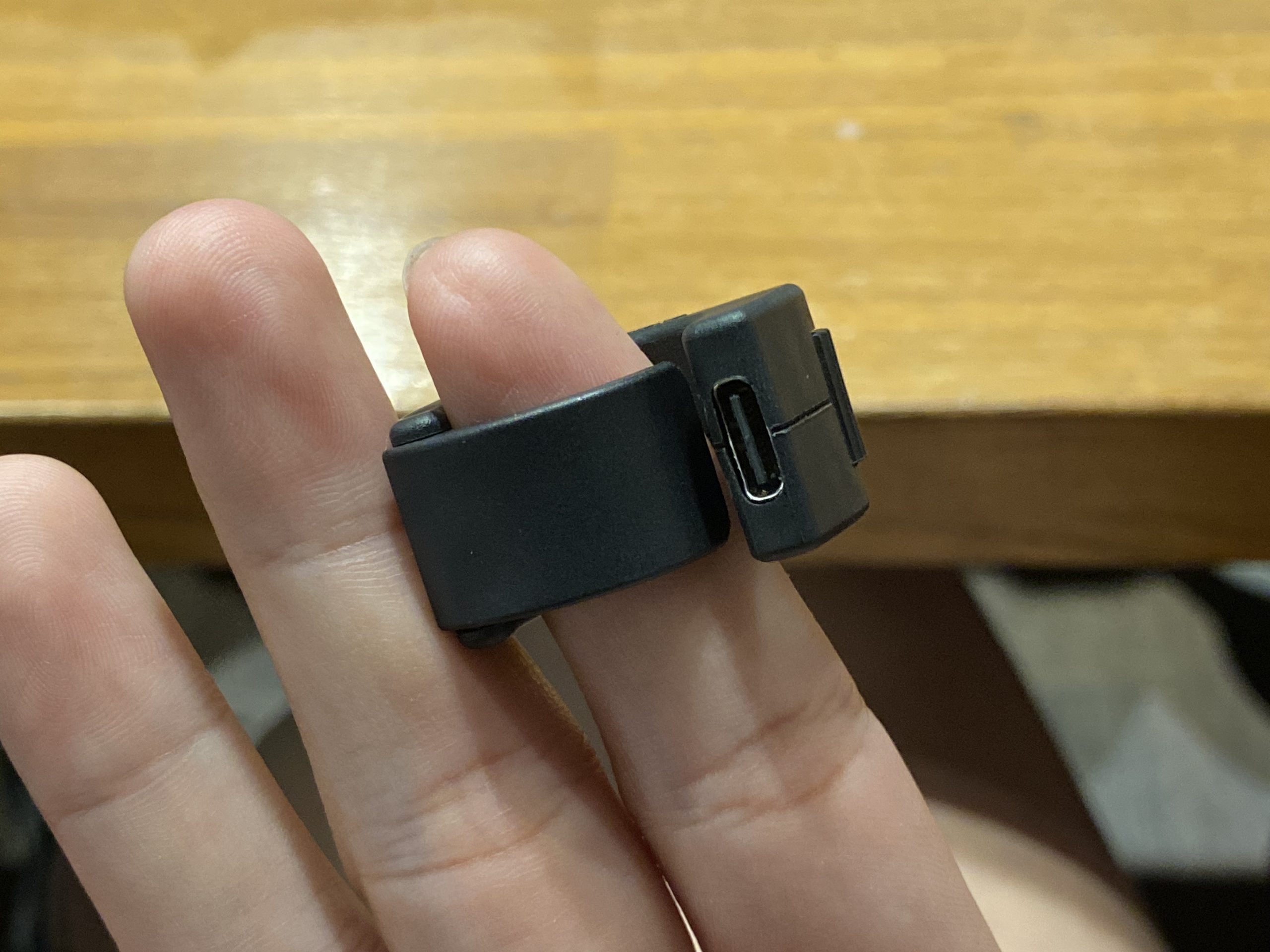
“Wow. It’s really real. It’s not vaporware,” I remember thinking. The next thing that blew me away was the remote. So small and unassuming! How the heck did they manage to fit a display and Type C charging onto a ring that small? Then I rode the thing. What the heck there’s actually a decent amount of torque? What the heck zero resistance in the motors? What the heck zero cogging? What the heck’s going on?

I think it’s safe to say I was immediately and totally infatuated. Flexible enough to mount anywhere? Unobtrusive enough to be virtually unnoticeable? It’s like a cruiser’s wet dream! I immediately hit up my editor Paxson to see if he could get us a review unit to put through the test.

This is where a damper gets put on my hopes and dreams. It turns out that JayKay was generally unwilling to send out review units even though we only wanted to borrow them. We had to buy our own unit. Ok sure, no problem, we’re willing to buy review units in the name of the truth. So we bought a 4wd kit.

But then the wait began. What made the wait worse was that JayKay was not super communicative. Nevertheless, we persevered, and four months (almost to the day) later, an unassuming box arrived in my mailroom.

All it had on the outside was a shipping label, but that was enough. I read the return address. “JayKay”. Suddenly I was a kid again.

A Masterclass In Miniaturization

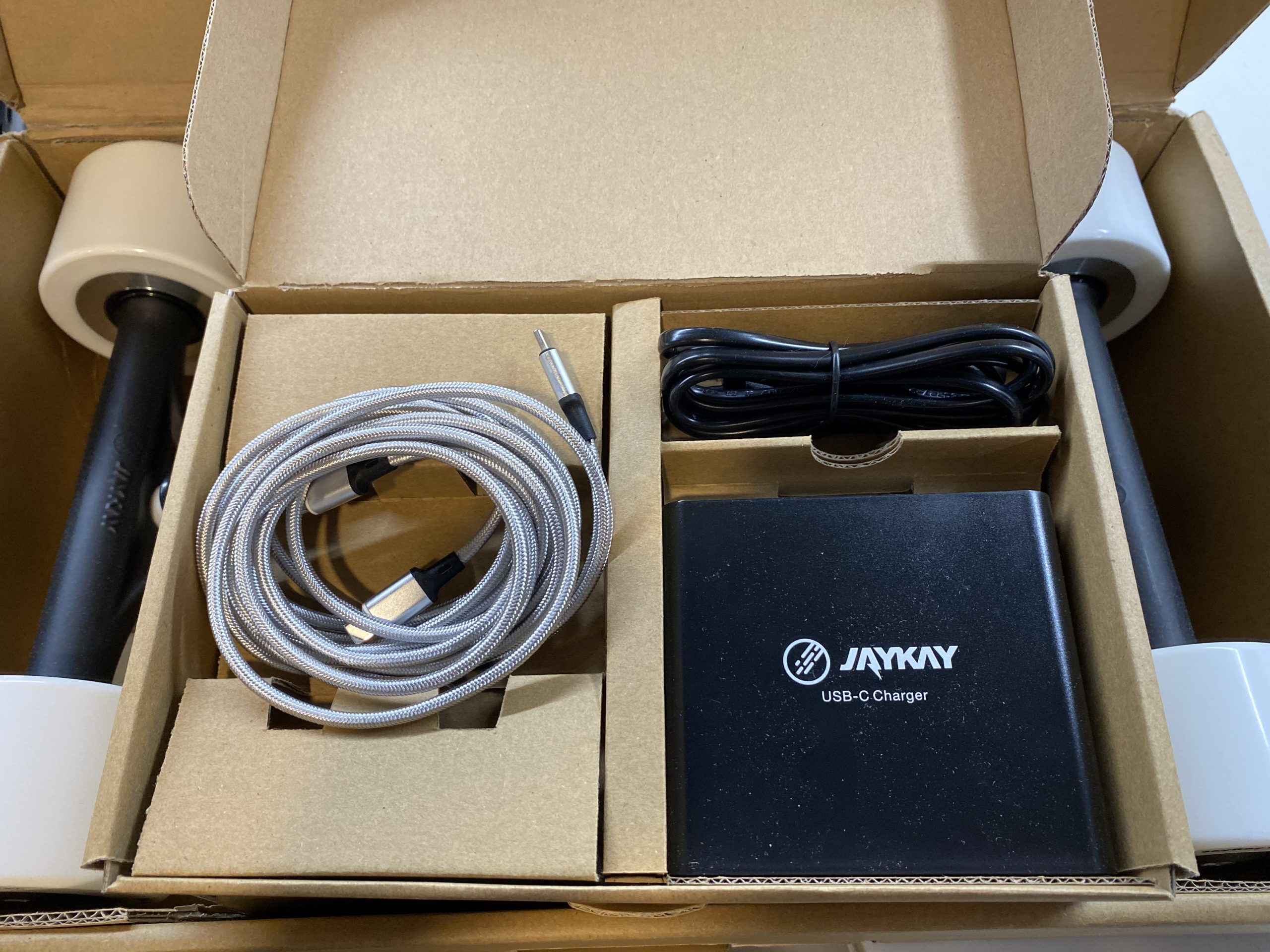
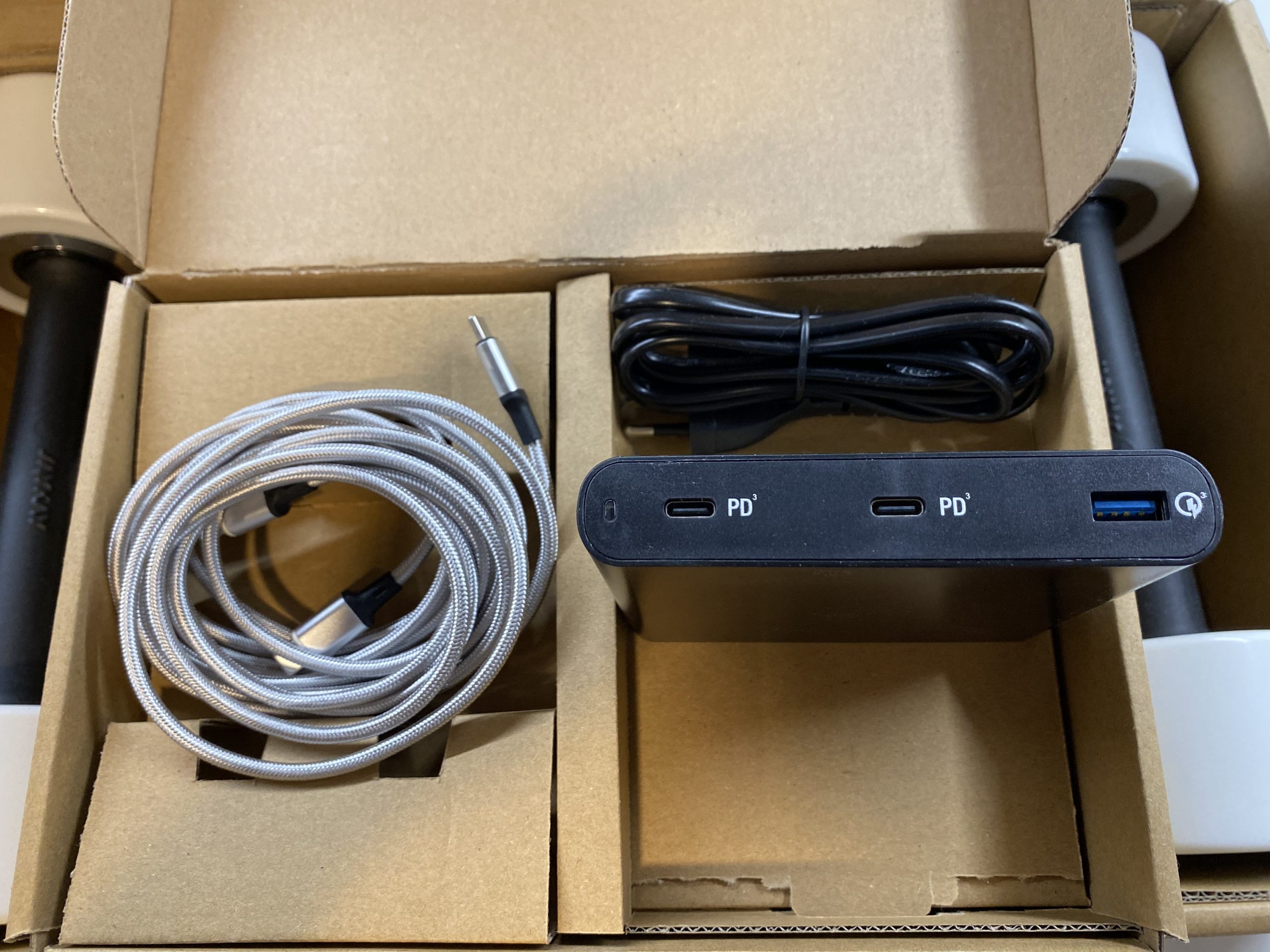
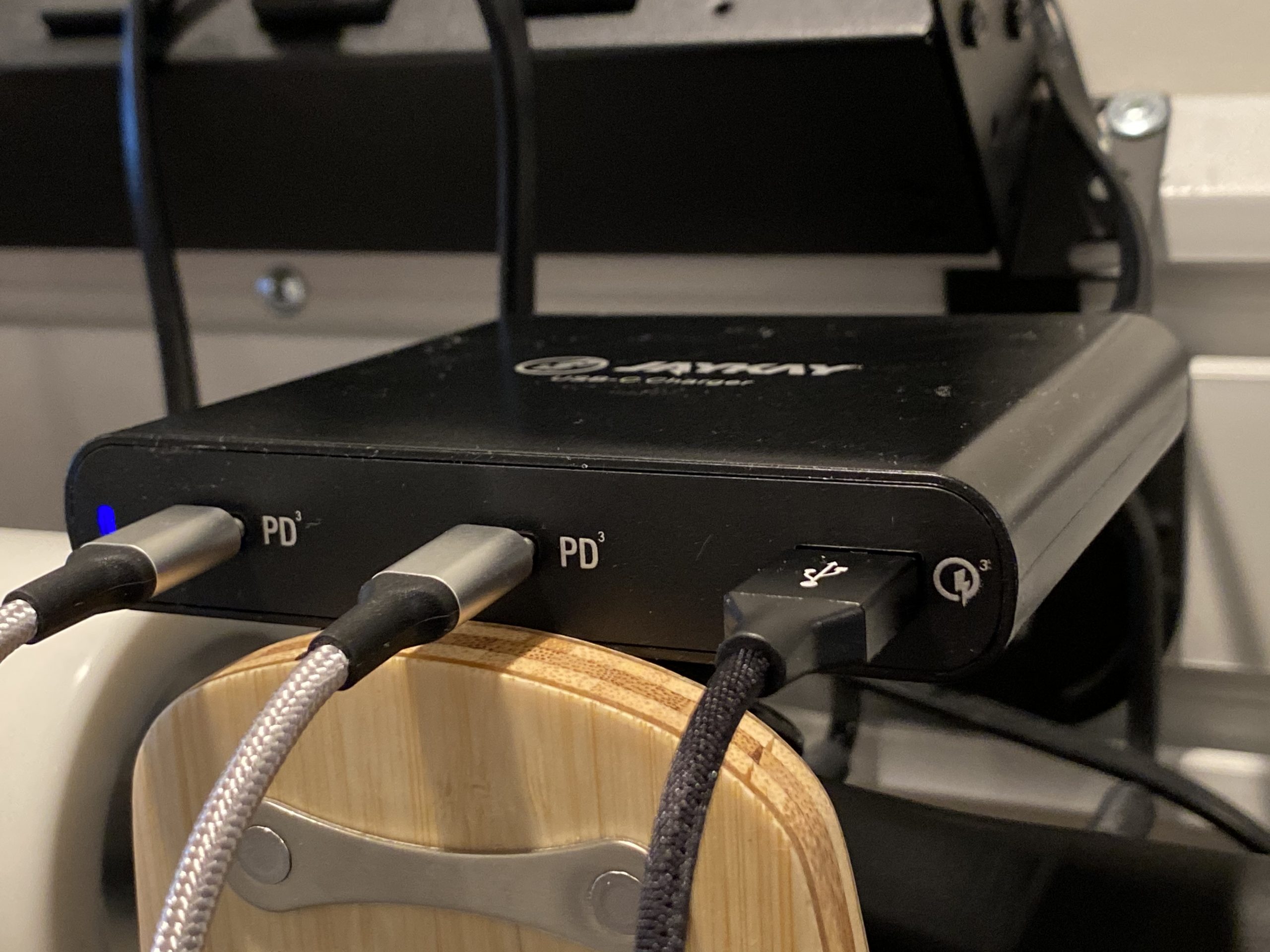
I was unreasonably excited opening the box. I had absolutely no idea what all would come in the box, but I wasn’t disappointed. The JayKay 4wd kit contains two trucks, one remote, a three port (2 x Type C PD, 1 x Type C QC3) charger, two magnetic Type C cables, one regular Type C cable (all of them braided), and a cool skate tool.
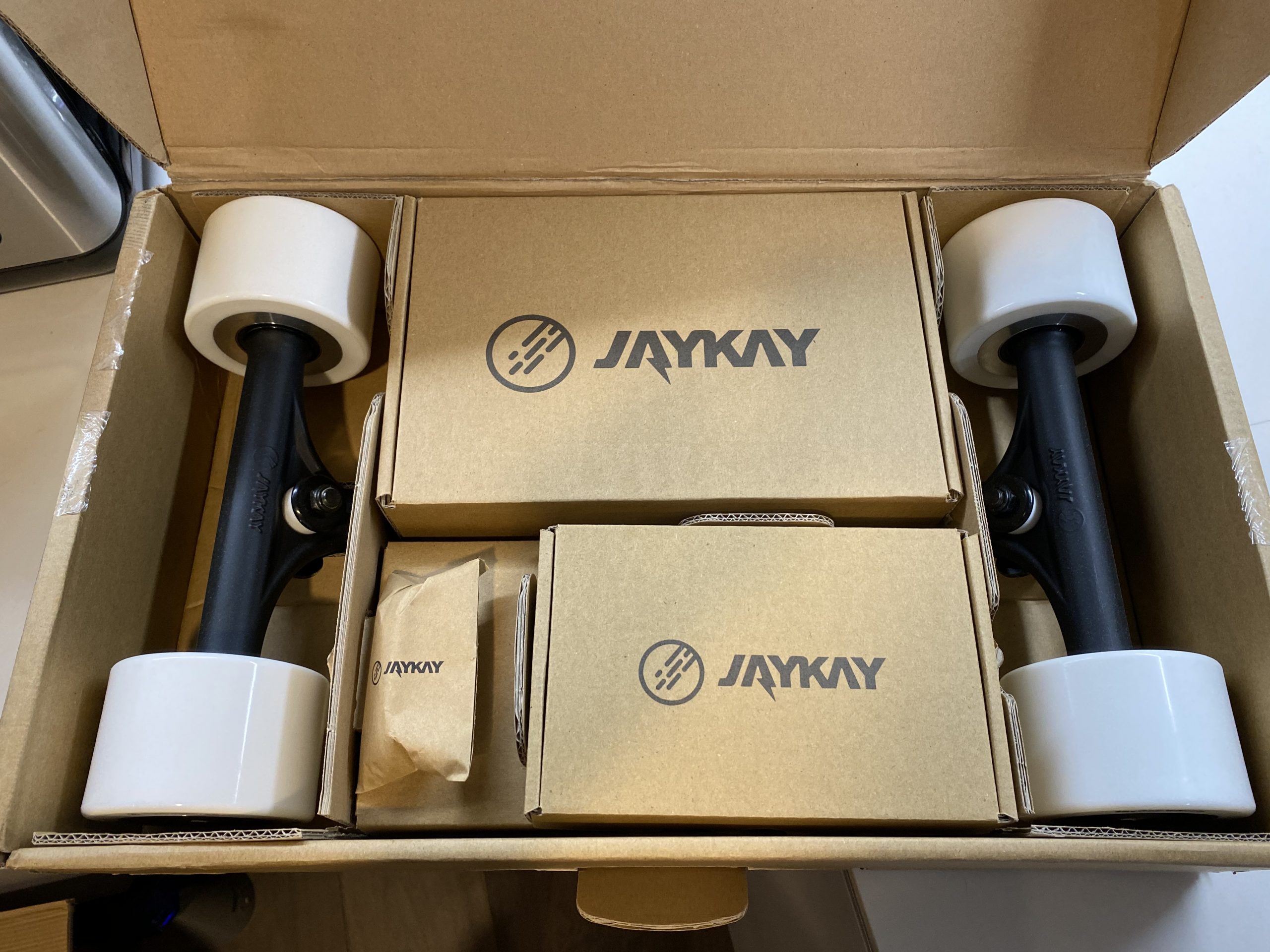
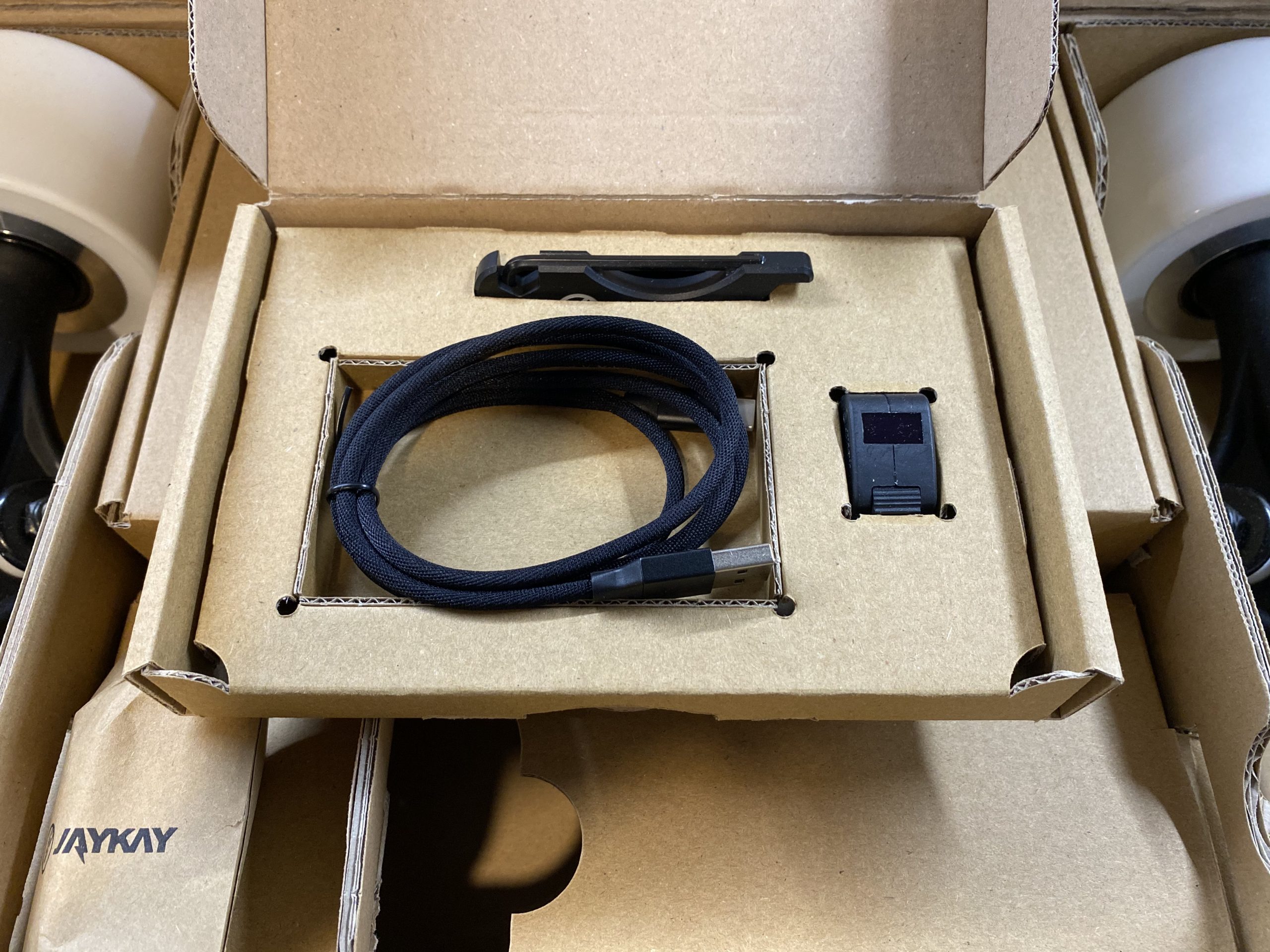
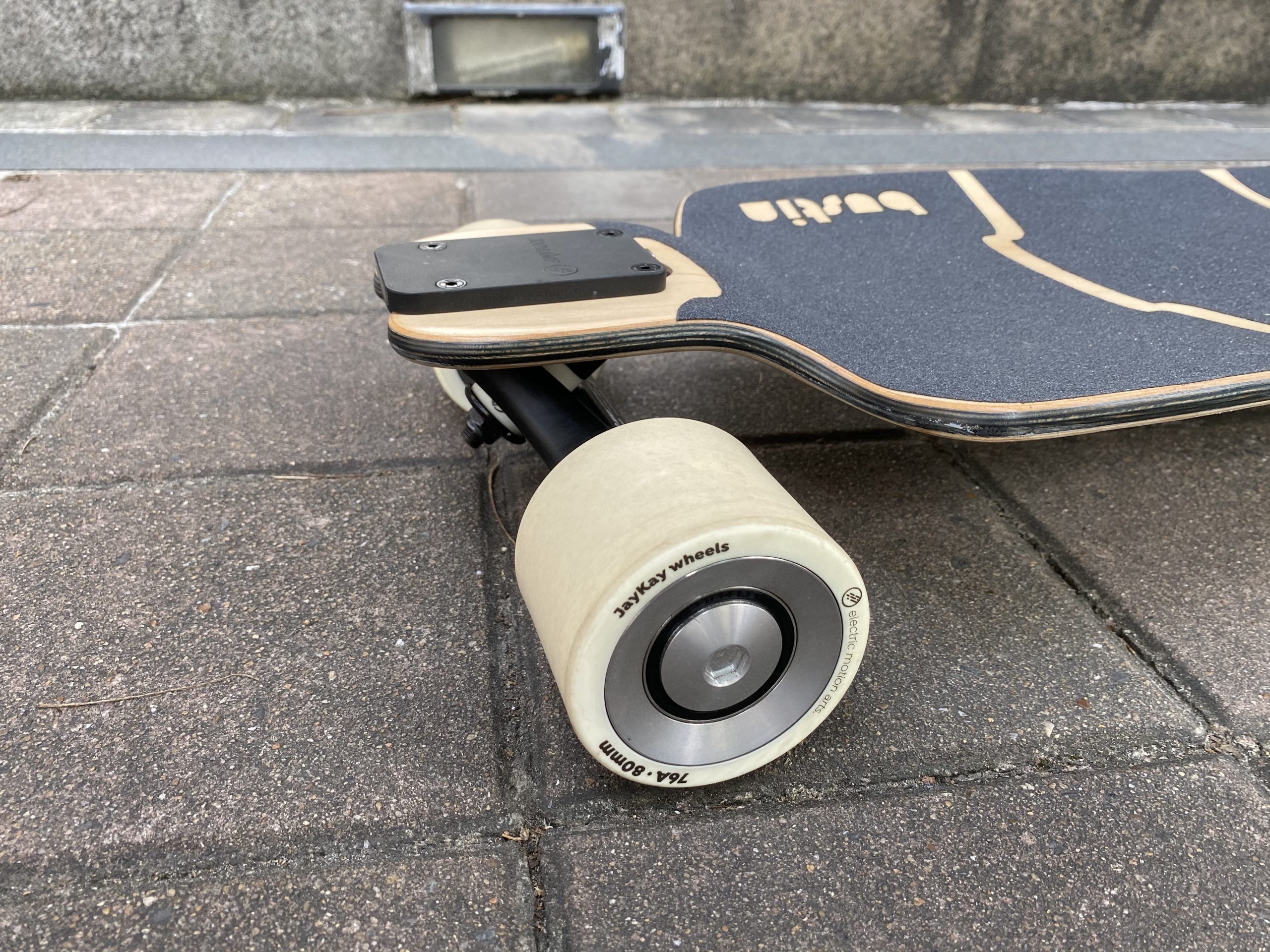
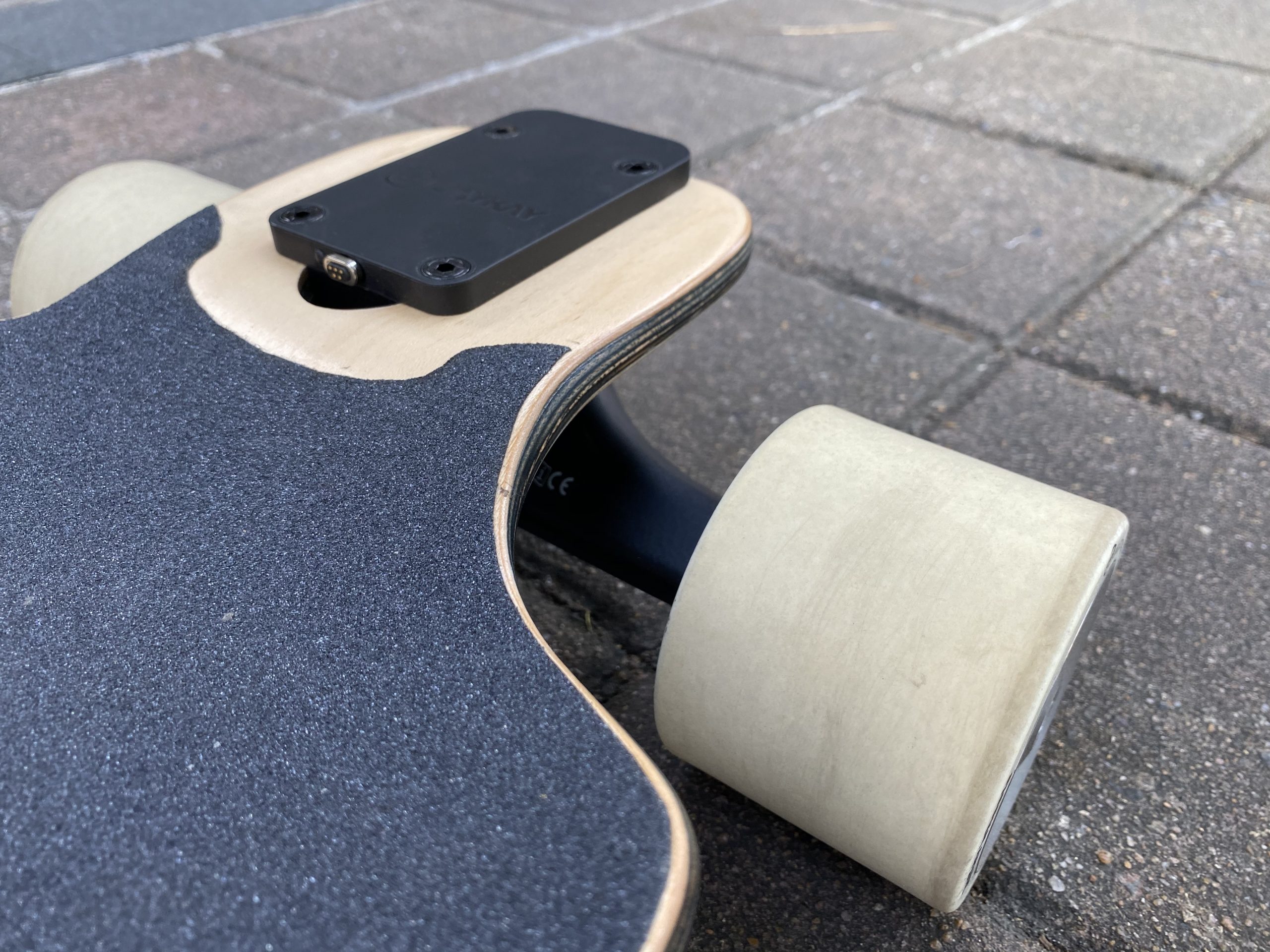
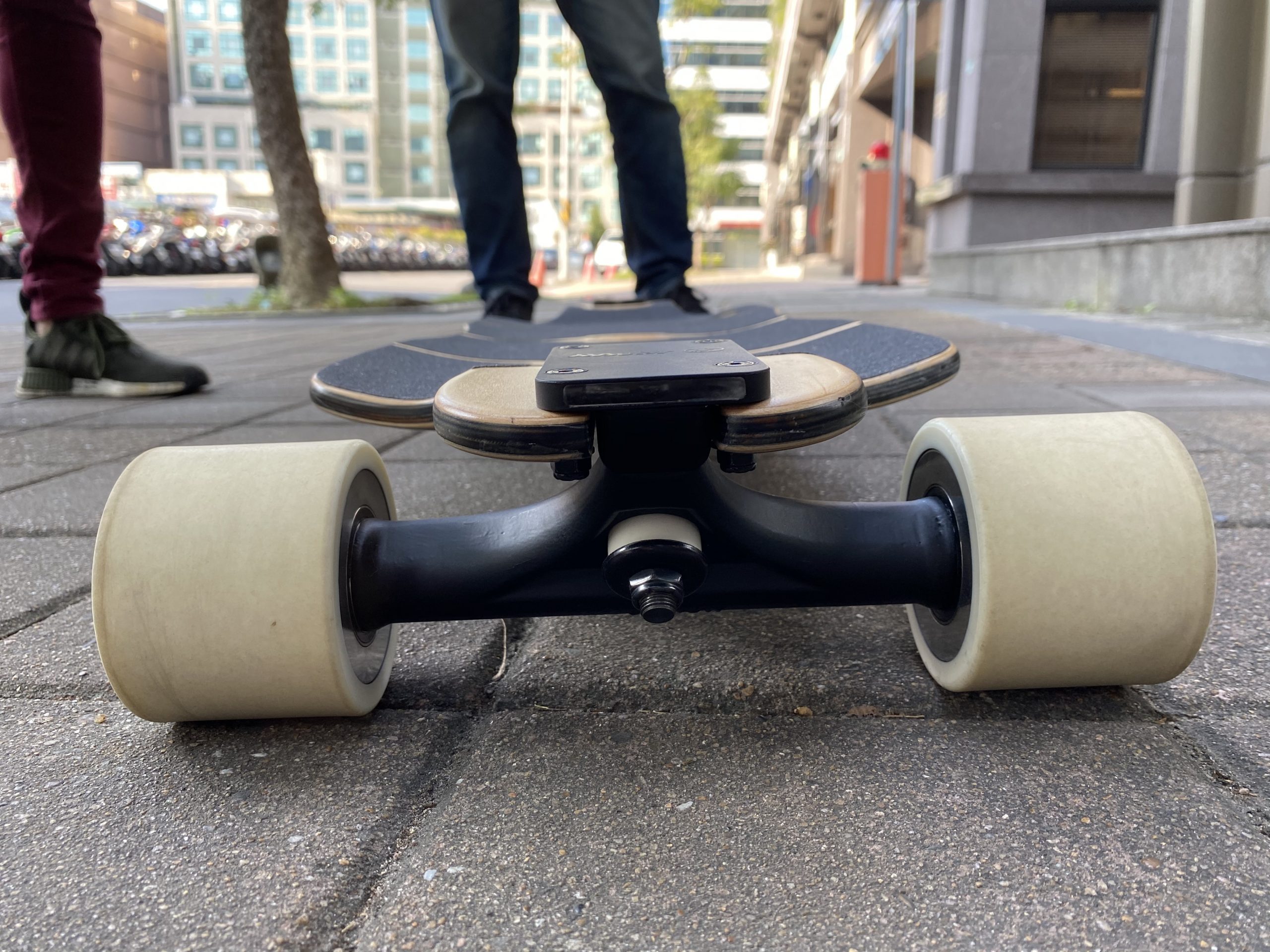
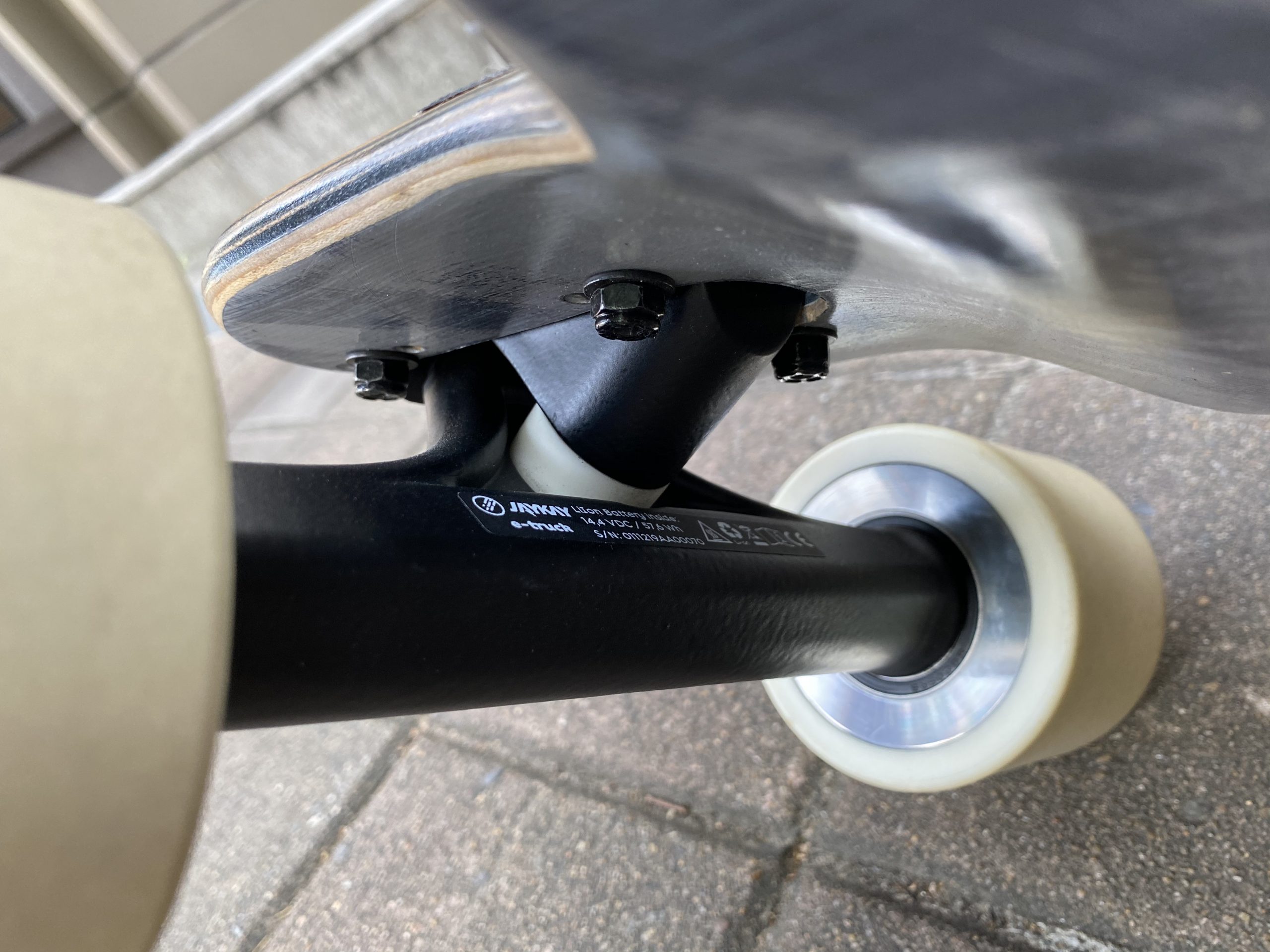
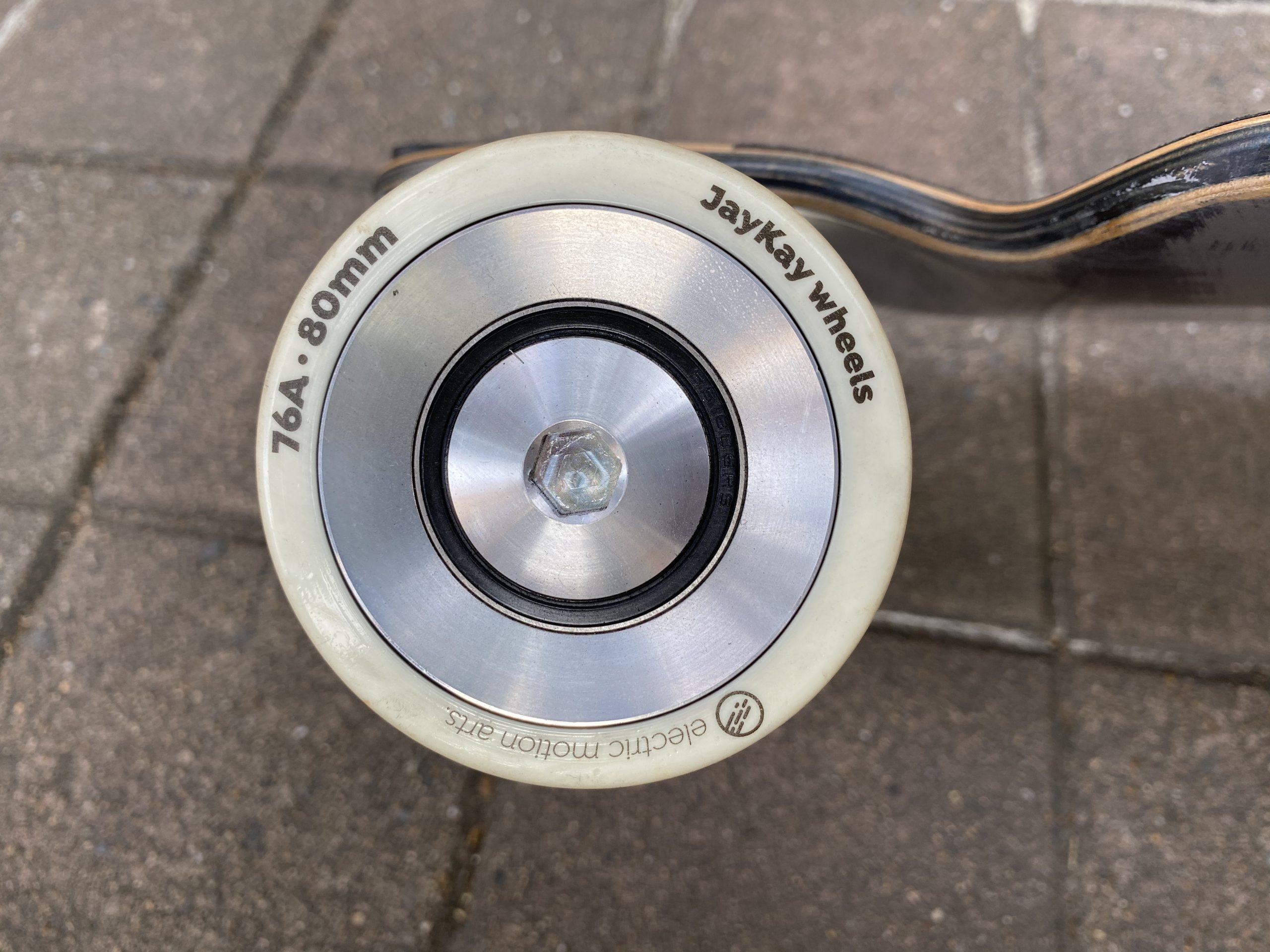
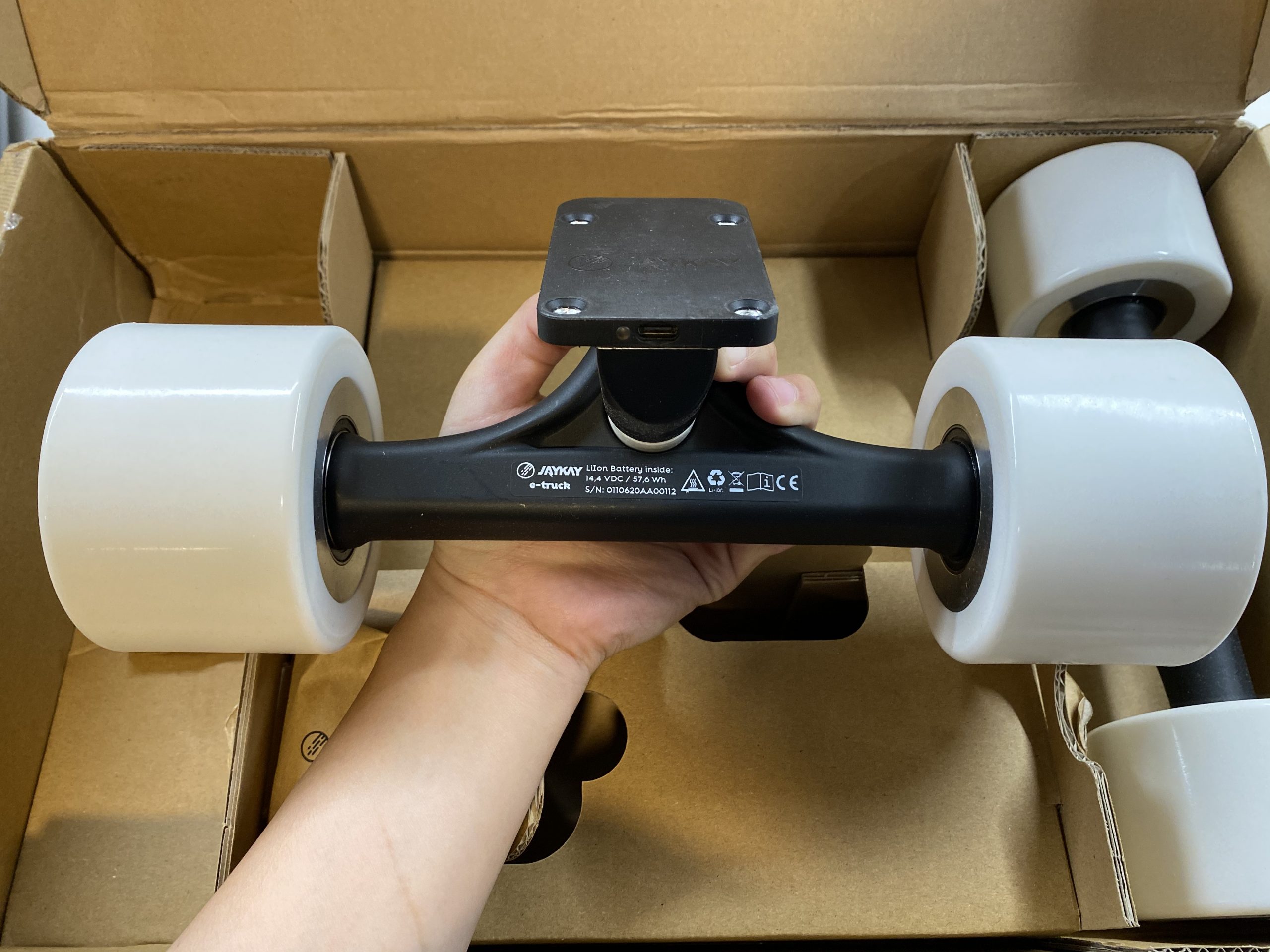
I think the most striking thing about the e-trucks is just how unassuming everything is. There’s no fancy design at all. The wheels it ships with are plain white. 90mm, with just the tiniest amount of sans serif text on the side. The hangers themselves are completely matte smooth with “JayKay” embossed on the front. The baseplate barely hints at the USB Type C PD charging port and LED headlight it contains. You’d be forgiven if you just wrote it off as a regular truck.

But what you don’t see is the masterclass in component miniaturization that is taking place inside each truck. A dual motor speed controller, encased in its own faraday cage, runs along the length of the truck, which also doubles as its heatsink. Four Samsung 40T 21700 cells take up most of the space inside, directly wired into the four layer pcb of the speed controller for minimal power losses due to resistance in longer wires. The motor controller actively switches between drawing in 4S1P or 2S2P configuration from the battery in order to optimize reduction of internal losses.

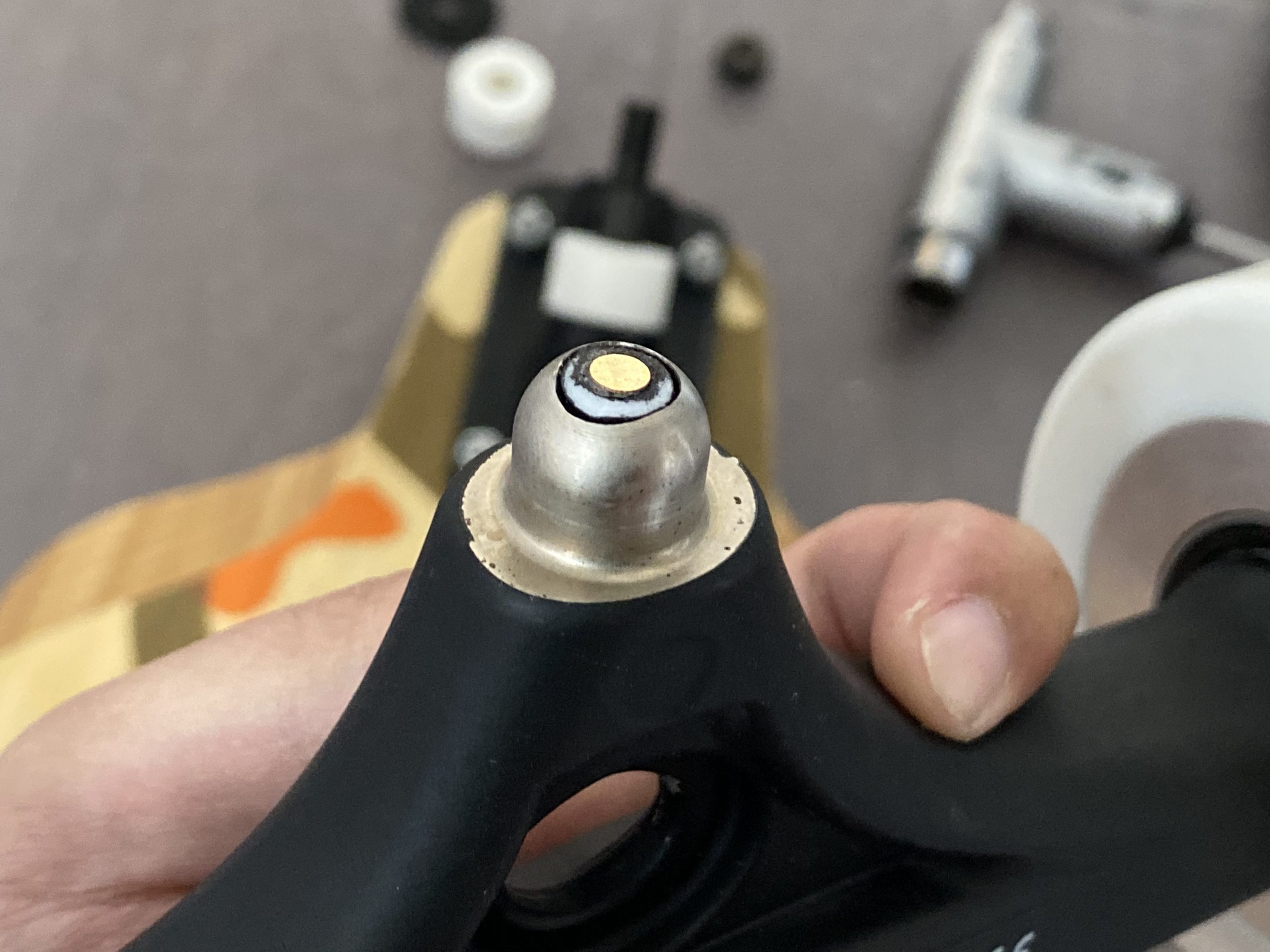
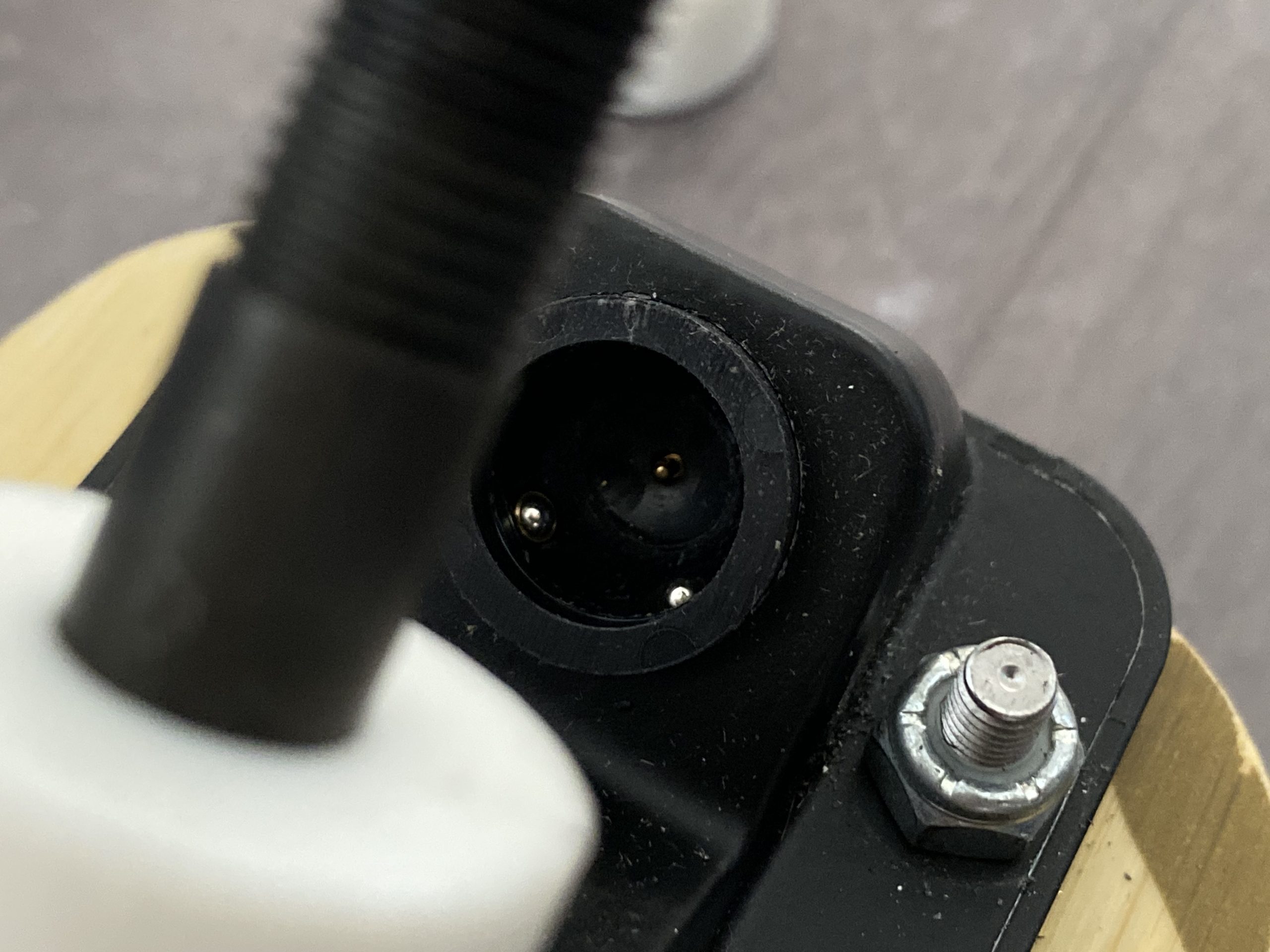
All this tech in the truck then communicates via powerline using a system of pogo pins in the pivot cup to the components in the baseplate that handles wireless connection, lights, charging, etc. It honestly confounds me how much tech and new ideas they’ve managed to pack in there.
Drivetrain Madness

The motors themselves are no joke either. A totally new design that JayKay’s motor engineer spent five years researching and developing for his PhD, it’s a total outlier in the current-day motor game.

The first thing you’ll notice is that these hubs have almost no rolling resistance and no cogging. It’s exactly as if you’re riding a regular skate wheel. This is due to the ironless stator and air-gapped windings JayKay has developed versus the typical iron-filled, slotted stators used nowadays with most common outrunner motors.

I will say, at 160kv and 90mOhm winding resistance, this isn’t the most efficient motor out there, but I think the real world results speak for themselves for JayKay better than the pure numbers.
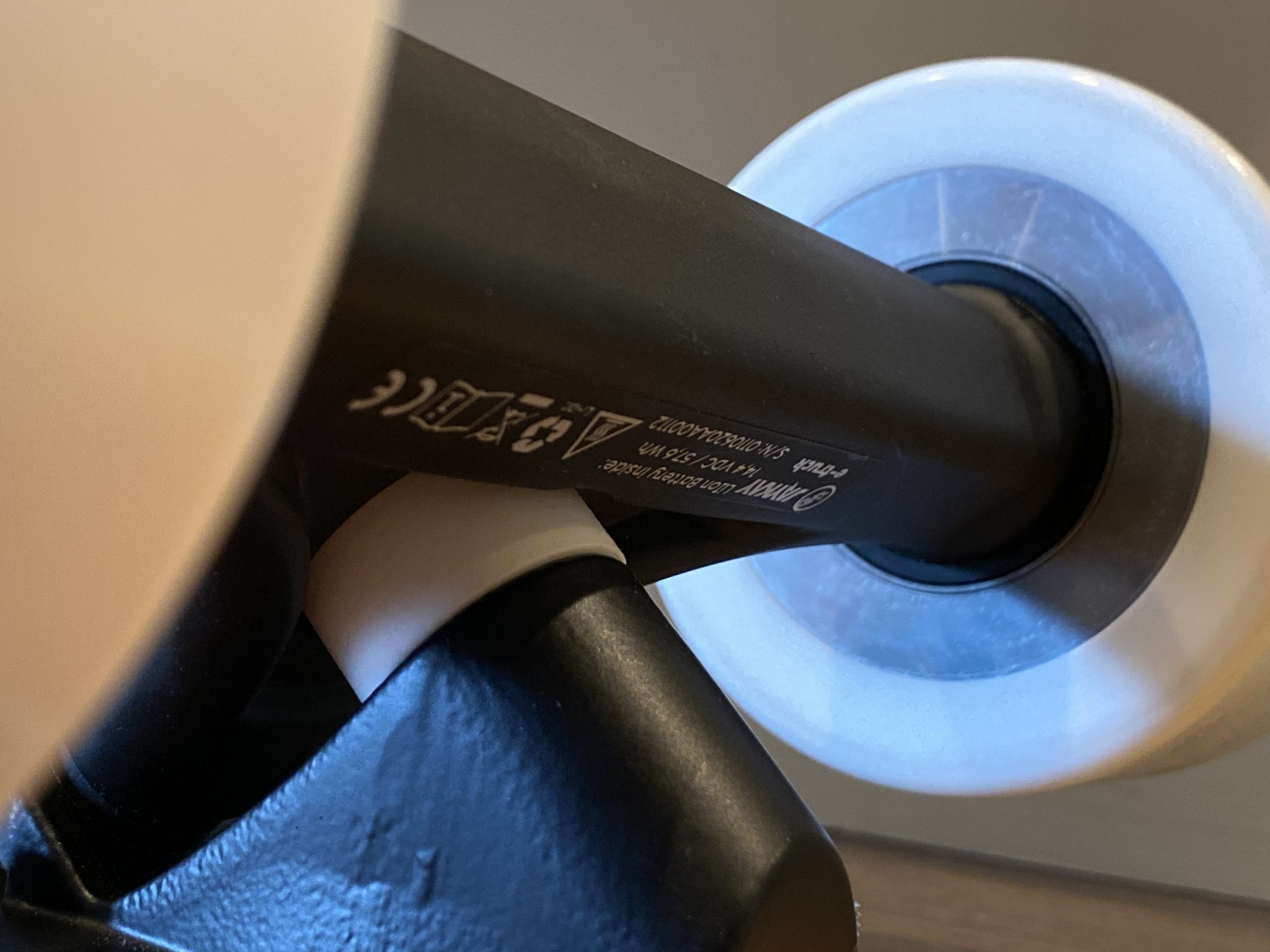
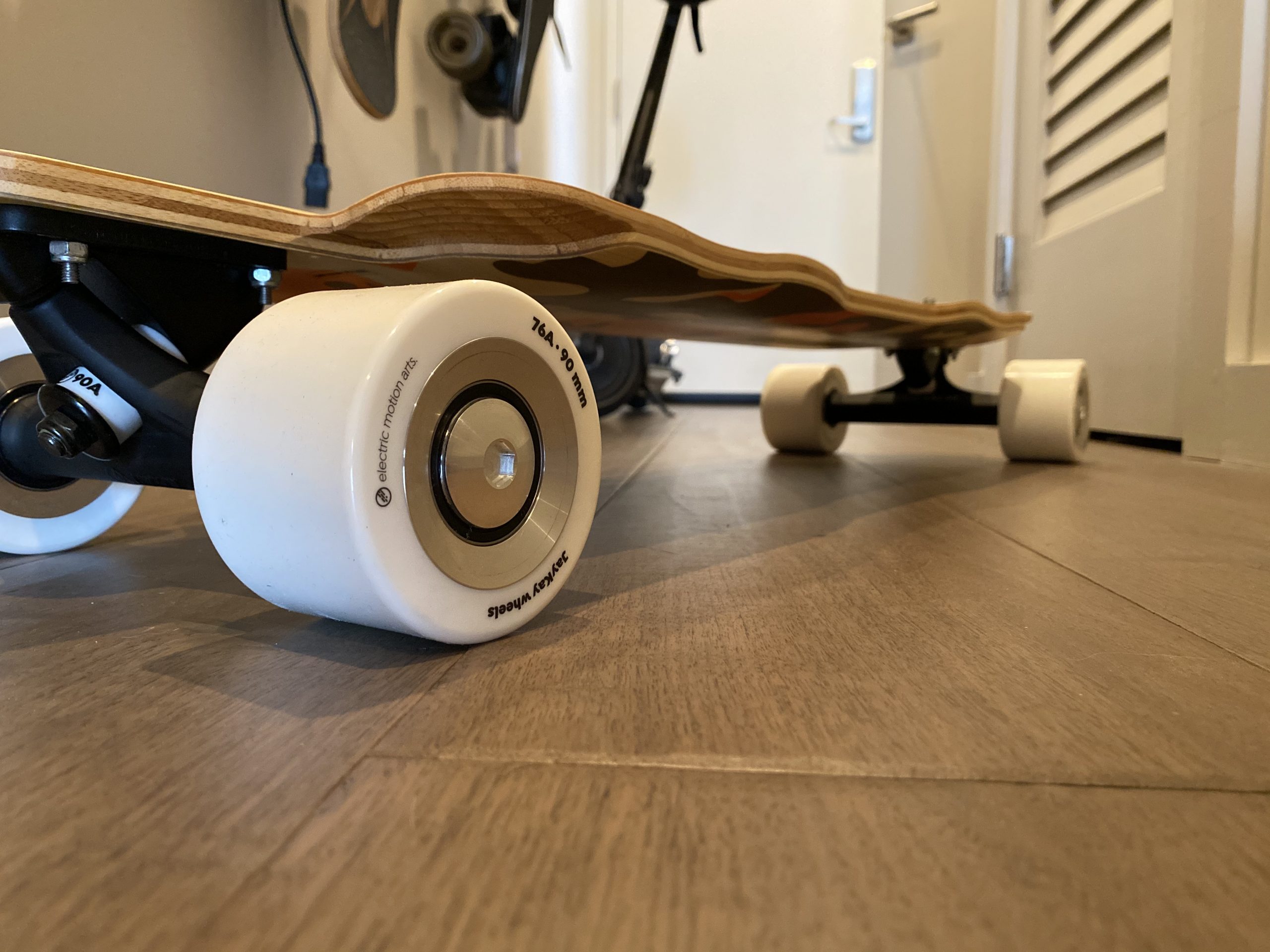
Because of this novel motor design, there are no motor factories that can make this type of motor. So JayKay has to build each motor in-house, with tooling that they also built in-house, essentially hand winding each motor. It’s not exactly a fast process, and it shows in their delivery rate. Having heard Li-Wei’s story and having experienced quite a long wait time myself despite JayKay knowing I was a reviewer, I can confirm that you won’t exactly get your trucks fast, though they eventually did deliver.

UX Curiosity

I think it’s worth talking in depth about JayKay’s UX with their e-trucks as it’s certainly one of the more… unique things about the whole experience.

JayKay has opted to go all in on energy saving. They have to. Cause in comparison to basically anything else, the battery packs in these trucks are absolutely tiny. So in order to make the batteries last as long as possible on a charge, JayKay has implemented a bunch of energy saving quirks into their software.

For example, you must push off every time after you stop to turn the trucks on. This means no standing takeoffs on any sort of incline or flat ground. And if you let the remote sit without throttling for more than 2 minutes, you must click the thumbwheel to turn it on again. Also, there’s no “forward” direction. Whichever way you push off will become forwards. All this becomes second nature when you get used to it of course, but for the first while of usage, I kept on forgetting that I had to click and push after stopping at every stoplight.

JayKay has also opted to include other interesting features as well. For example, there’s an LED headlight and taillight integrated into each baseplate. It’s not really very bright so I feel like it’s a bit of a battery waster (I keep them turned off) but they’re there nevertheless.

Another interesting “feature” is that the battery is user swappable by just popping off a motor. I think this is more of a you can do it feature vs a definitely intended feature, but it’s there. I haven’t tried it. Yet another interesting feature is a wireless charging coil in the baseplate that can also do reverse wireless charging for devices, though JayKay tells me this will be for V2 and is not currently present in V1. It’s worth noting the instruction manual also mentions an app but JayKay tells me it’s also not out yet.

The One Ring

Of course, having only mentioned it only briefly so far, I must talk about the remote.
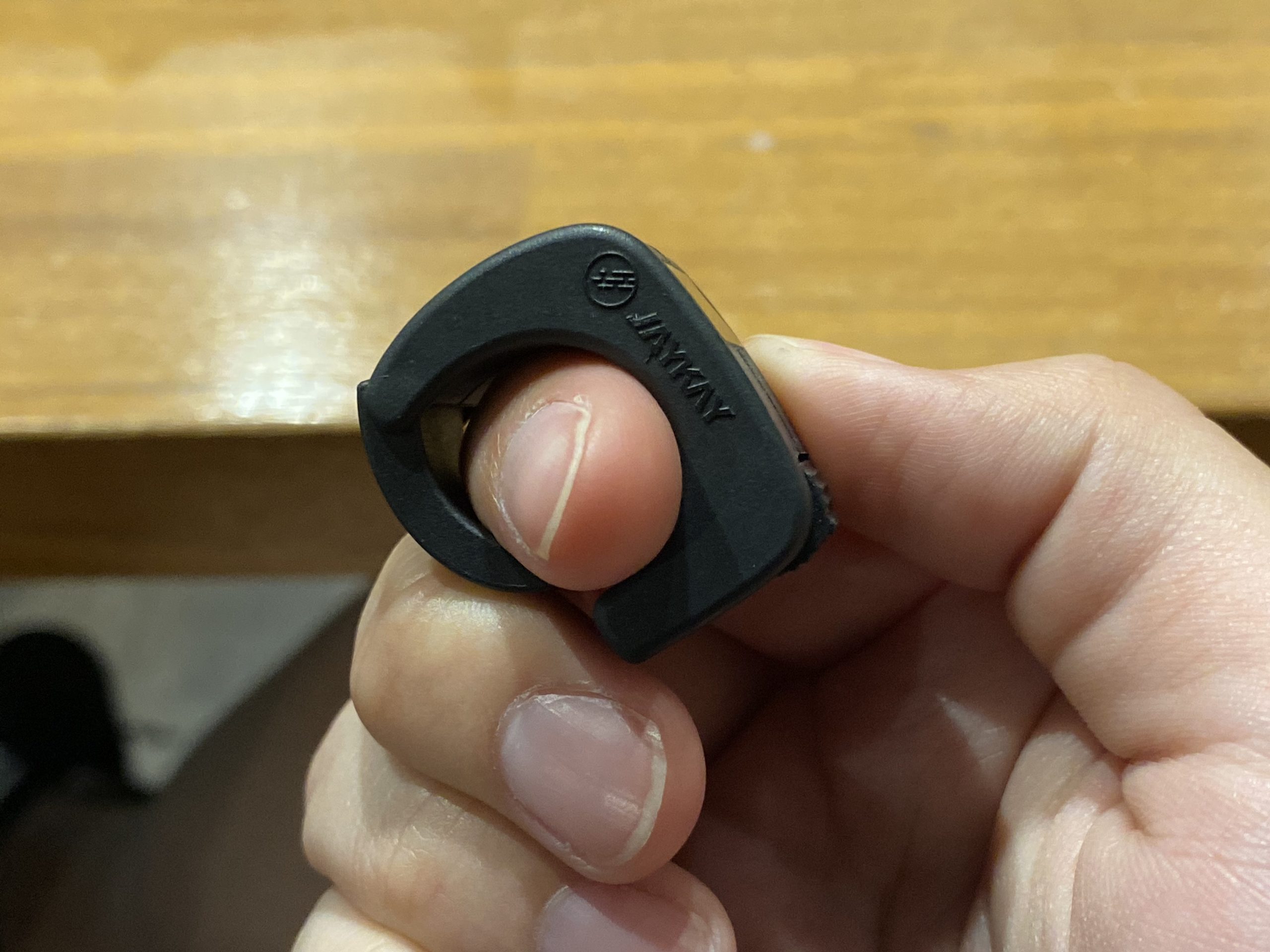
JayKay’s ring remote is a huge departure from the norm, and honestly I’m a fan.

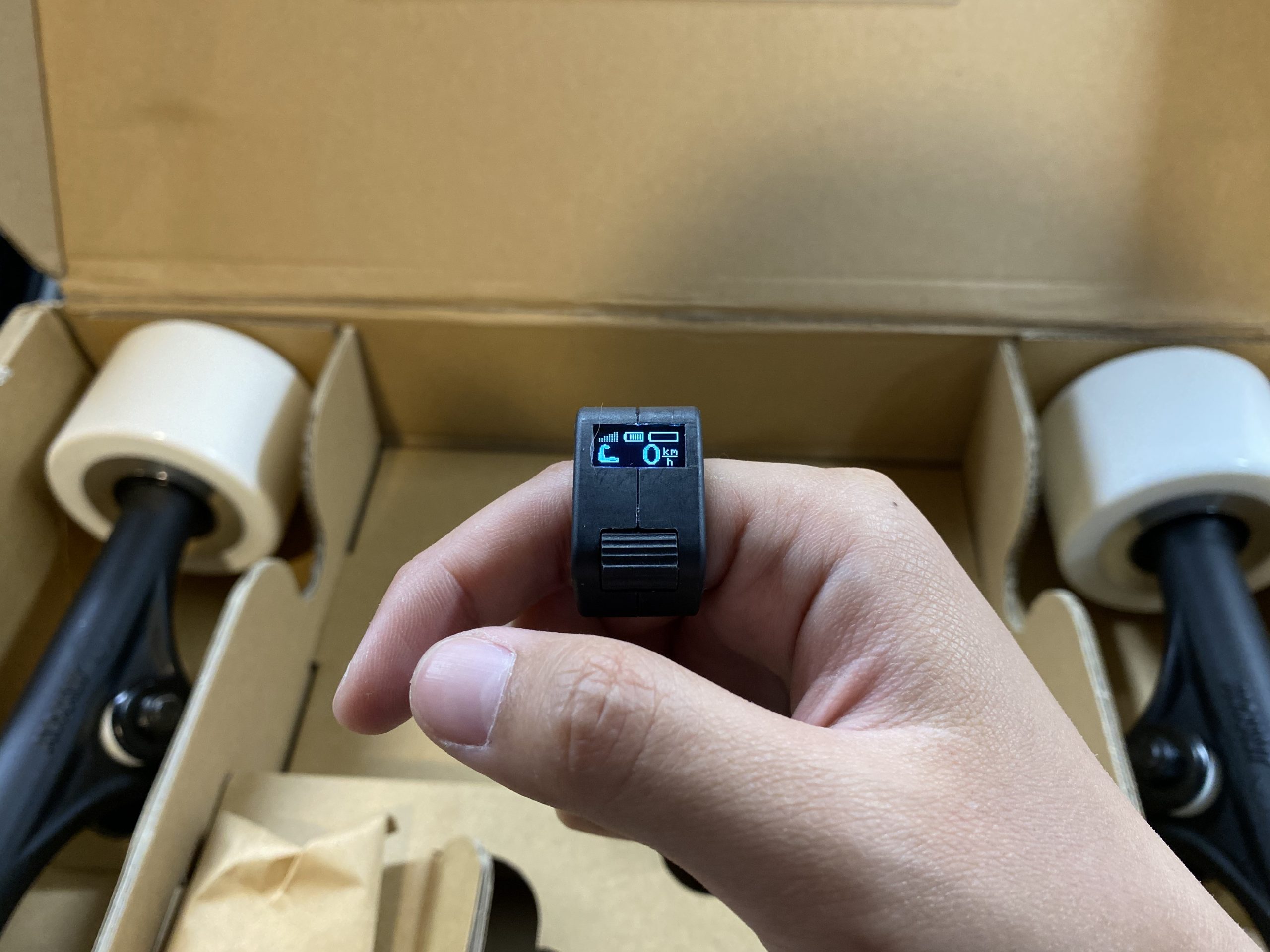
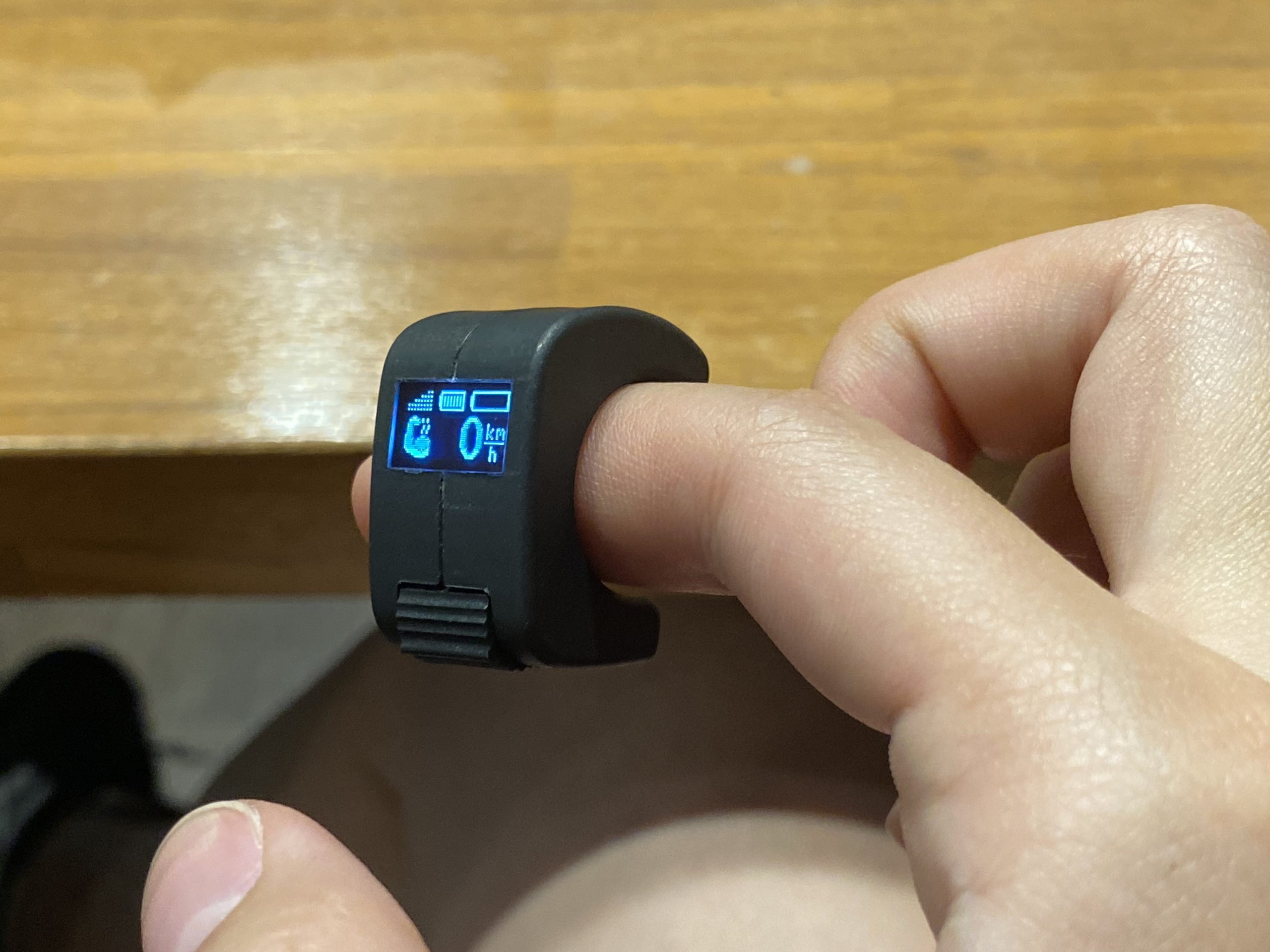
It’s super small and wraps around your finger, just like a ring. There’s a spring-loaded section that grips your finger lightly so it doesn’t slip around too much and can adjust to various finger thicknesses. A bright, OLED display shows information like speed, battery level, power mode, and current charge, though I think it doesn’t update at a very high frequency because the speed indicator doesn’t change very fast.

I haven’t had any cutouts or disconnects on this remote, and I live in a fairly wirelessly dense area. That’s encouraging to me. The remote also has a signal strength indicator, though I don’t know if it takes into account interference. I haven’t been able to take it to any of the places where I can regularly get less capable remotes to cut out (mostly due to range) but so far my tests have shown that it’s doing fairly OK.

I suppose the most important thing that I must mention about this remote is the general user experience. In an effort to save power consumption, JayKay is very aggressive with its standby timer. This means that the remote and board goes into standby fairly often as the standby timer on the board is somewhere around half a minute and two minutes with the remote.

I’m not gonna lie, the standby timers catch me unawares quite a lot. A general flow of my interactions is as follows:

  1. Reach a stop at a stoplight.
  2. Stand for a couple minutes.
  3. The board goes into standby.
  4. The remote goes into standby soon after.
  5. I push off when the light turns green… but forget to click the remote so there’s no immediate power.

I don’t think this is really a usability issue, just a gotta-adjust issue. I understand where they’re coming from with the very eager auto-standby’s, I just have to get used to clicking the remote when I take off is all.

It’s worth mentioning that clicking the wheel while the remote is on doesn’t do anything. All menu actions are hidden behind a long click, so rest assured you won’t accidentally change anything if you click while the remote is not on standby mode.

Powerrrrrr…?

Now we must talk about power.

I would say that there is… enough? Look, you’re not getting this thing to go 30mph and rocket up hills. I think you should think of this more like an assist rather than a full eskate, as that’s clearly the direction they’ve gone in here. The whole point is to cruise, maybe kick a bit, and cruise some more. If you wanna have just a tiny bit more fun, you can certainly turn up the power mode to “huge muscle” and go full throttle, but I don’t think it’s very different from “big muscle” or even “small muscle” mode during regular riding. It only matters for hills and stuff.

During range tests, I was able to squeeze more than expected range out of them. I tend to average around 5 miles or so at a cruising speed, which is honestly more than I expected. This includes going up and down higher grade hills and starting/stopping, which tends to kill batteries faster. For reference, I’m around 130-135lb.

One of the longer range tests I did. We stopped for clam chowder!

Which brings me to torque. It certainly has it (I tested the 4wd kit) and I can go up hills just fine (though not fast), but I encountered some interesting behavior.

The JayKays are set up so that if you step off while the board is rolling, the board will brake. It’s a great idea, but in some instances, I’ve had that feature slightly backfire on me. When going uphill and going over an extreme pothole, the truck going over the pothole will slightly brake then resume powering. It’s a bit jarring as it feels like a momentary loss in power, and makes me wish there was a way to turn off the auto braking. Regularly though, it doesn’t happen when just cruising, and I think the extremely pot-holey hills I’ve got here are the exception, not the norm.

Also sometimes, if I take off hard from almost a dead stop, I can feel the trucks start powering slightly out of sync at first. Not always, but sometimes. What usually happens in these instances is one of them will start powering, then a fraction of a second later, the other one will kick in. It’s not really a big deal, just a quirk that I’ve found, but certainly something to keep in mind when bracing for harder takeoffs.

There’s also the issue of overheating. A couple times going up steep, extended stretches of hills, the remote starts warning me that the trucks were overheating. This isn’t something completely unexpected as most times when I’ve felt the trucks after riding they were almost always hot, but just another limitation to consider before purchasing. I can just about manage in San Francisco and there really aren’t a whole lot of places hillier than it is here, but if you’re in one of those places, I’d recommend you think hard about what you’re looking for in these trucks.

Konnichiwa Wildhearts

Honestly, it’s so refreshing to take a break from reviewing “yet another” eskate. The JayKay e-trucks may not go very far or very fast, but they’re something special. Cutting edge yet distinctly old school feeling at the same time. I don’t think I’ve ever felt anything like it.

I don’t wanna be in love with the future, yet I am. And I love it.

A Note From Paxson (The Editor):
If you liked this review and are interested in buying the JayKay e-trucks yourselves, please support us by using our affiliated link here.

Enskate R3 Mini Review – Wrong number but nice to meet you.

Introduction

Do you know what people say about Enskate? They don’t. Enskate is not a brand that usually comes to mind when it comes to Eskate companies. We know they are a good sport though, even after we made fun of their Enskate Woboard S in our previous review, they still came back for more and we respect that. They also addressed some of the complaints that we had with the Woboard S, by upgrading its ESC to a standard Hobbywing, and using a better, non-sex-toy-looking, standard Bobbywing remote.

This time, they want us to test out the Enskate R3 Mini, a practical portable, well-polished shortboard that’s intended for sidewalk commute. And here we are, trying to answer 2 questions with this review:

  1. Is R3 Mini amongst the top choices for sidewalk commute and
  2. is it time for everyone to start paying attention to Enskate?

Enskate R3 Mini Review

As usual, lets run through the specs real quick.

  • Top Speed: 20mph/35kmh ( Our test: 23mph/38kmh )
  • Range: 12.5miles/20km ( Our test: 6miles/9.5km)
  • Battery Pack: 2.5AH pack from Samsung in 10s1p configuration
  • Weight: 13lbs/6.0kg
  • Features: 450w dual hub motors, Hobbywing ESC remote controller,wide concaved deck, big and functional kick tail
  • Price: 399 USD

Riding Experience

i. Acceleration & Breaking

The board has pretty smooth acceleration and braking as expected from hobbywing ESC. Acceleration felt quite powerful and strong. This came as a small surprise as this, after all, is a 10s1p board, performance is not supposed to be its strong suit. Enskate did put a stronger than average 450W hubs on it, so I guess that explains why.

ii. Stability and Maneuverability

R3 Mini has a kicktail that’s useful for sharp turns in tight space and dodging pedestrians, however beginners should pay extra attention when accelerating as it might resulted in an accidental manual and fall on their back. Honestly, same can be said about most shortboard with kicktails, always gotta be careful about them if you are not use to it.

iii. Vibration

The R3 Mini performs great on smooth roads. It has wide concaved deck that makes riding felt stable. It is very nimble and responsive as well. Carving with it is very enjoyable and fun.

But as always for a mini board, when it come to rough roads, the board will suffer. The combination of stiff and short deck make the road vibration felt intense.

iv. Range & Top Speed

I bet you notice something doesn’t add up here. Unless Enskate has it’s battery magic imbued, there is no way that a 10s1p 90wh get us to 12.5 miles or 20km in range.
Our range test gave us 6miles (9.5km) Riding fast on mode 2 and 3 which is expected from a small battery. On the 5.5miles (9km) mark, the voltage sag is noticeable as it starts to slow down significantly.

In other words, Enskate didn’t break the law of physics, but it might’ve broken the heart of some buyers who actually believes 12.5 miles (20km) is possible. Unless, you weigh 88lbs (40kg) and you ride conservatively, there is no way you will get 12.5 miles (20km) with it.

Our tested top speed however is slightly higher than the marketed top speed. During our test, we get 23mph (38kmh). The R3 Mini is pretty stable at high speed but still for a mini-board, 23mph (38kmh) felt faster than usual.

A closer look at the parts

i. Deck

The deck is 8 layers maple with close to zero flex. It has a very wide concave which makes riding feels very comfortable. It has a functional kicktail that is wide making it easy to kick turn.

ii. Components

The board uses a standard 90mm 78A wheels.

There is not much to say about the 90mm 78A wheels that Enskate uses other than there isn’t much to say about them.

Let’s just say, they are good wheels but they aren’t Orangatangs.

iii. Truck

Generic trucks that are nimble and responsive enough

iv. Remote

The R3 Mini uses generic Hobbywing and it came with the first-gen Hobbywing remote that has no telemetry screen.

For two of you who are not familiar with Hobbywing remote, this remote is comfortable in hand, it has no drop connection, and it fits pretty comfortably in the pockets.

Verdict

So, what is our final verdict on the Enskate R3 Mini?

I hope that by this point it’s plenty obvious that the R3 Mini isn’t made for punishing terrain or group rides. It’s made for a very specific purpose, last mile commutes on a sidewalk. So, is it good for that? Yes. It’s a polished short board that rides comfortably and isn’t a chore to lug around.

Is it the best campus board for $399? It really depends on your situation, other budget shortboards like the Meepo Mini 2 are every bit as good and have 2 times the battery size, but like Uncle Ben says, with great power comes… greater weight. There is a reason we DIY-ed a 10s1p crappy shortboard after all.

If you are interested in buying an Enskate, be sure to check out our affiliate discount link here and uses code: “ESKATEHQ” during check out.
It will help you get a small monetary discount and helps us out too. On top of that, you’ll be tagged as an Electric Skateboard HQ customer and probably be treated better. Cheers!

Maxfind Max 2 Pro Dual Review- A good looking board for campus use?

Introduction

To catch up to the rest of the market, Maxfind has released 5 new electric skateboards in relatively short order. We’ve looked at the Maxfind Max 4 Pro, and today, we are looking to review the Maxfind Max 2 Pro Dual – a $569 shortboard.

You never get to make a first impression twice, and the Max 2 pro gets its first impression right.You can see right away how Maxfind puts a lot of effort into making sure the board looks good and feels premium at the same time.

  • Size: 31-inch short board
  • Top Speed: 25mph/40kmh
  • Range: 15miles/25km ( Our test: 12.5miles/20km)
  • Battery Pack: 4.4AH pack in 10s2p configuration, Samsung 22P cells
  • Weight: 14lbs/6.5kg
  • Features: 600w hub motors, 90mm wheels, Hobbywing ESC remote controller,sleek design, polished, and waterproofing
  • Price: 569 USD

Unboxing

Riding Experience

i. Acceleration & Breaking

Despite being a 31-inch short board, it still packs strong performance to rival any regular size electric skateboard out there. The acceleration and breaking is quite nice. You probably will not notice much difference except for the size.

ii. Stability and Maneuverability

The lack of concavity on the deck didn’t help either, as the deck is super flat, so it’s hard to know where my feet are. I needed to check and re-check my feet placement quite often, just to be sure that I didn’t slip off the board.

iii. Vibration

Not surprisingly, you might not be too pleased with the Max 2 pro if you are riding away from its natural habitat into someplace with a rougher surface. As expected, the combo of a stiff plastic deck and hub motors means intense road vibrations. It was so bad that I felt like I was going to skid when turning on bad roads.

iv. Range & Top Speed

The marketed range is 15 miles or 25 km, but during our range test riding at medium to high speed, we got 12.5 miles or 20km, which is still quite impressive.

The top speed is a typical 25 mph (or 40 km/h), but for a mini-board, that’s super fast!

A closer look at the parts

i. Deck

The most noticeable aspect of the board is the short deck with a very nice bottom design. Most electric skateboards tend to focus primarily on the specs alone, but this time they did an astonishing job of balancing between looks and performance. Just look at this sick diamond cutting design! It’s flashy and premium at the same time.

This is not what you usually expect from an electric skateboard. This board looks extremely nice and feels well-polished. It may look like any regular board when you are on it, but when you’re carrying this board around, you will definitely see the true beauty of it.

ii. Components

By the way, did you notice that the Max 2 Pro has no functional kick-tail? If you are new to eskates and wouldn’t know how to use a kicktail anyways, this is great as it maximizes the wheelbase and stability. However, this is also a ballsy choice as it’s going to be a deal-breaker for many skaters living out there.
iii. Wheels

It uses 90 mm wheels, which are standard for many of today’s eskates.

iv. Trucks

Maxfind’s uses non-branded proprietary trucks that are both stable and agile enough to do the job.

v. Remote

The speed control is perfectly smooth, as can be expected from a Hobbywing ESC. I’m going to guess that the max 2 Pro is using the stock version of the Hobbywing ESC, with its typical 3-speed modes; but unlike the weak brakes that come with typical Hobbywing ESC, the braking on the Max 2 Pro is pretty strong – probably due to the stronger 600W hubs that Maxfind is using. For reference, a normal entry-level board has a hub motor of around 500W.

Verdict

When it comes to shortboard for last-mile commuting, we are now spoiled with choices. For those who make purchasing decisions based solely on price vs specs, the Maxfind Max 2 Pro will not be on the top of the list as it’s a $569 board with $400 specs. With the Max 2 Pro, you are paying a premium for the sleek design, the polish, and waterproofing. I think a good head to head comparison might be with the $599 Backfire Mini which is another premium, nimble, powerful shortboard with similar price and specs, plus easy battery access, but minus waterproofing.

In short, the Maxfind Max 2 Pro is a good board, as long as you know what you are paying for.

If you are interested in buying a Maxfind, be sure to check out our affiliate discount link here and use code: “ESKATEHQ” during check out.
It will help you get a small monetary discount and helps us out too. On top of that, you’ll be tagged as an Electric Skateboard HQ customer and probably be treated better. Cheers!

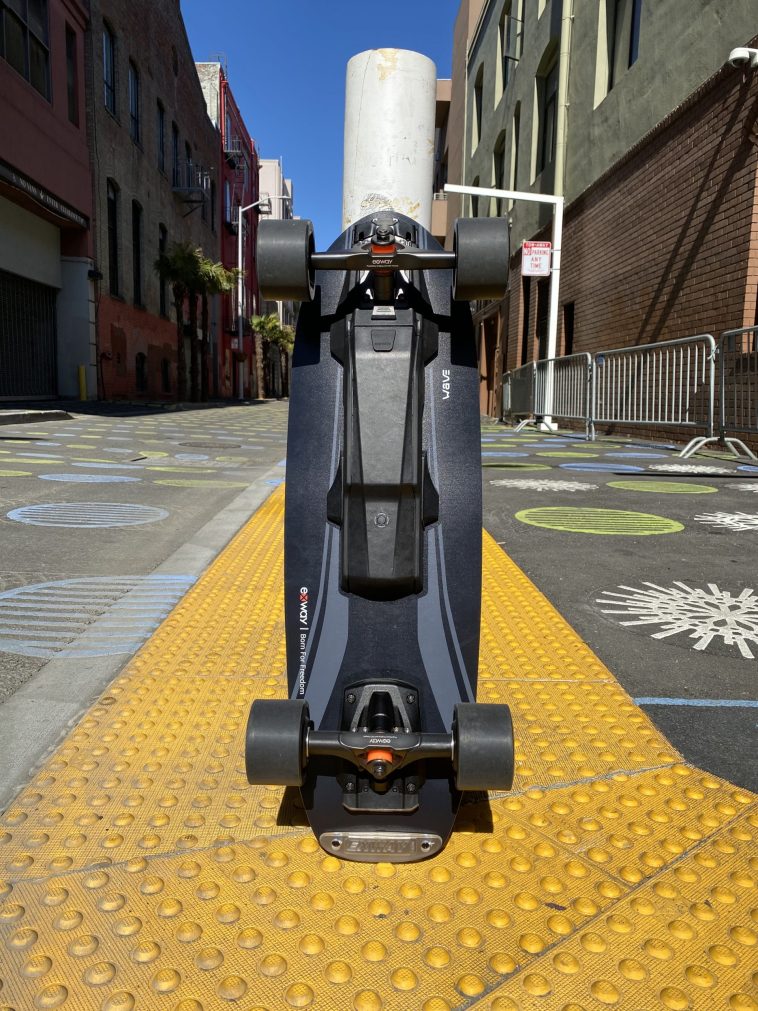
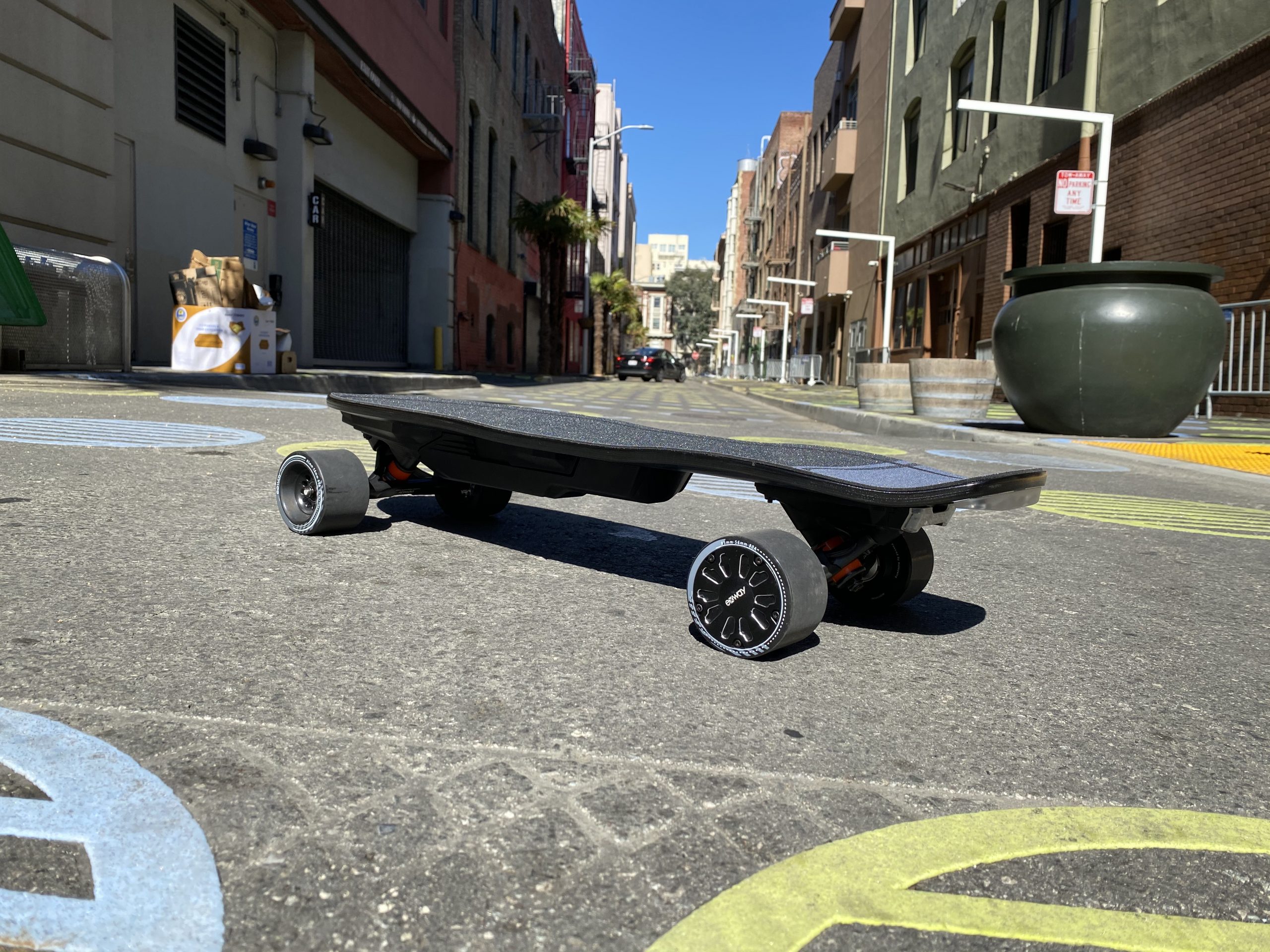
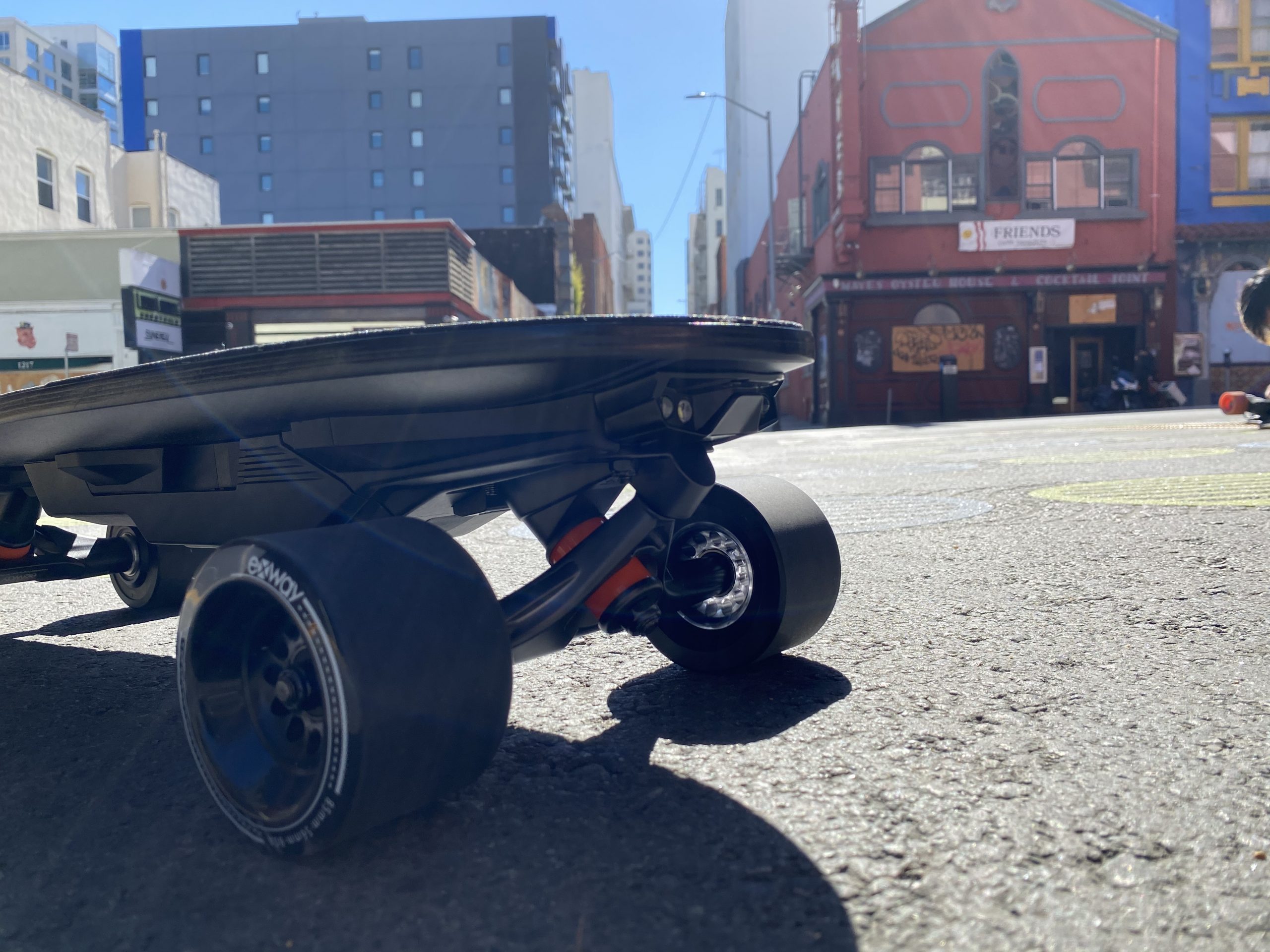
Exway Wave Review – Bye Mini

Follow the discussion on Reddit here

Forward

I’ve written about many Exway boards in the past. In fact, I’ve just written about the Exway Flex, which you can find here, and I have also written previous reviews of the X1 and X1 Pro. By this point, my general impressions of Exway boards are basically the same, so it’ll be useless for me to keep rehashing the same thing.

I do have a few things I do want to talk about though, so let’s run through them.

Boardiness

If you haven’t guessed from the pictures and title, yes this is a shortboard, and that means several things. If you’re thinking about buying this board, you already know about the tradeoffs inherent to a shortboard.

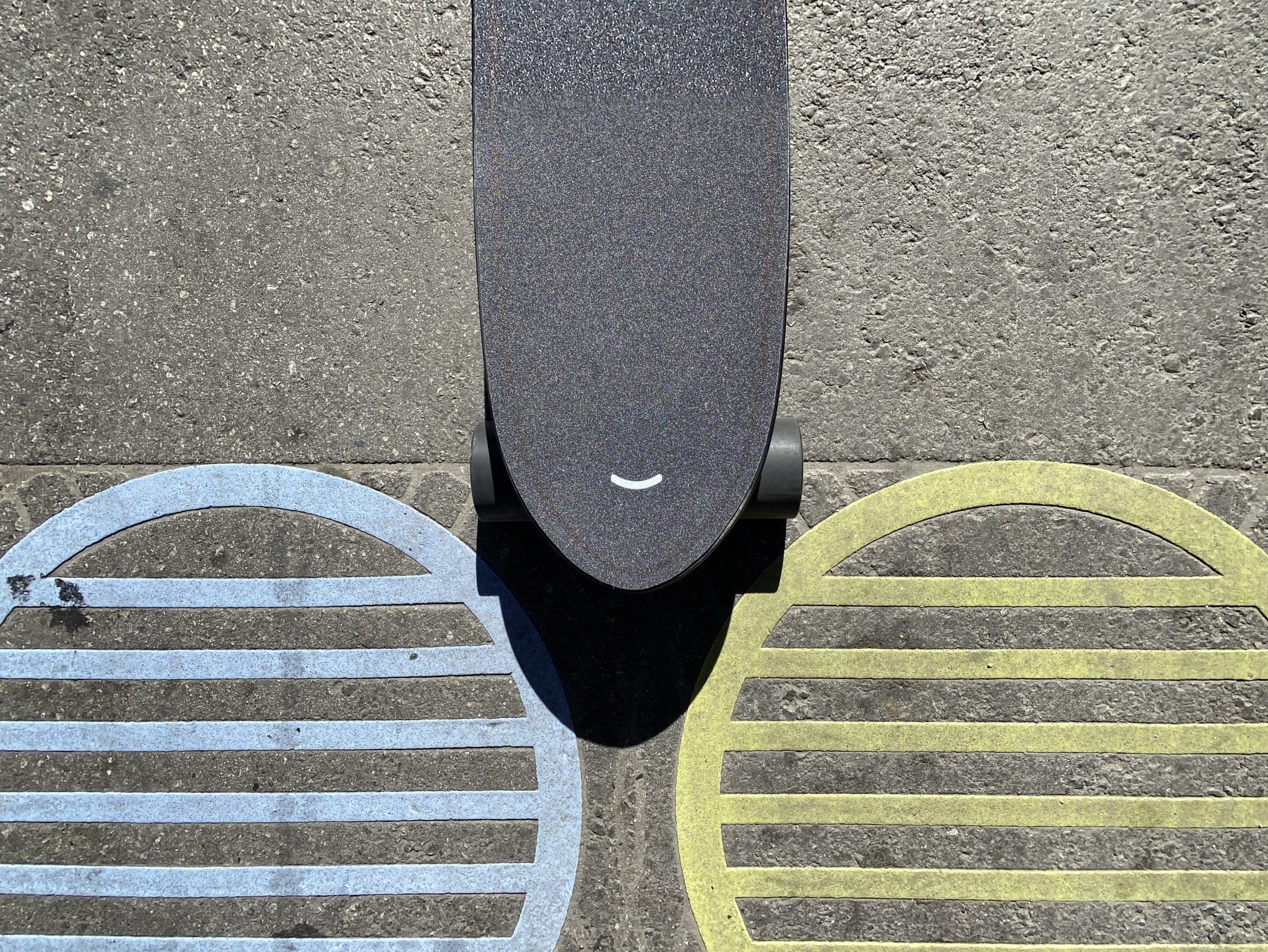
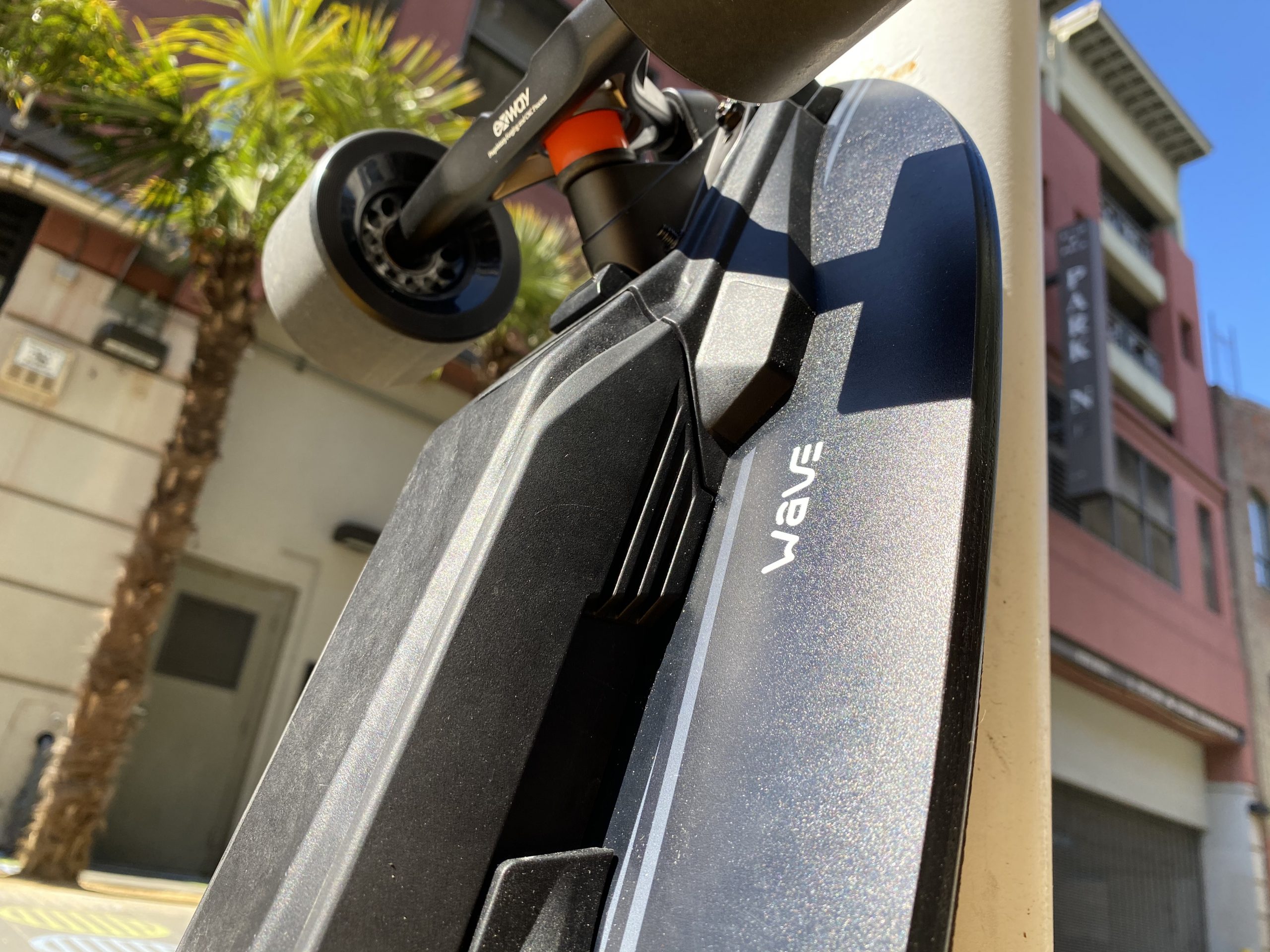
The ridefeel will be way different than a longboard. Due to the differences in wheelbase and deck construction compared to a longboard, the Wave feels very direct and nimble. The deck has a nice bowl shaped concave that really keeps you locked in and help your feet place properly, and the kicktail is just long enough to be useful while not getting in the way. The Trist trucks really come alive with the new shortened wheelbase, and I had no problems feeling confident on the thing.

Due to the increased squirreliness of the Wave, Exway has limited the top speed to around 22mph. I personally think that’s plenty fast on a shortboard. Again, you’re really not buying this thing to go racing. Power delivery remains the same as other Exway boards; that is to say it’s smooth and handles just fine.

Swappability and Battery

Exway has done quite a few innovations here I think. It’s apparent they’ve thought about how everything goes together.

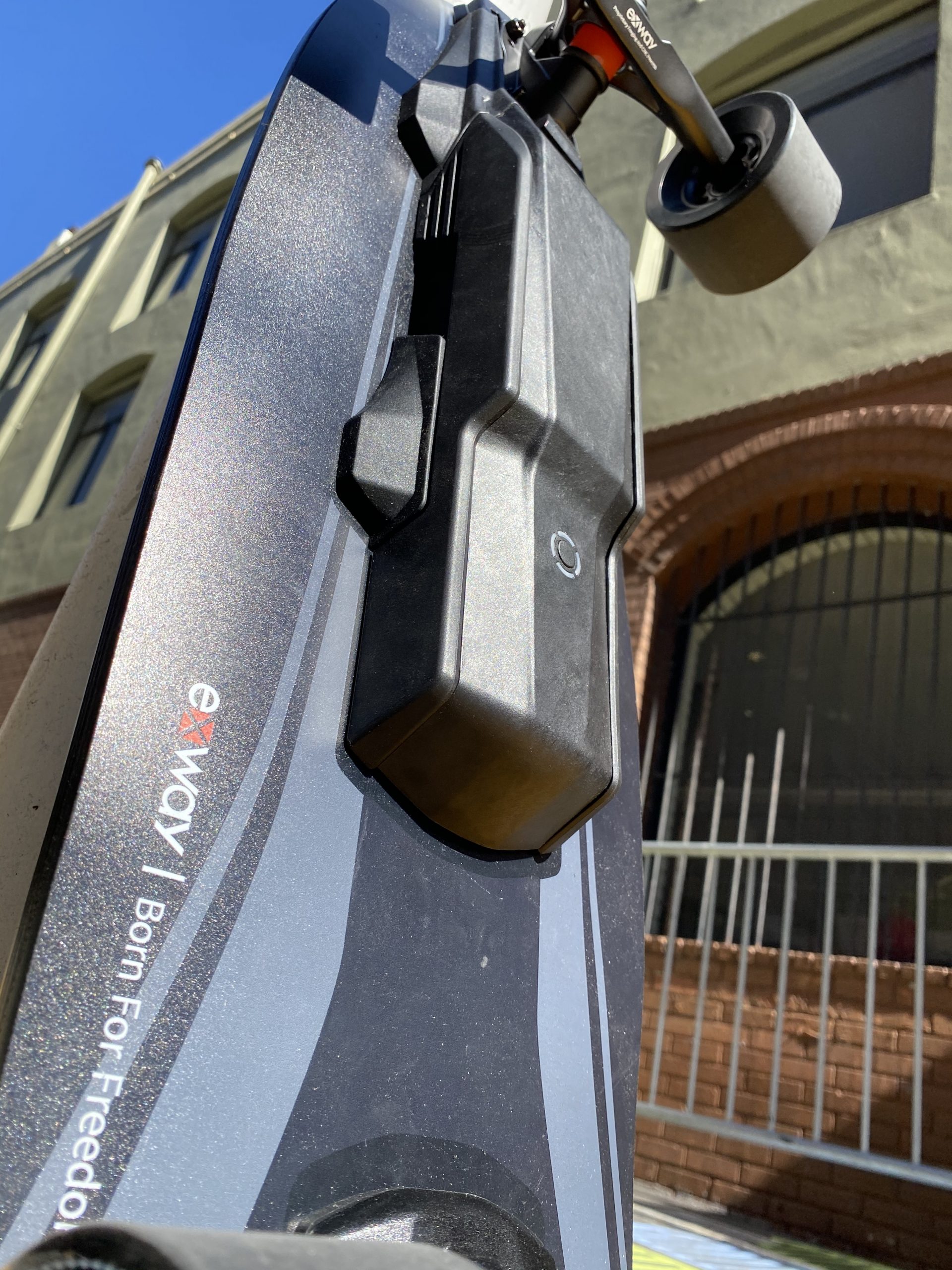
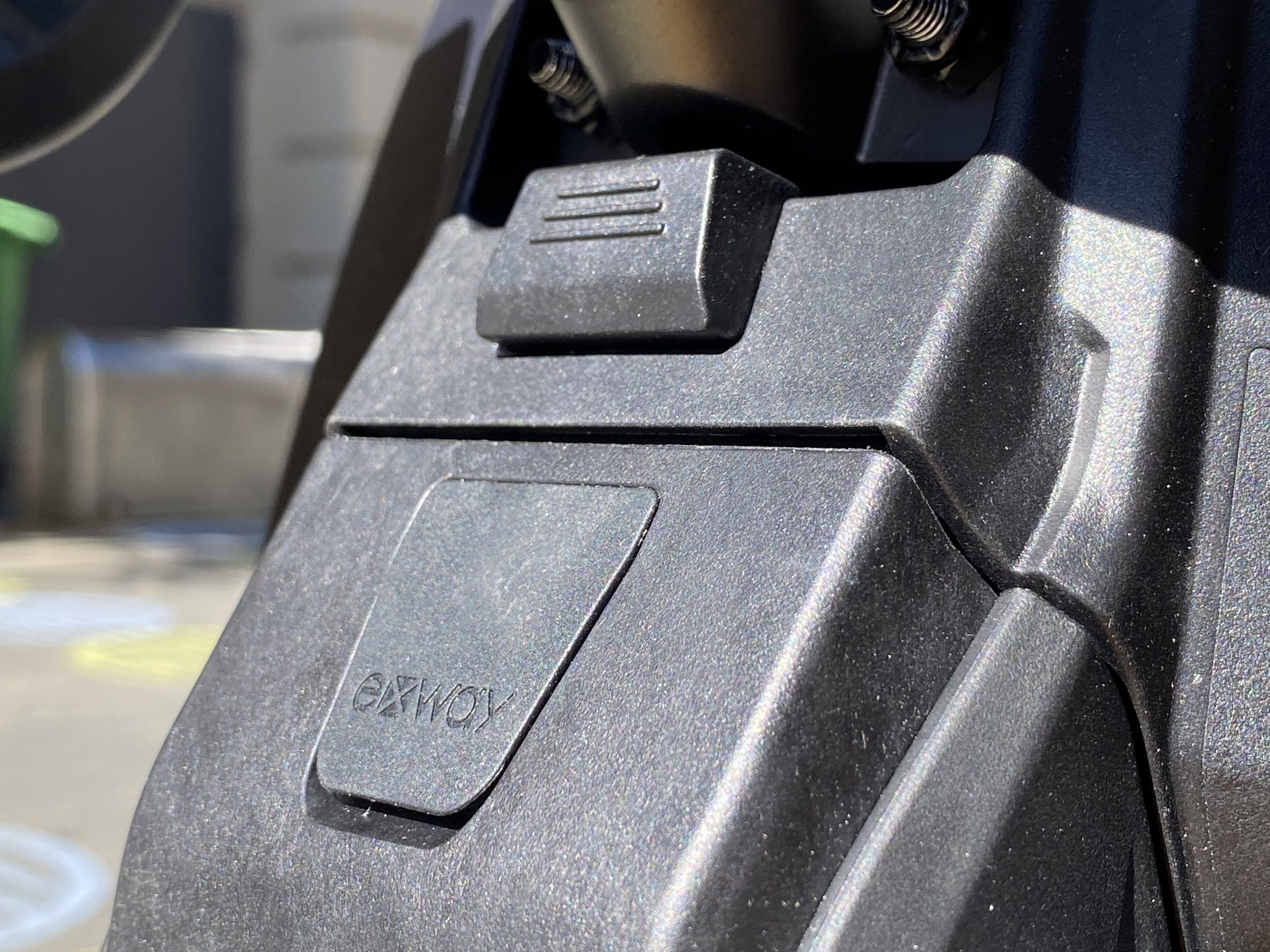
The elephant in the room is the swappable battery pack design. Exway has gone for a slide and click design for their 10S2P Sony VTC6 “smart” battery packs. The main concern with swappable packs in general is and has always been the latching mechanism. You either go too risky (see Mellow’s battery pack falling out debacle) or too annoying (Ride Unlimited’s design that requires screws). I think Exway has hit upon a fairly good mechanism here. Depressing the (very firm) latch allows the battery to slide out sideways along a rail instead of the same direction as gravity and vibration. The battery connectors themselves are recessed and fit tightly when pressed together. There’s a hidden USB charge port that’s usable when the battery is off the board. Exway has also promised a flight ready 10S1P pack variant. Overall I’m liking this setup.
Range testing the Wave produces fairly favorable results. Of course we know that manufacturer range estimates aren’t going to be what you get on a day to day basis, but I got around 7.5 miles (12 km) of hard riding (full throttle, hard takeoffs and brakes) in a hilly area weighing around 125lb (57kg), so I think if you’re just cruising in a flatter area 10 miles (16 km) or so is not an unrealistic figure to expect. It goes without saying that the test was performed will all settings turned all the way up. This makes it the longest range shortboard I’ve tested.

Amenities

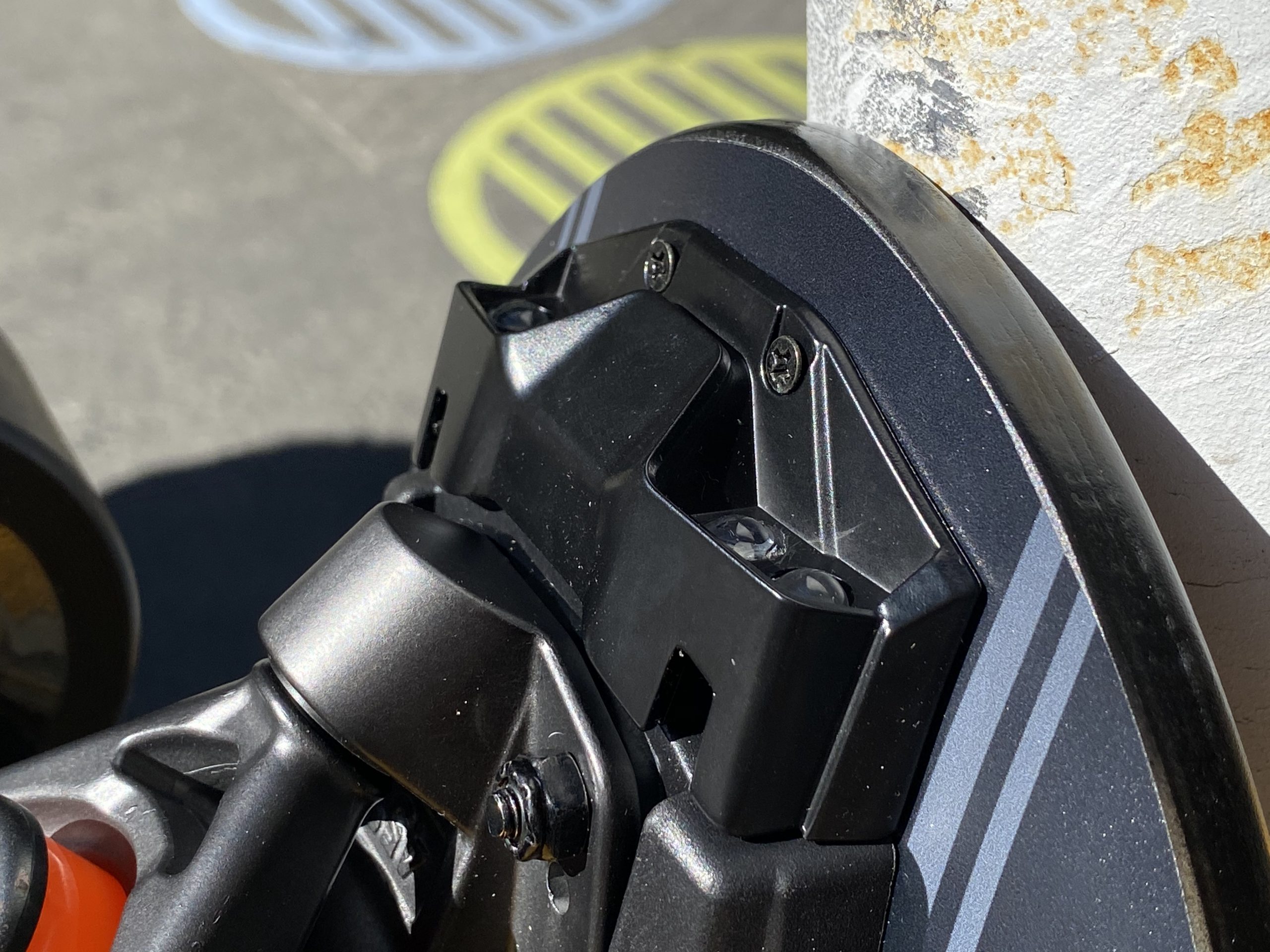
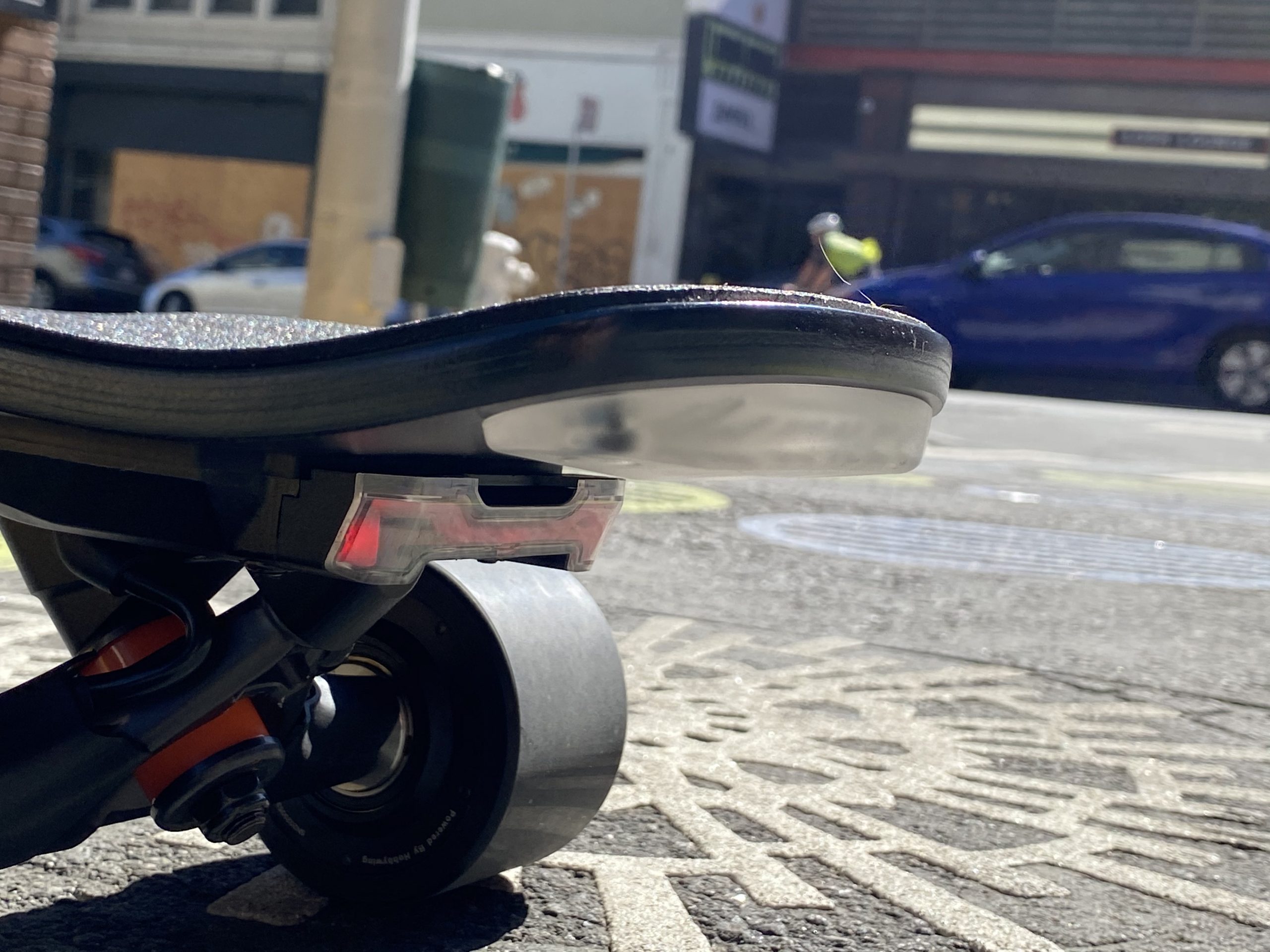
The Wave has a surprising amount of amenities for a shortboard. Exway has seen fit to add an integrated RGB tail light standard. This will be a big plus for night riders. By default the tail light comes on red when braking and show increasingly rainbow patterns when accelerating, but you can also adjust light patterns in the app to have it be uh, more tame, or turn it off completely if you’re a boring Debbie Downer.

What’s more, Exway has taken a page out of Boosted’s Mini X playbook by using a semi-transparent tail puck so the tail light can shine through and light it up. The effect is pretty striking and you won’t be out $230 just for some tail lights and a transparent tail puck.

Exway also included a front light on the review units, but the front light is a $30 add-on regularly. It’s a shame it isn’t a standard add-on, it would have really completed the whole look I think. The front light is fairly bright and similarly integrated, with a double click on the remote to turn it on and off. Both the front and tail light intensities can be adjusted in the Exway app as well.

Of course, the Wave has the other usual Exway amenities as well. Remote on/off, smart battery preservation, cushioned griptape, etc. As with the Flex, Exway has chosen not to use the magnetic charge port that’s present (and seemingly becoming a bigger pain than it’s worth) on the X1 and X1 Pro.

Riding The Wave

The Wave is a good board. As a person who doesn’t normally ride or enjoy shortboards, I have to say I’m pretty happy with it. With the Wave, I think Exway has hit two out of three major market segments. They have a general consumer board in the Flex and a short range travel-able board with the Wave. It remains to be seen how the all terrain board pans out, but I have no doubt they’ll succeed with that one as well.
Indeed, what worries me isn’t Exway’s technology prowess. It’s their logistical prowess and customer support. Over the last few months, I’ve seen Exway struggle to deliver the Flex to consumers. Only now, two months since the projected ship date, are delivery reports starting to trickle in. I’d love to see Exway step up their delivery game with the Wave deliveries and communicate more with customers moving forward.

Anyways, pending delivery, I wholeheartedly recommend the Wave for shortboard enthusiasts. Of course, I’d like to spend more time with the Wave, but so far so good.

If you are interested in buying an Exway, be sure to check out our affiliate discount link here and uses code: “ESKATEHQ” during check out.
It will help you get a small monetary discount (-$20) and helps us out too. On top of that, you’ll be tagged as an Electric Skateboard HQ customer and probably be treated better. Cheers!

Hoyt St. EL1 Review – Beauty in the Details

Follow the discussion on Reddit here

Forward

Before I begin, I must disclose that I’ve had a long history with the EL1.

Hoyt St. first sent an EL1 to me all the way back in May of 2019. At first, they didn’t want me to write a review on it because they wanted to slowly ramp up production and had kinks to work out. Instead, Hoyt simply wanted me to test it really hard and see what I could do with it, then report back my opinions. I was happy to do this, and the conversation back and forth has been constant since then.

Today’s date is June 5th, 2020. It’s been a whole year plus some since I first stepped on the EL1. Hoyt has finally given me the OK to write my review. And I have some thoughts.

It’s All In The Details

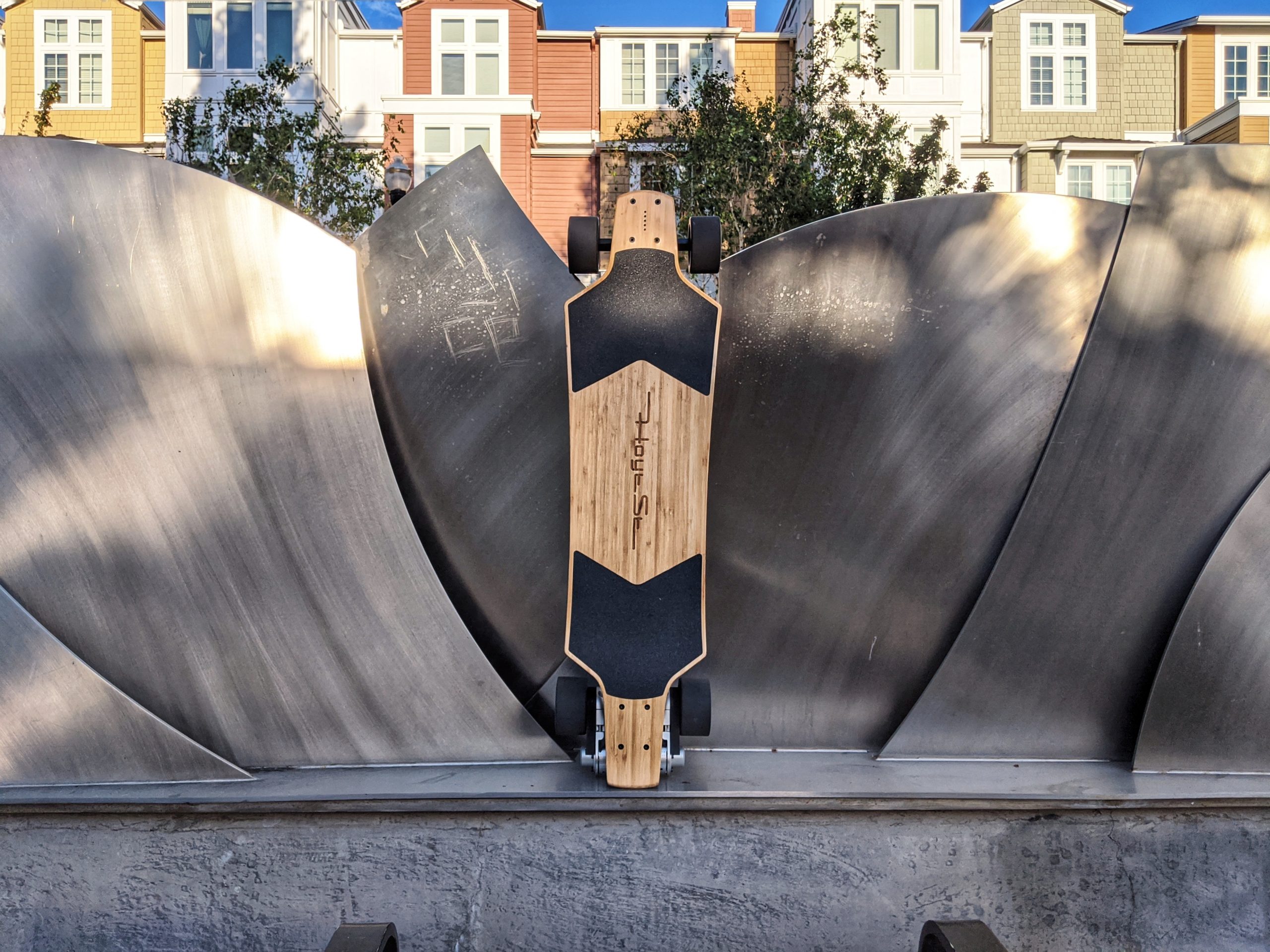
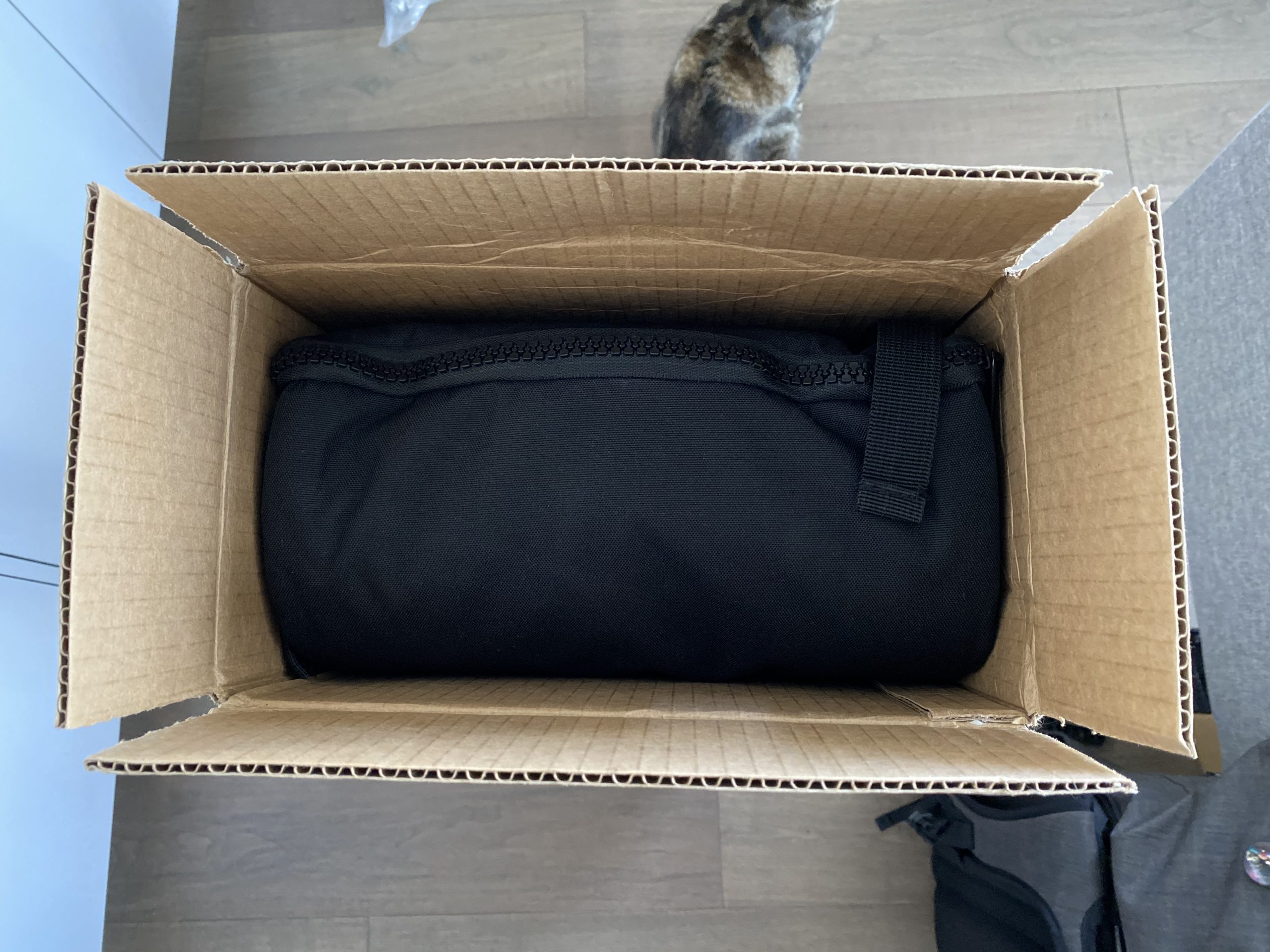
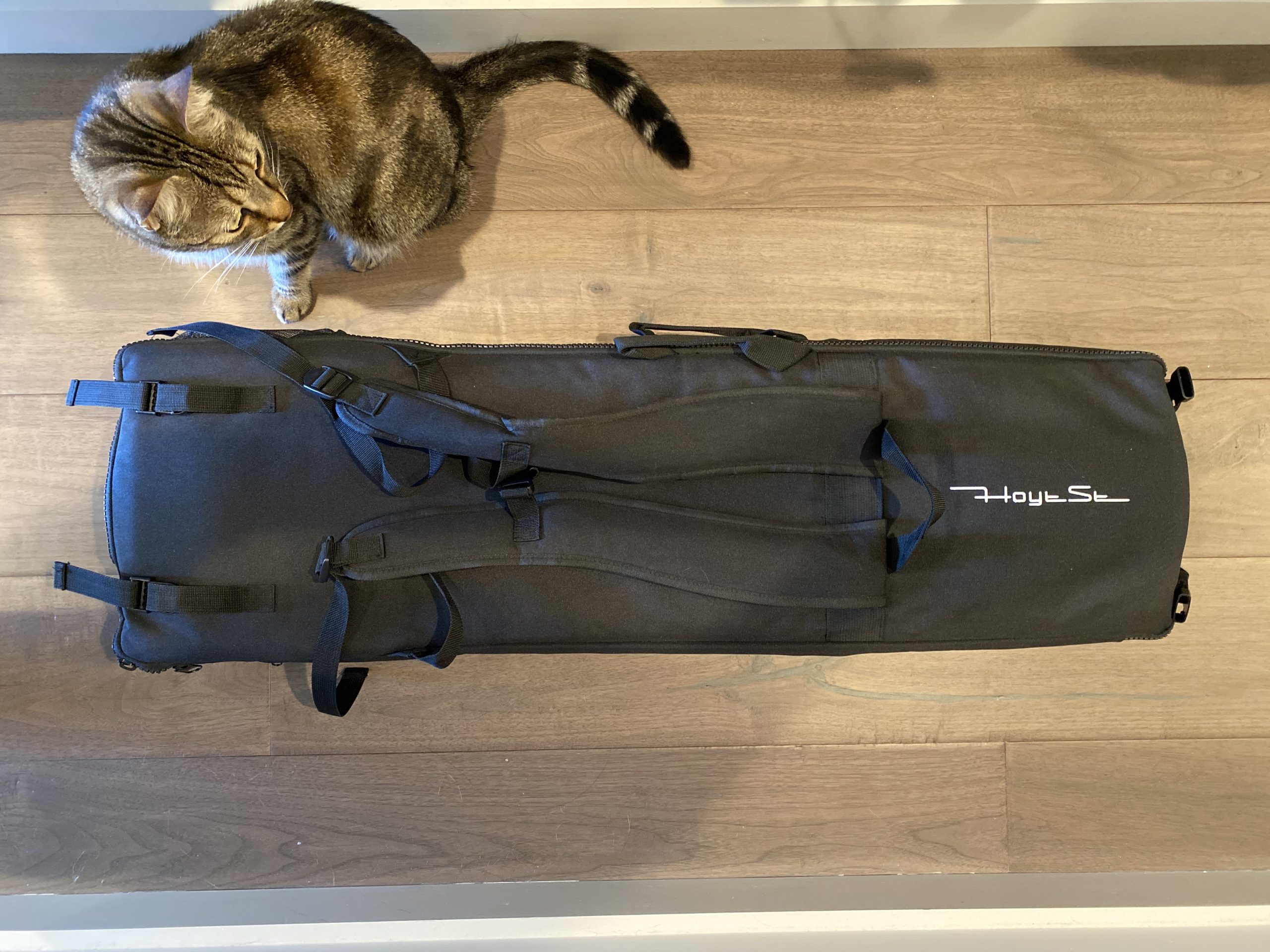
The Hoyt EL1 is an unconventional package indeed. From the moment you open the box, the attention to detail is apparent. For example, each EL1 comes with a carrying bag. This isn’t your run of the mill carrying bag mind you. Not only did Hoyt custom design this bag specifically for the EL1, they also had the forethought to make the bag a part of the packaging as a replacement for your typical environmentally unfriendly styrofoam.

Inside the carrying/shipping bag, the remote control and charger is tucked away in their own specially designed pouches. Everything has a place, even the simple, well written, color printed instruction manual. Who even prints instruction manuals in color these days? Hoyt does apparently.

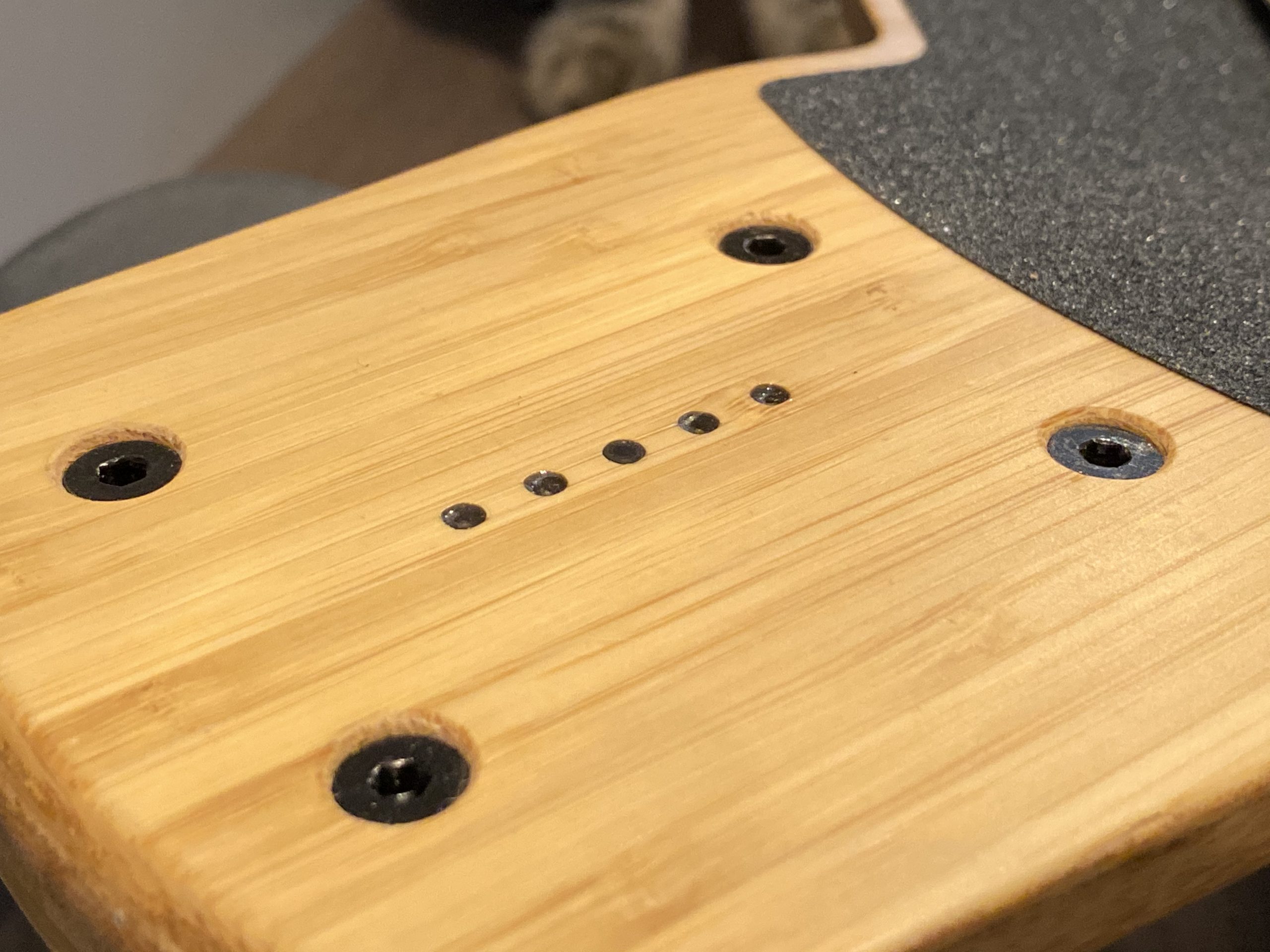
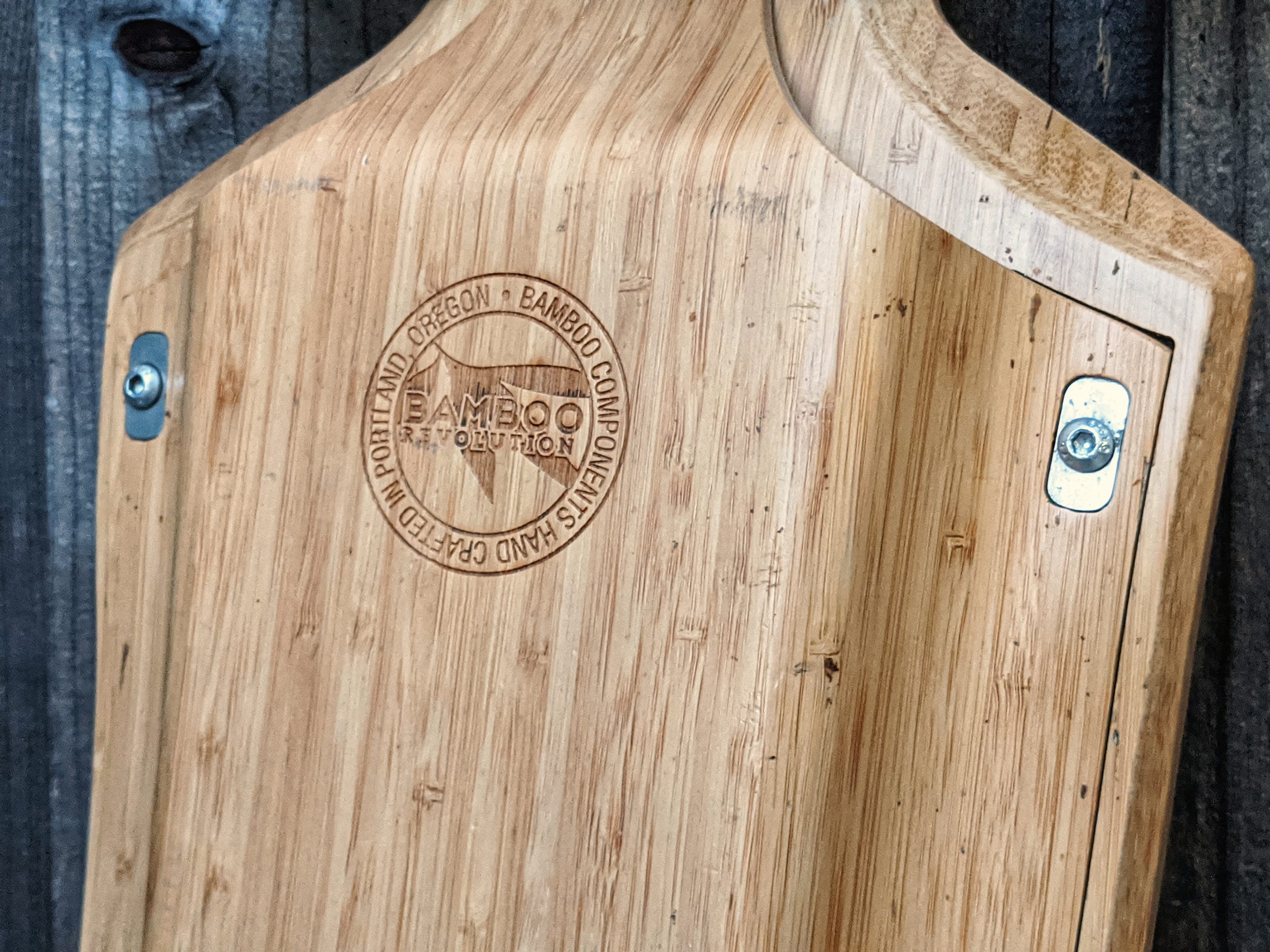
The details don’t stop at packaging. Everything about the board screams attention to detail. From the risk of death warning labels, to the slightly dimpled power indicator lights on the nose, to the tastefully engraved “Handcrafted In Oregon” and “Bamboo Revolution” badges on the underside of the enclosure sandwich which meets the topside to create one single flowing shape.

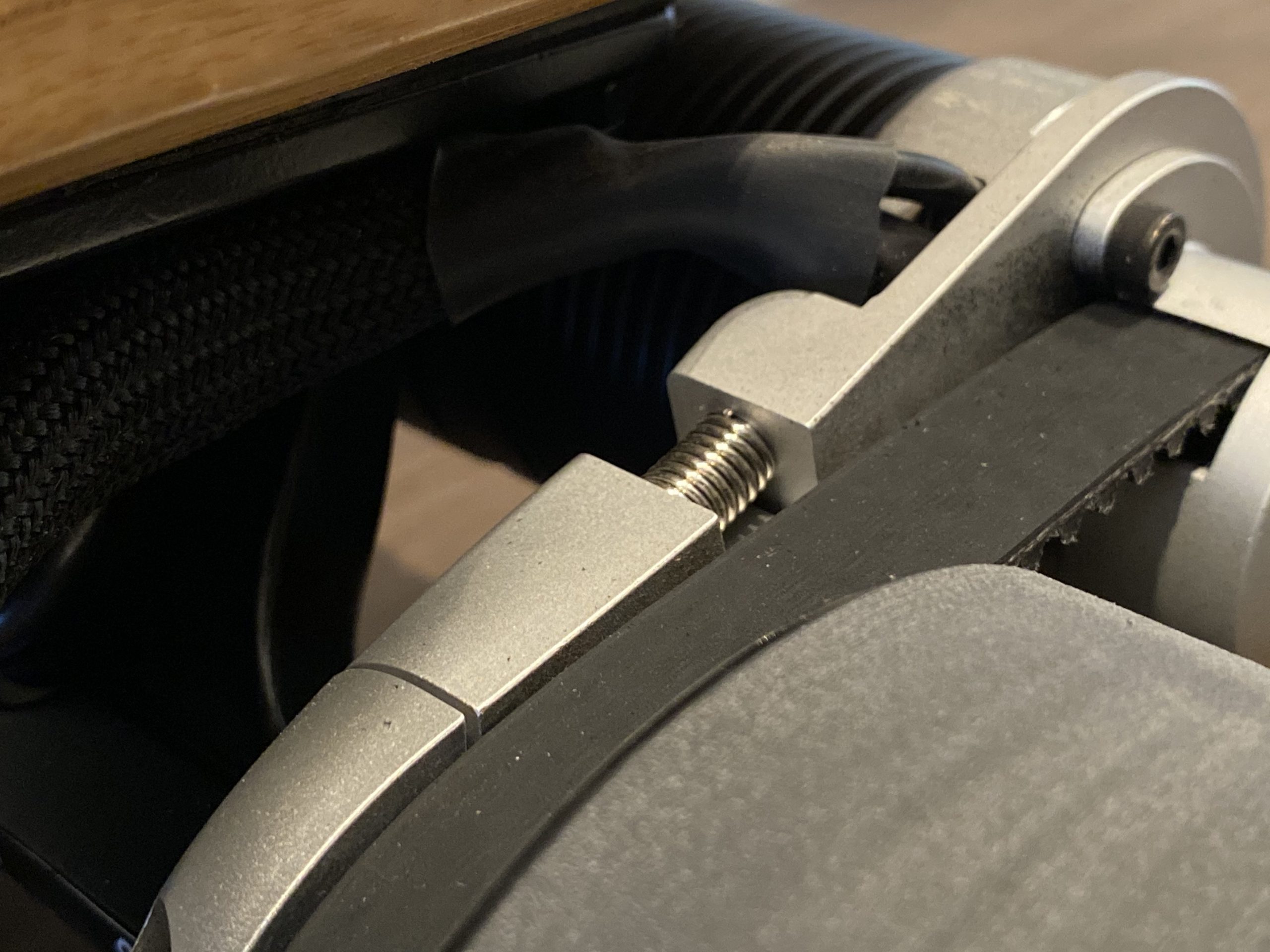
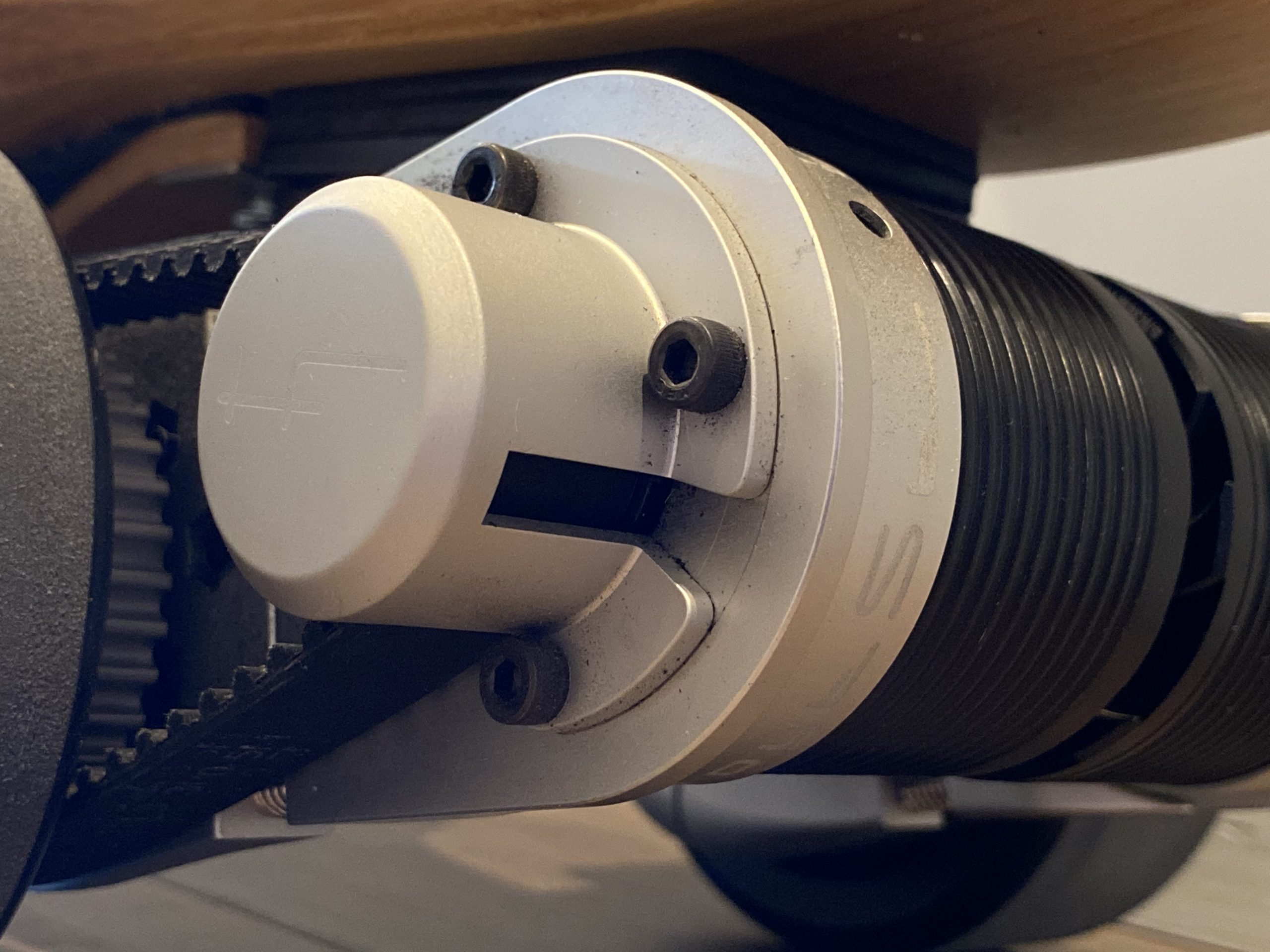
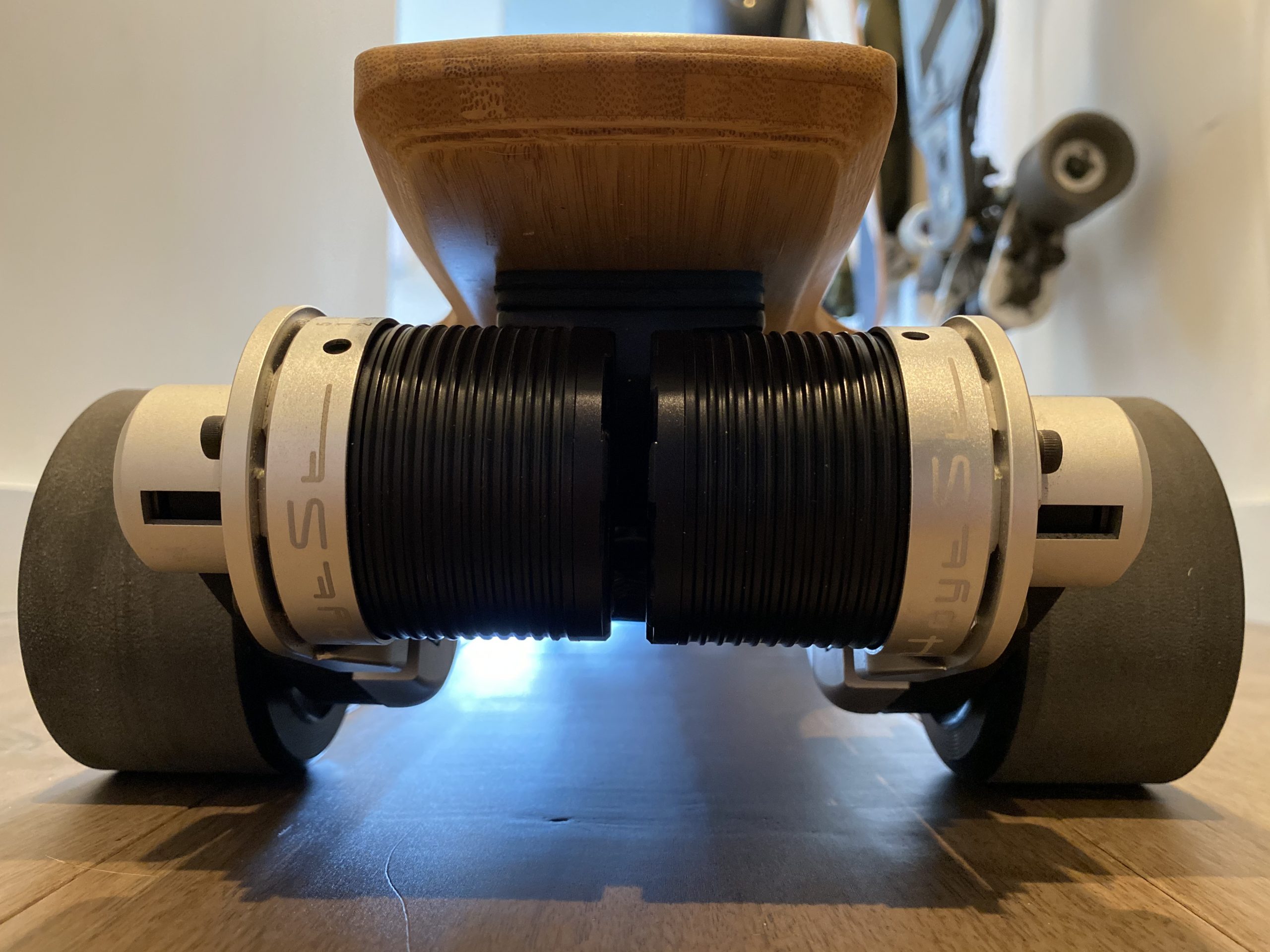
If it sounds a bit like I’m fangirling already, that’s because I am. I really like the design and shape of the board. I think it’s beautiful. I mean just look at those self tensioning motors mounts!

But all the detail in the world won’t make a difference if the end product is no good right?

Good Skating

What’s my definition of “good skating”? Well, for starters, the board must be comfortable. I don’t just mean the deck, although that does play a big part in it. I mean the wholistic experience. From the geometry in the concave of the deck to the ridefeel of the narrower contact patch and hardness of the wheel, the EL1 as a complete package is simply primed for good skating.

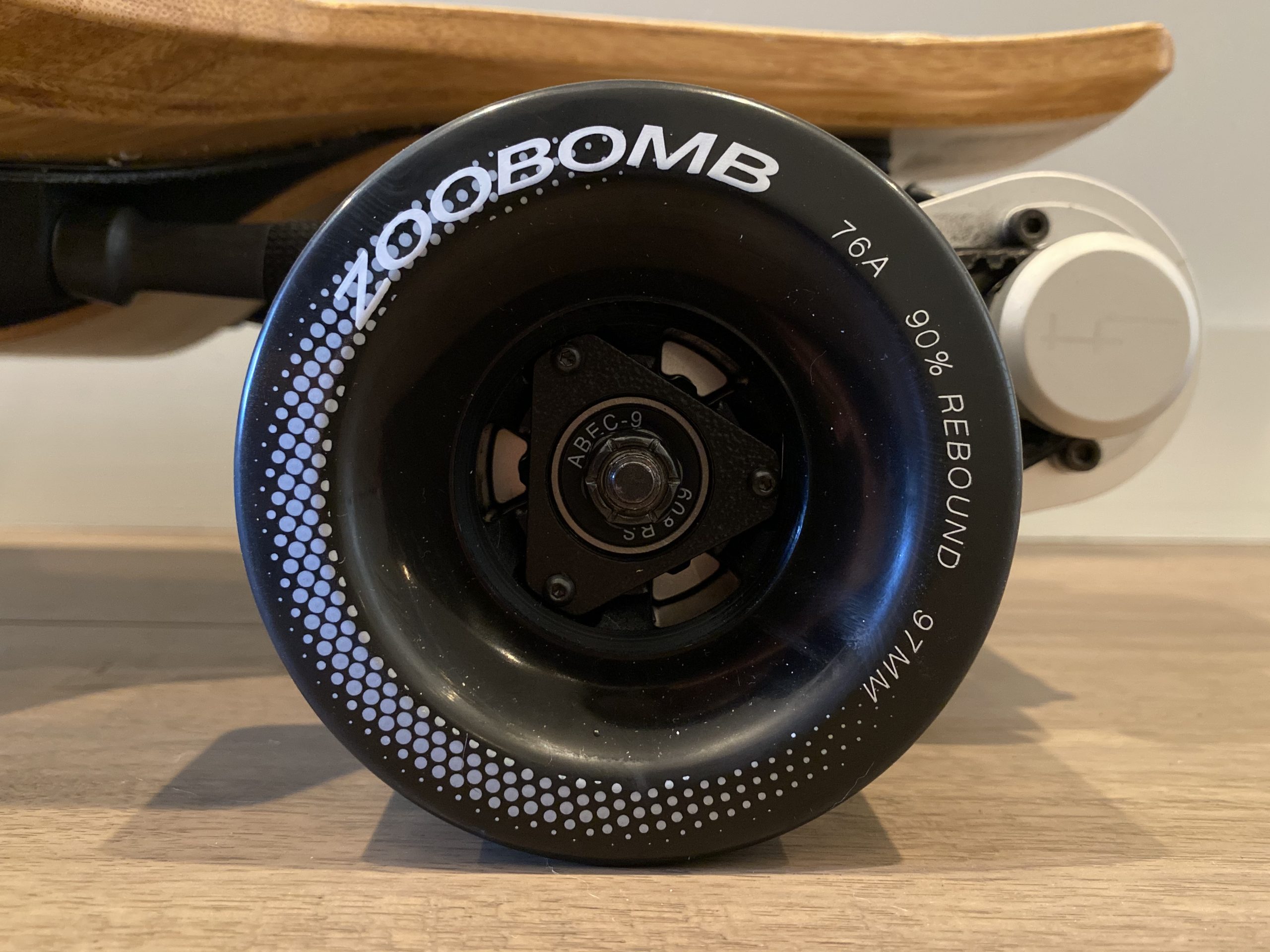
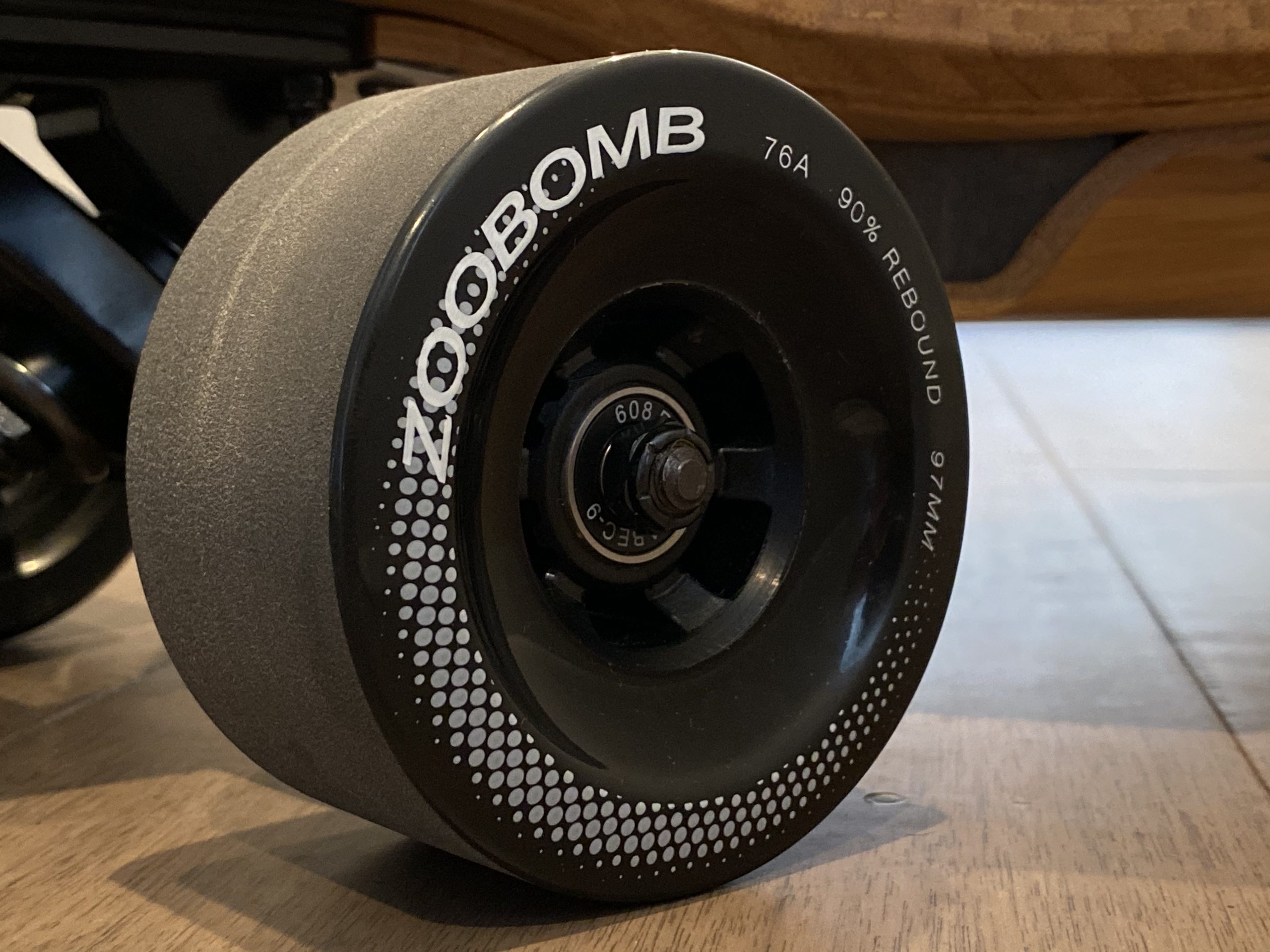
The non-flex, dropdown deck has just the right curves for you to brace against under hard acceleration and braking. The Caliber trucks lend themself to fairly precise carving and nuanced control. The Zoobomb wheels, while not the best urethane I’ve ever ridden, do a fine job of gripping the road and sliding out when you need them to. It’s clear that Hoyt put a major emphasis on designing something that skated well.

But the skate setup isn’t the only thing good here. In electric skateboarding we care about the electronics right? Why else would we be here?

Designed Dependability

Well I’m here to report that the electronics are great as well.

The EL1 (and indeed Hoyt’s entire future lineup) is built on VESC tech. The VESC, or Vedder Electronic Speed Controller, is a super capable, super powerful, open source speed controller design made specifically for applications such as electric skateboards, drones, scooters, robotics, and the like.

Why is this important? Well this means that the hardware in the Hoyt is endlessly configurable and extensible. Want telemetry logging? Stick a Bluetooth module in there. Want more powerful acceleration or braking or a different throttle curve? Just tune it.

Another advantage of the VESC is that it has been vetted in countless test cases by countless people in countless environments. Run within its hardware limits, it’s rock solid and dependable, and Hoyt has certainly harnessed its power well.

The particular VESC revision that Hoyt is running in their boards is the 4.12 hardware revision. This doesn’t really mean much to the end user, but for those who care, it means a couple things. First, it does really well at 10S (42V) but not so well at 12S (50.4V). Second, it doesn’t do well running in FOC (Field Oriented Control) mode, a motor control method that, while more refined in feeling, is more demanding for the controller than the alternative: BLDC (BrushLess Direct Current) control. Hoyt knows this, and so optimized their setup to play to the 4.12 hardware’s strengths. The result is great dependability.

Besides the controllers, the motors are also high quality and built to last. Hoyt sources their motors custom from KDE, a US based motor design and manufacturing firm specializing in military grade motors. These motors are built to withstand way higher than normal operating temperatures while performing at a high level, and I think it’s a testament to its engineering that I’ve never heard of anybody having issues with the motors specifically.

As an aside, this board is so reliable that it’s the one I lend out to experienced riders who ask me to borrow a board simply because I know they won’t break it even if they ride it hard. It’s also simply a great ride but you know. I digress.

Modularity

Perhaps the most interesting thing about the EL1 is the modularity aspect of its battery pack design.

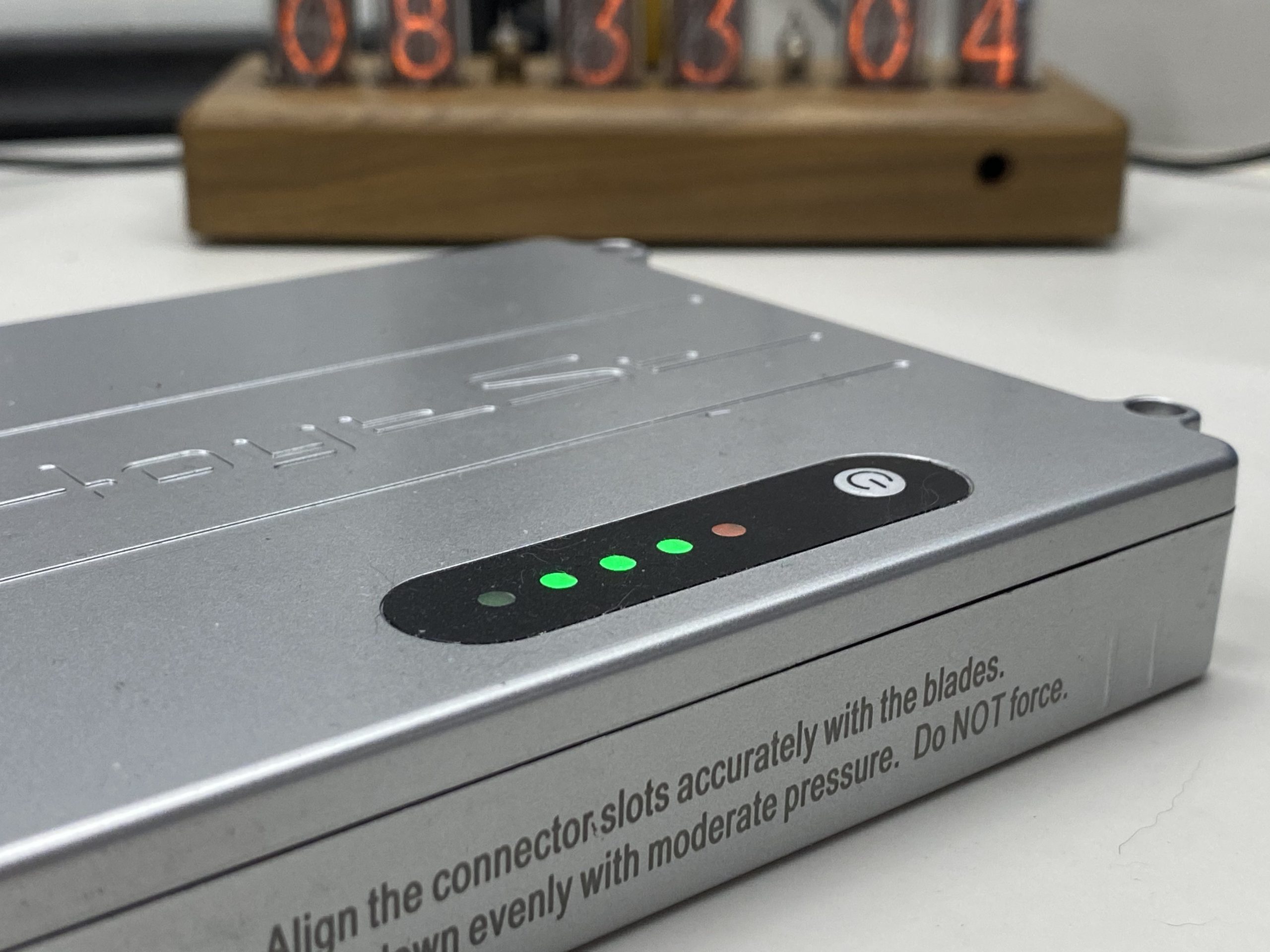
When Hoyt first launched the EL1, they had gone where no other manufacturer had really gone before, and the EL1 battery packs are, in my opinion, the cleanest solution I’ve seen to the problem of battery modularity. With the main goal being the flyability of the board, Hoyt had specially designed 10S1P battery packs featuring individual BMS and battery level indicators. These battery packs slotted neatly into the belly of the board and connected to the main power rail using blade connectors. In my opinion, this is an incredibly clean, wire-free, and foolproof method for managing modular battery packs.

In an interesting turn of events however, Hoyt has recently decided to abandon the blade connector design for a more traditional XT60 connector for their battery packs. Hoyt tells me that they made this decision due to a small number of users reporting that the blade connectors were wearing out under intense stress and vibration. Although I’m sad to see the blade connectors go, I understand the reliability standpoint. The new XT60 design is more flexible while still retaining modularity. What’s more, it opens up the possibility of easily building your own battery packs.

The EL1 also allows the usual wheel and drivetrain gearing changes that usually comes with a belt driven board, and since you have direct access to the VESC’s settings with the EL1, I would even say that these choices combined with some settings adjustments are even more effective here. Hoyt is even going to offer 5″ pneumatic tire options as well as non-modular battery packs for increased range.

Performance

I will say that while it’s not the fastest board on the market topping out at 24mph-ish real world, Hoyt’s investment in engineering has certainly shone through in the end product.

Torque is great. I weigh around 125lb and live in San Francisco, one of the hilliest cities in the world. From my time spent with this board, I can report that this board has more than enough torque to get me up any hill. I’ve gladly let my friends try the EL1, and they all say the same thing. Plenty of power and good braking. Plus, I actually think it is “fast enough.”

And here we get to the only thing that reeeeaaally gets me about the EL1.

The range.

There’s no two ways about it: I think it’s lacking for a $2,000+ board. Realistically riding, I can get maybe 8-10 miles in the city, 12 if I really stretch it. If you’re on flatter ground with less stop and go traffic, that figure will improve, but honestly not by that much. Hoyt’s own range calculator suggests as much about the lacking range, so you should really understand your riding conditions before buying this board.

“But Sof,” you say, “what about flyability?” And that’s a fair question. After all, I did say that Hoyt had designed these packs with flight in mind. To that question I would reply that while the EL1 is indeed flyable, I wouldn’t buy it for a travel board.

There are other great options for travel boards (Unlimited x Loaded kit on a shortboard, Exway Wave) that are lighter and less cumbersome if that is really your main focus. I think the EL1 should be considered more a prosumer board that just happens to be flyable more than anything else, and in that sense, I think maintaining flyability was probably a misstep. You end up with range that doesn’t satisfy the prosumer and a pricepoint that doesn’t really jive with the more casual consumer.

While Hoyt is, as mentioned above, offering a single Samsung 40T 10S3P pack, I haven’t tested it for range. Theoretically, the 40T pack will provide just over 60% more capacity than the original three 10S1P modular 25R packs the board ships with, so extrapolating linearly I may get up to 13-16 of realistic, hard riding miles on a charge with the 40T pack. But I’m a believer of not buying products based on promised future upgrades, even when I have full faith the manufacturer will deliver on their promise, so I’ll make my conclusions when Hoyt starts shipping the 40T packs.

What About The Remote?

Yes, let’s talk about the remote.

The Hoyt Puck is arguably one of the more interesting, if not the most interesting, remotes in eskate. Inspired by slide pucks common in the world of downhill longboarding, the round, curved design is certainly unique and maybe even polarizing to some. When it was first introduced, many wondered just how well this remote would work in practice.

Honestly, I’ve grown to really like it. Despite its strange appearance, it’s comfortable to hold in the hand. I think it’s the first eskate remote to really take into consideration left handedness, with all buttons just as accessible when in left handed mode as in right handed mode. Hoyt offers weight options for the thumbwheel so you can adjust it to your preference as well.

Beyond ergonomics, in typical Hoyt fashion, the remote has proven to be absolutely rock solid in terms of performance and reliability. Ask anybody in the DIY community what remote they would recommend if you wanted a consistently reliable remote, and I’ll bet maybe 90% of them would say the Hoyt Puck. The Puck’s reliability is so well known, in fact, that other premium eskate manufacturers are offering the Hoyt Puck for their boards. Case in point: Lacroix’s customized Hoyt Pucks.

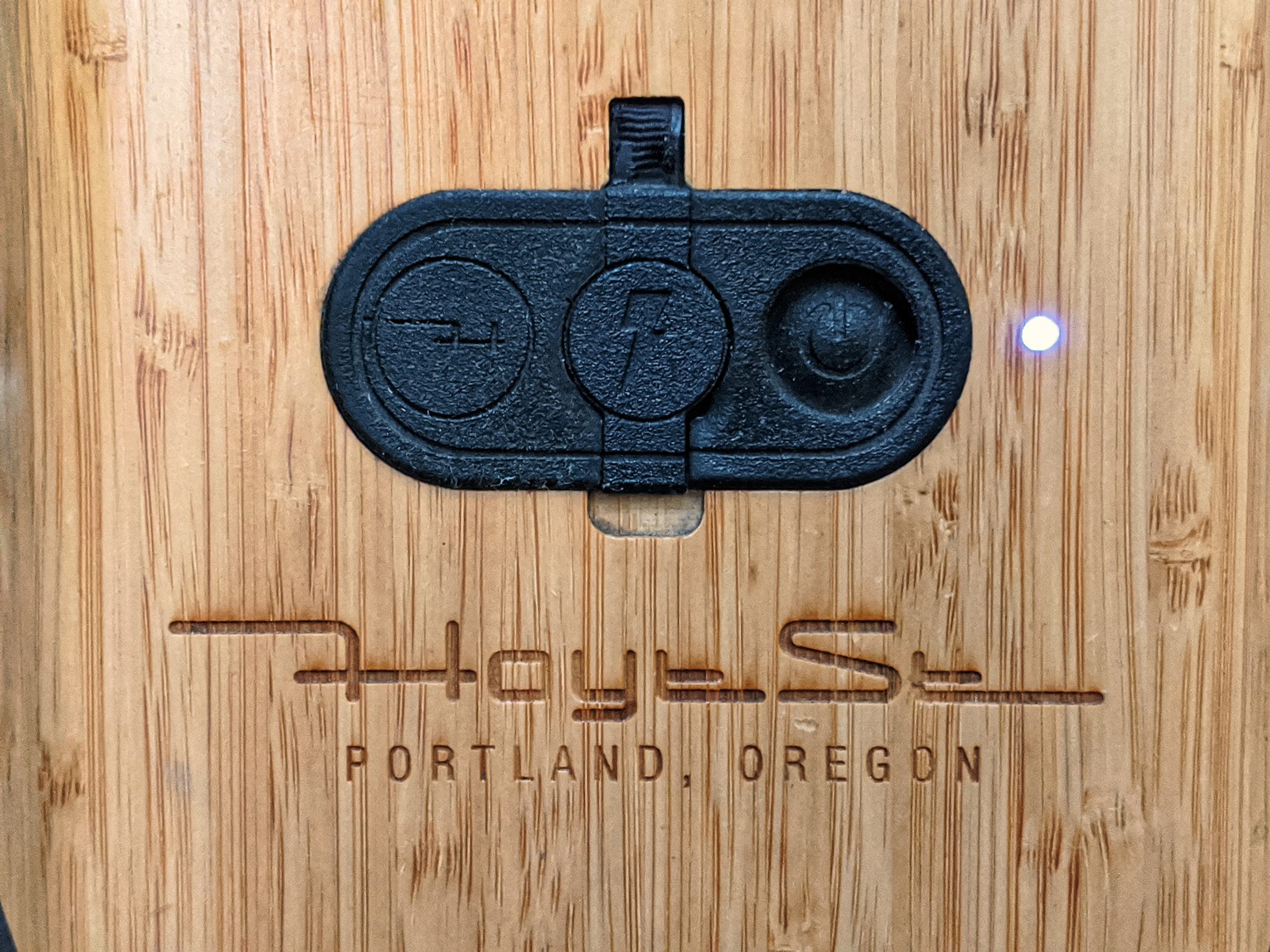
The only minor annoyance I have with the Puck is that there’s no board battery indicator on the remote itself. However, I’m ok with that actually when the Puck is paired with the EL1, as the EL1 features a sleek battery gauge right on the nose of the deck.

Hoyt says you should try the Puck before you knock it, and I really agree. It’s an ergonomic remote with a proven history of reliability. Plus it’s CNC’d out of Bamboo with an aluminum thumbwheel, comes in a variety of stains, and customizable with engravings. What other manufacturer would do this for individual remotes?

In Good Company

I want to take a moment to talk about Hoyt the company. Being a small operation, they can be uniquely personal about the products and services they offer. For example, in addition to the remote customizations, Hoyt offers a range of customization options for the EL1 itself from artwork directly applied on the deck to different wood stains to unique veneers to bespoke whole-deck laser map engravings. You can even get glass frit gripping on your deck: a high class upgrade to the usual boring grip tape offerings.

And that’s not all. A couple months ago, I got the message from Hoyt asking me to send in my EL1 for the blade connector to XT60 conversion. What surprised me was how painless the entire process was. There were no costs involved and the turnaround was fast. I’m told by various customers that they’ve had similar experiences with Hoyt and the services they provide.

I would also like to commend Hoyt for doing this blanket recall. I have many friends in the business of building and selling hardware, and they all tell me that one of their greatest fears is issuing a recall. In addition to the complexity of communicating with the customer and processing the hardware that comes in, Hoyt is taking on a huge financial loss for what seemed to me like a relatively minor issue. However, I think this just further speaks to the character of the company and the people who run it. In the end, they didn’t really have to do this. But they did, and I think that’s pretty awesome.

Hoyt even offers a free tune up service for customers for the first year after purchase. I mean come on! The deference that Hoyt shows to the customer is what really sets them apart in this industry, and I hope as they continue to grow as they maintain their level of service.

Wrapping Up

So what do I think about the EL1?

I think if you appreciate rideability, details, durability, and good engineering, you will like this board. I think if you are prioritizing miles per dollar, you should look elsewhere. I think the EL1 is, in the end, a tantalizing niche offering.

But most of all, I think the EL1 is a stepping stone platform for Hoyt’s future. With the EL1, Hoyt’s basically done a year long engineering verification on their platform, figuring out all the kinks and feeling out their style. I’ve been privy to their roadmap after the EL1, and Hoyt’s definitely gearing up to make a huge splash.

And when they do, I’ll be there to cheer for them.