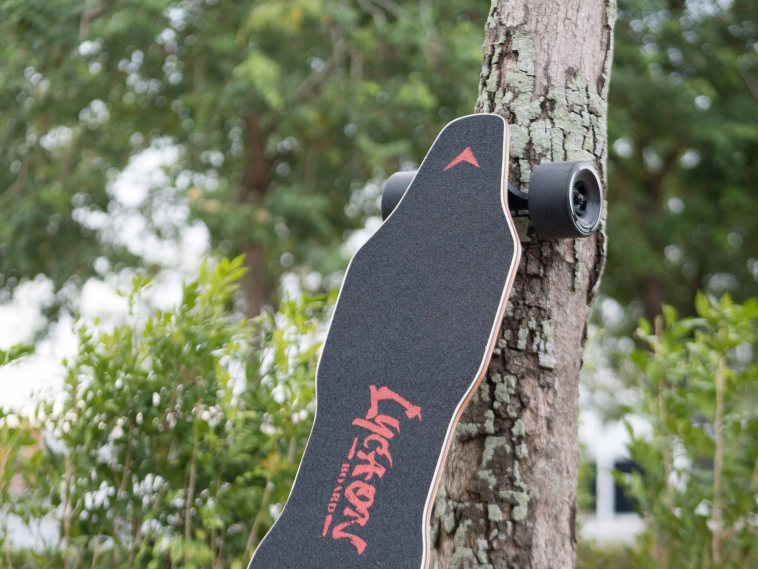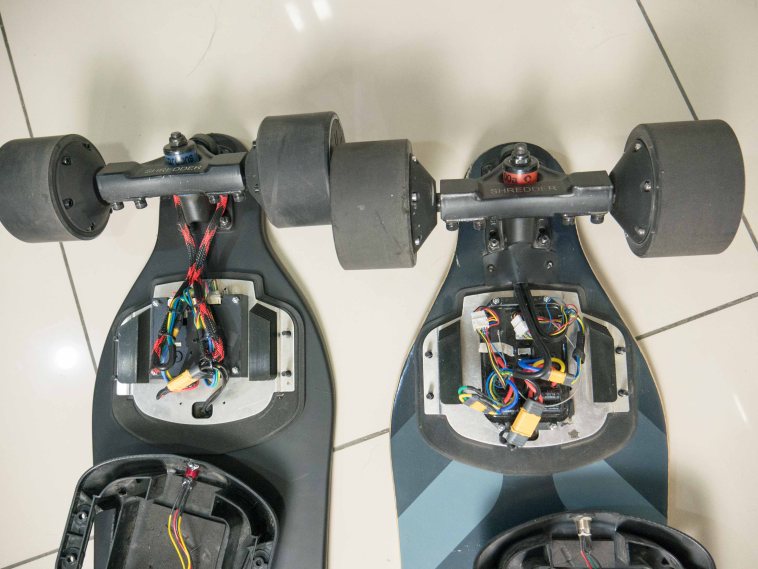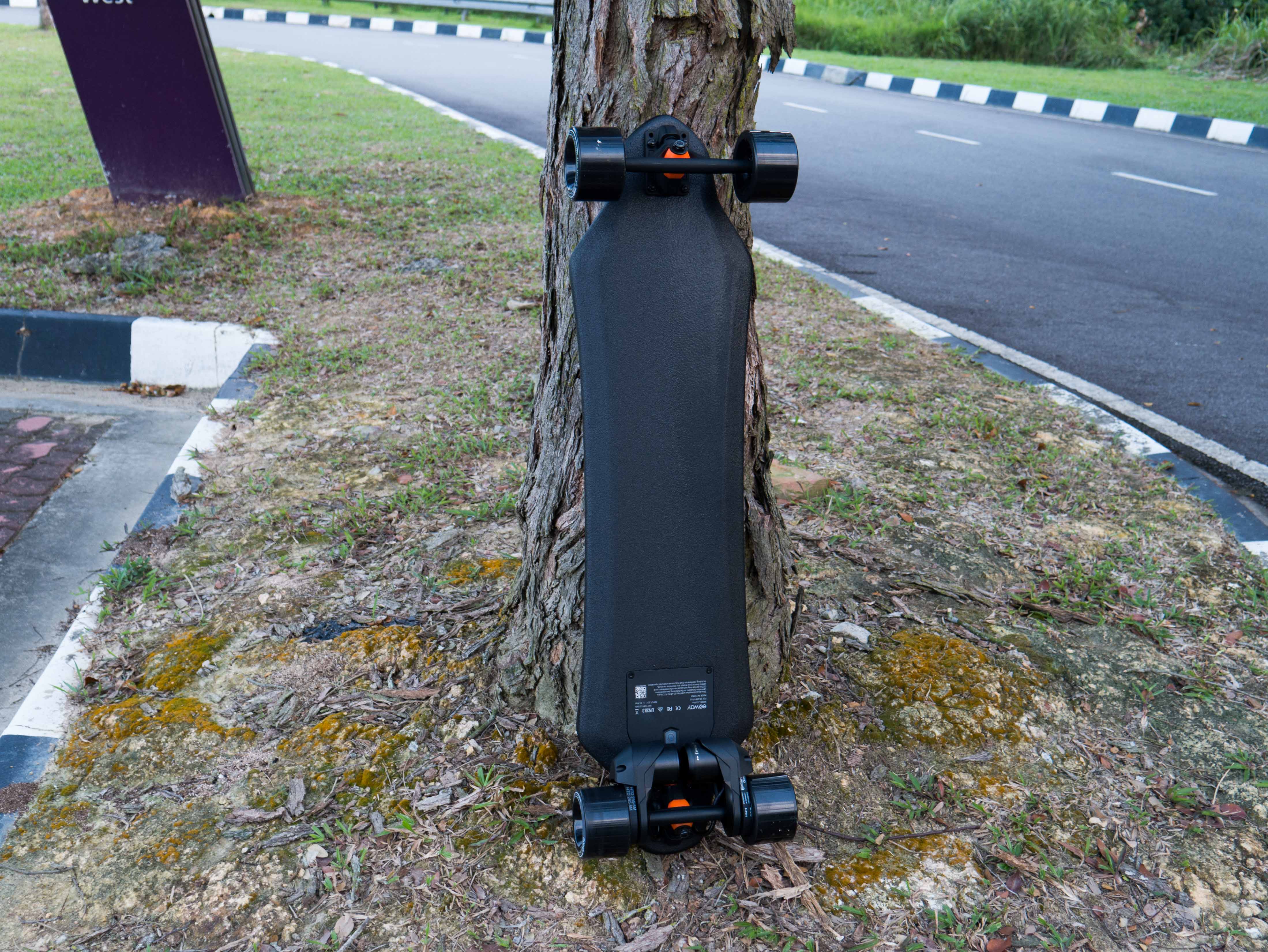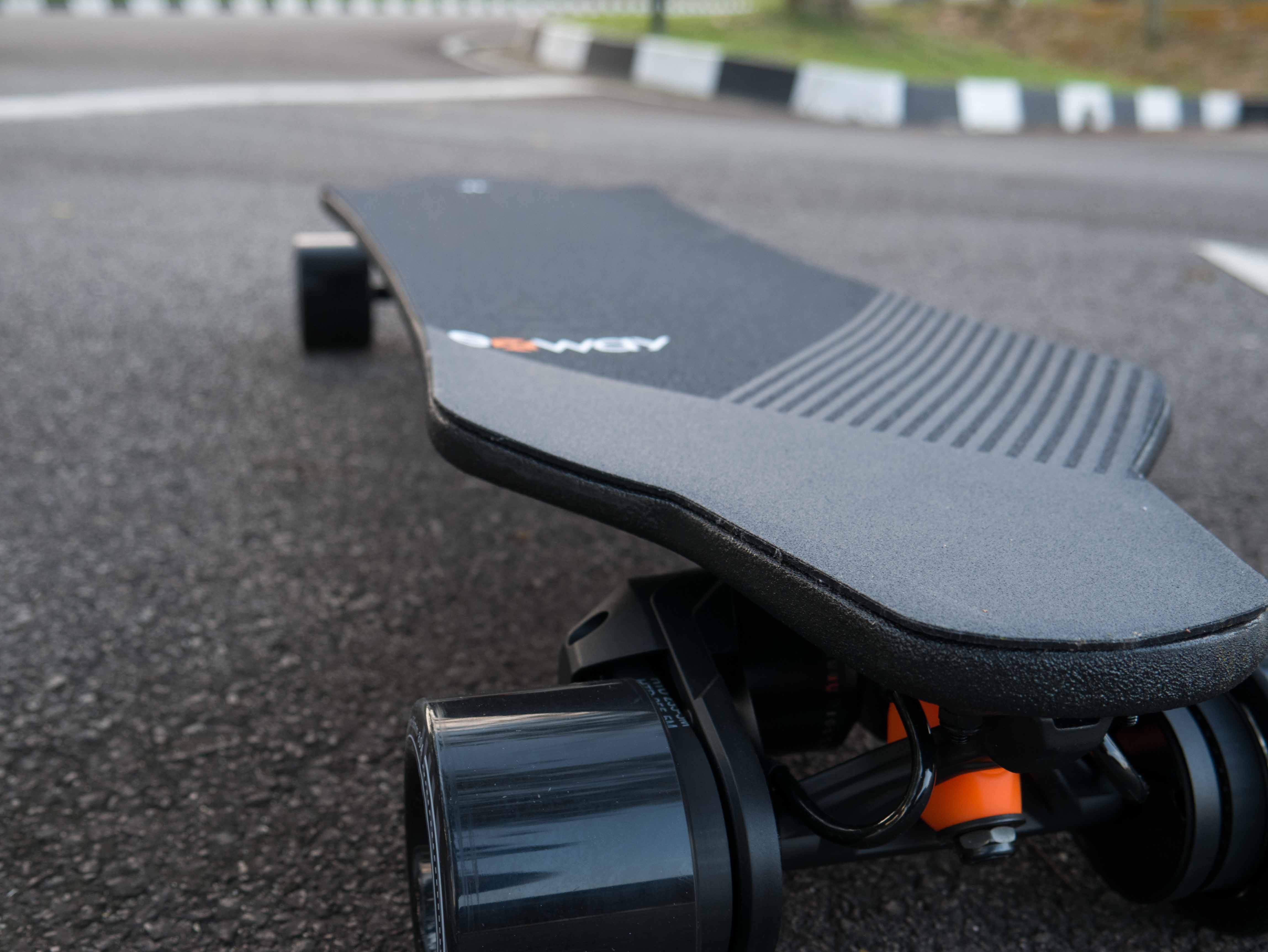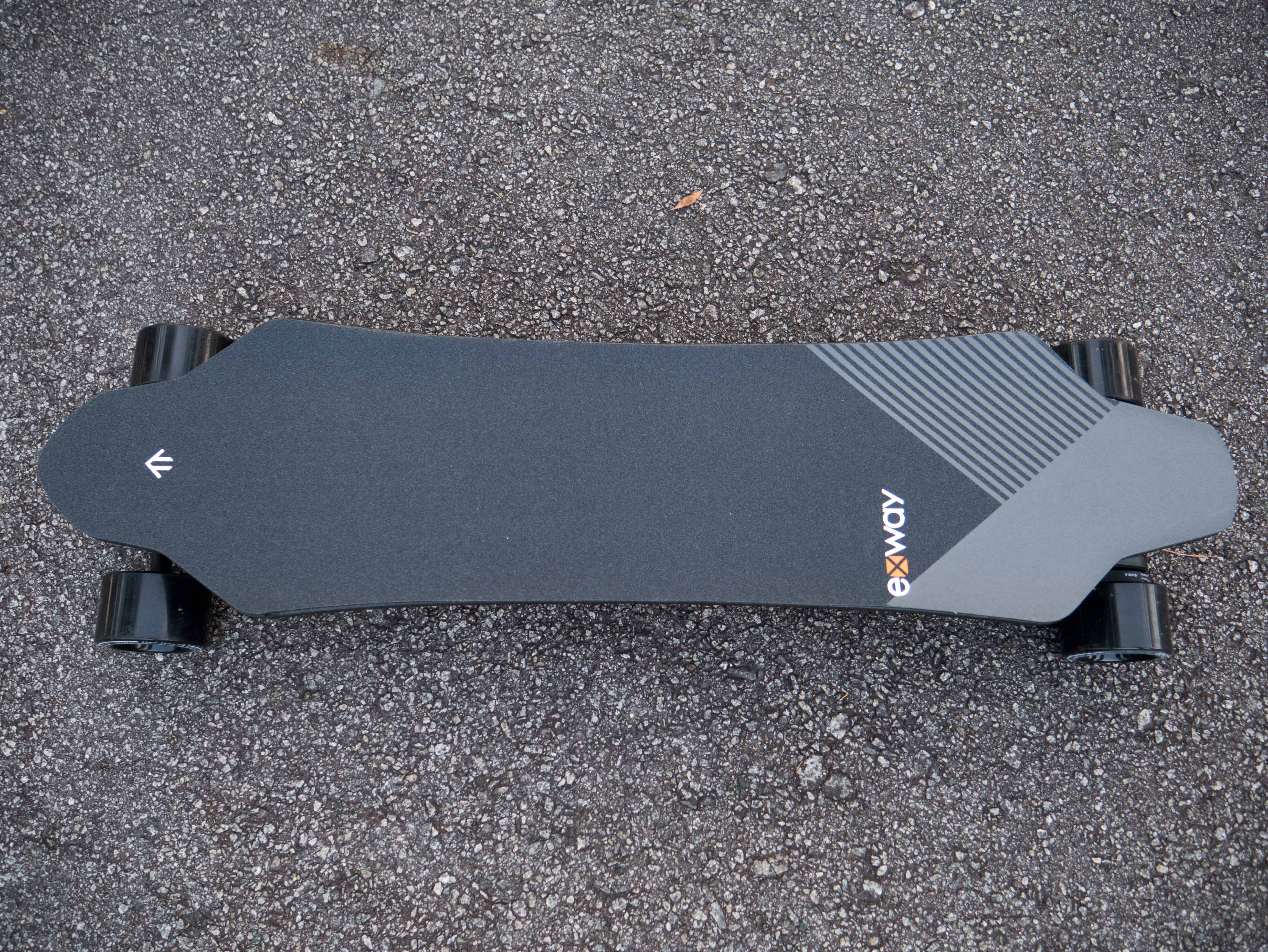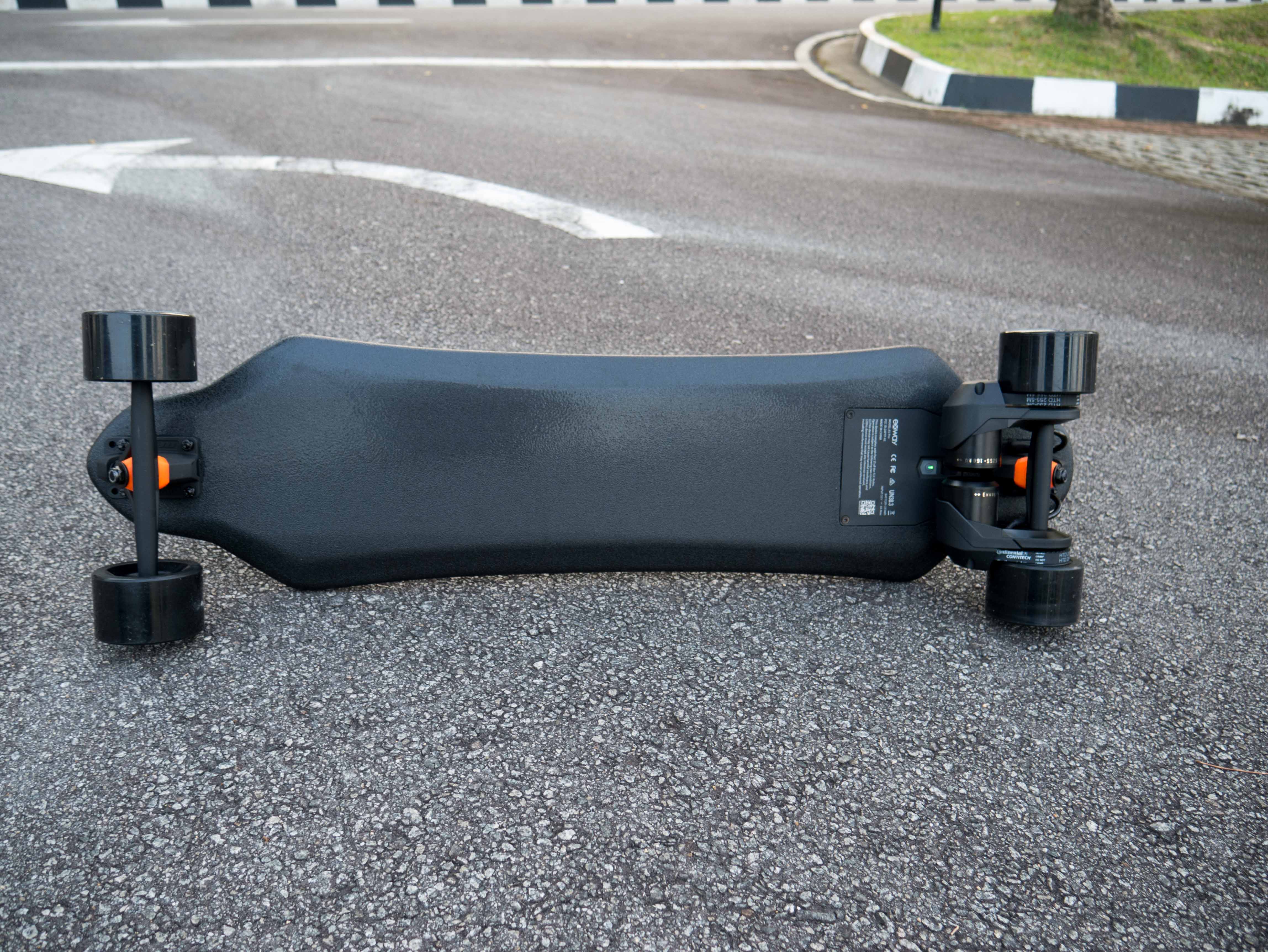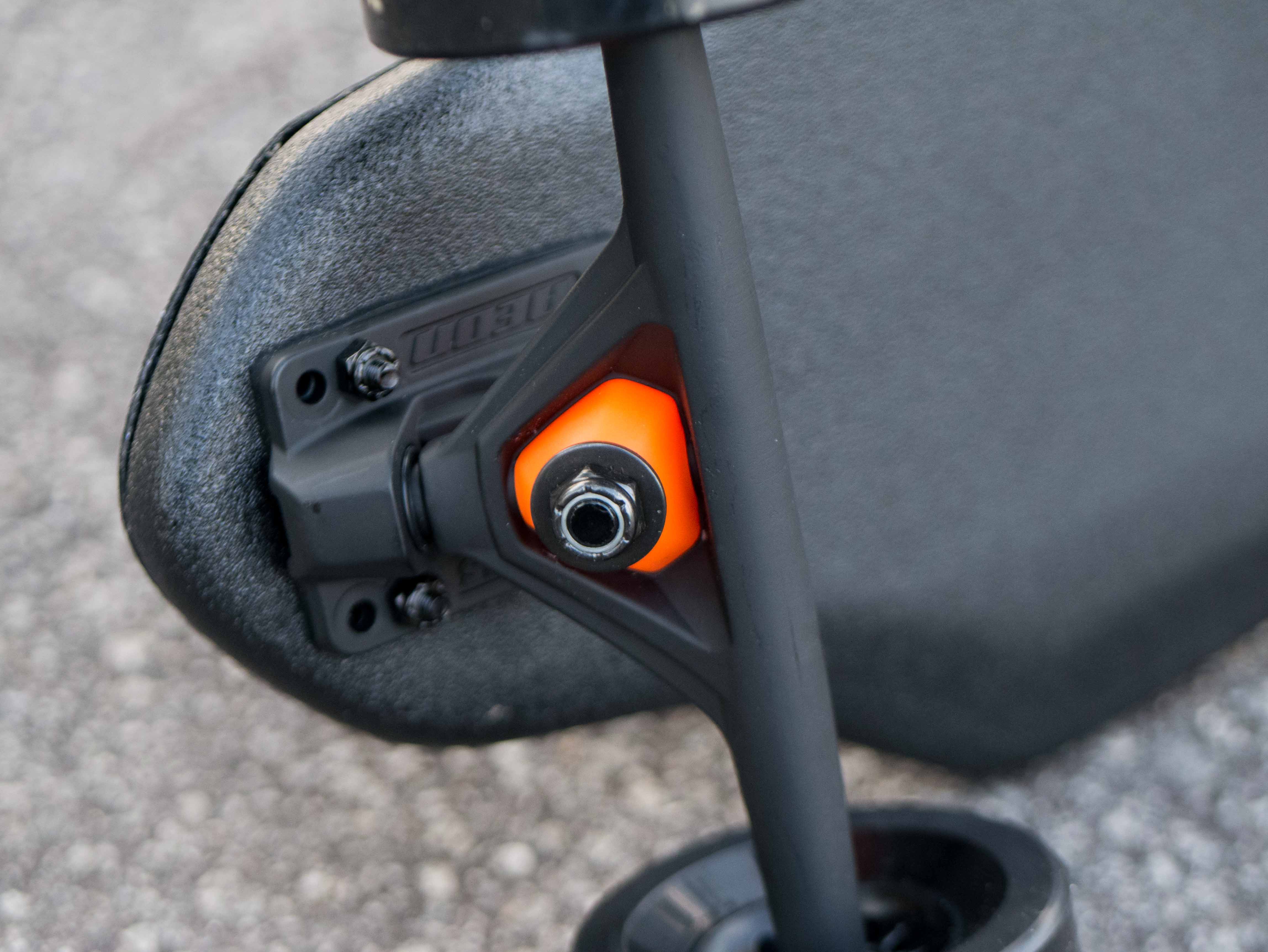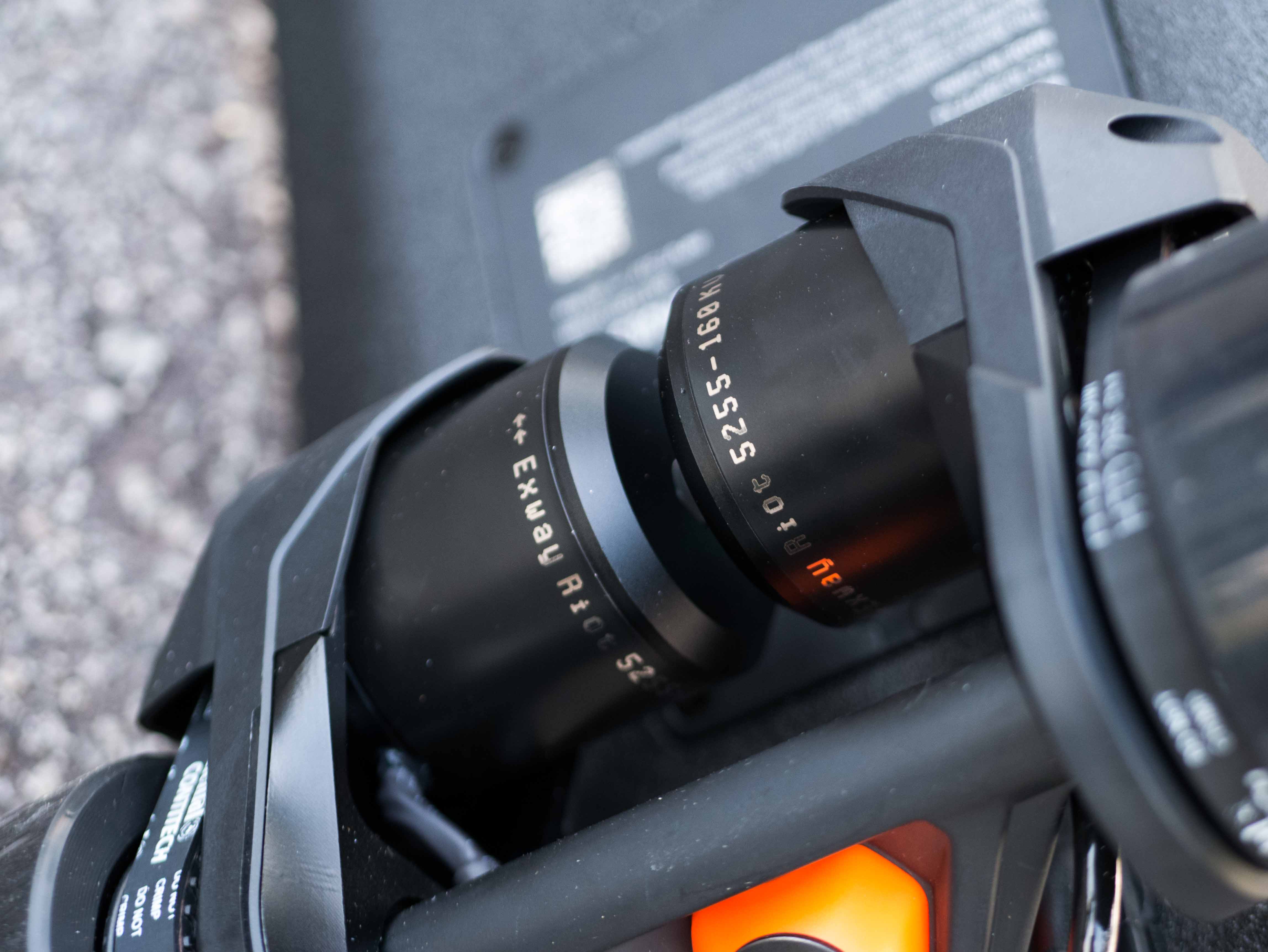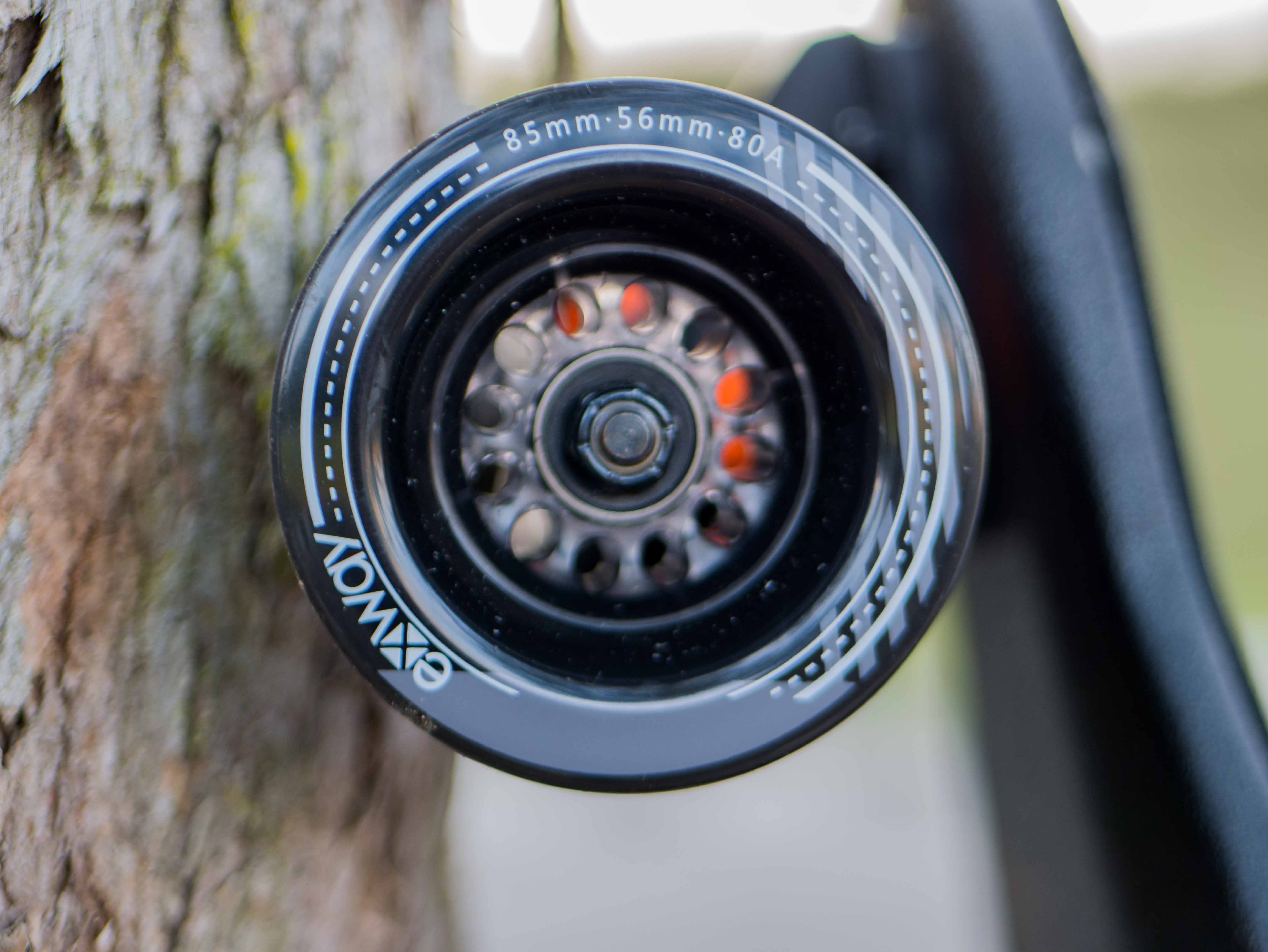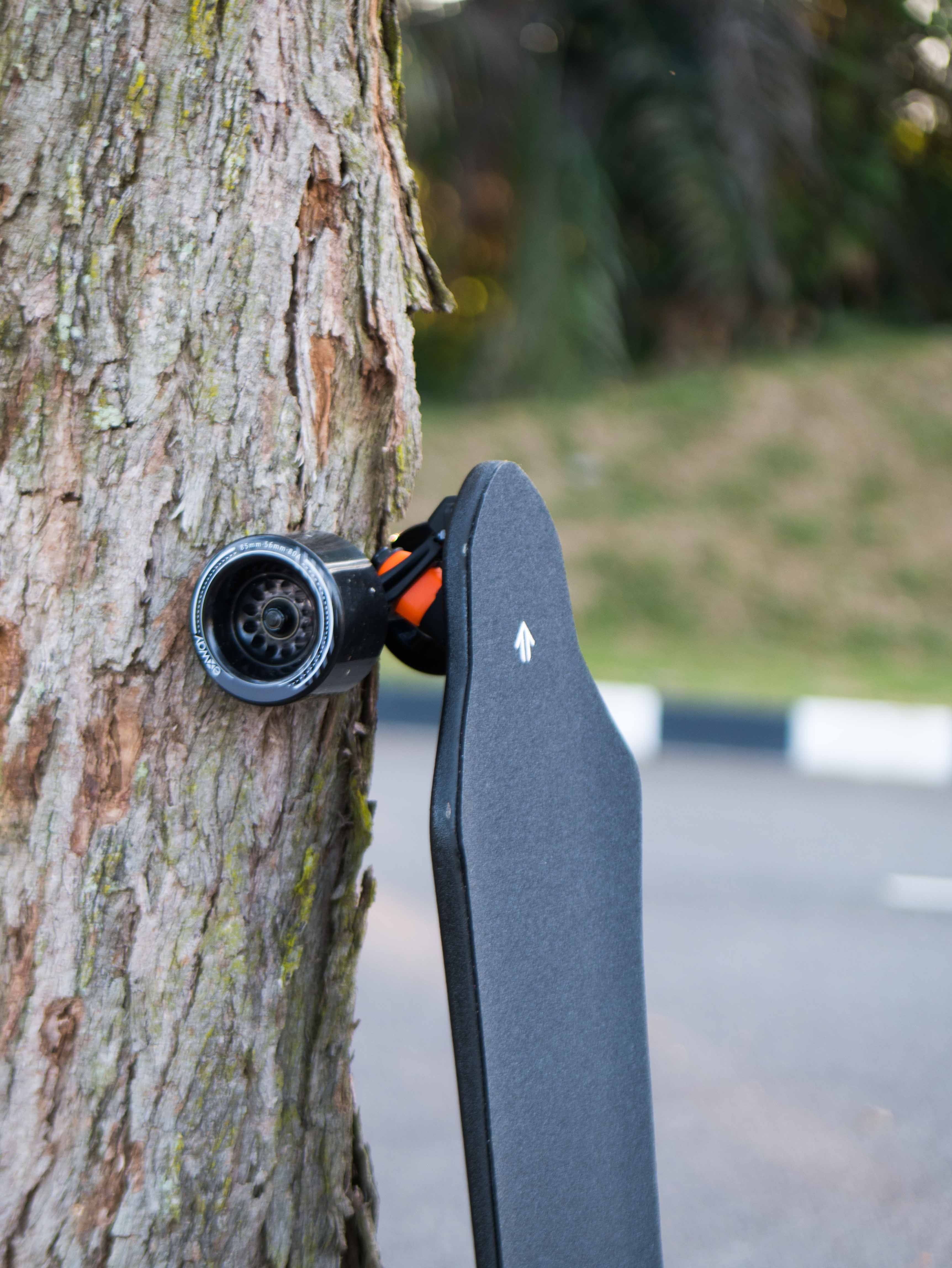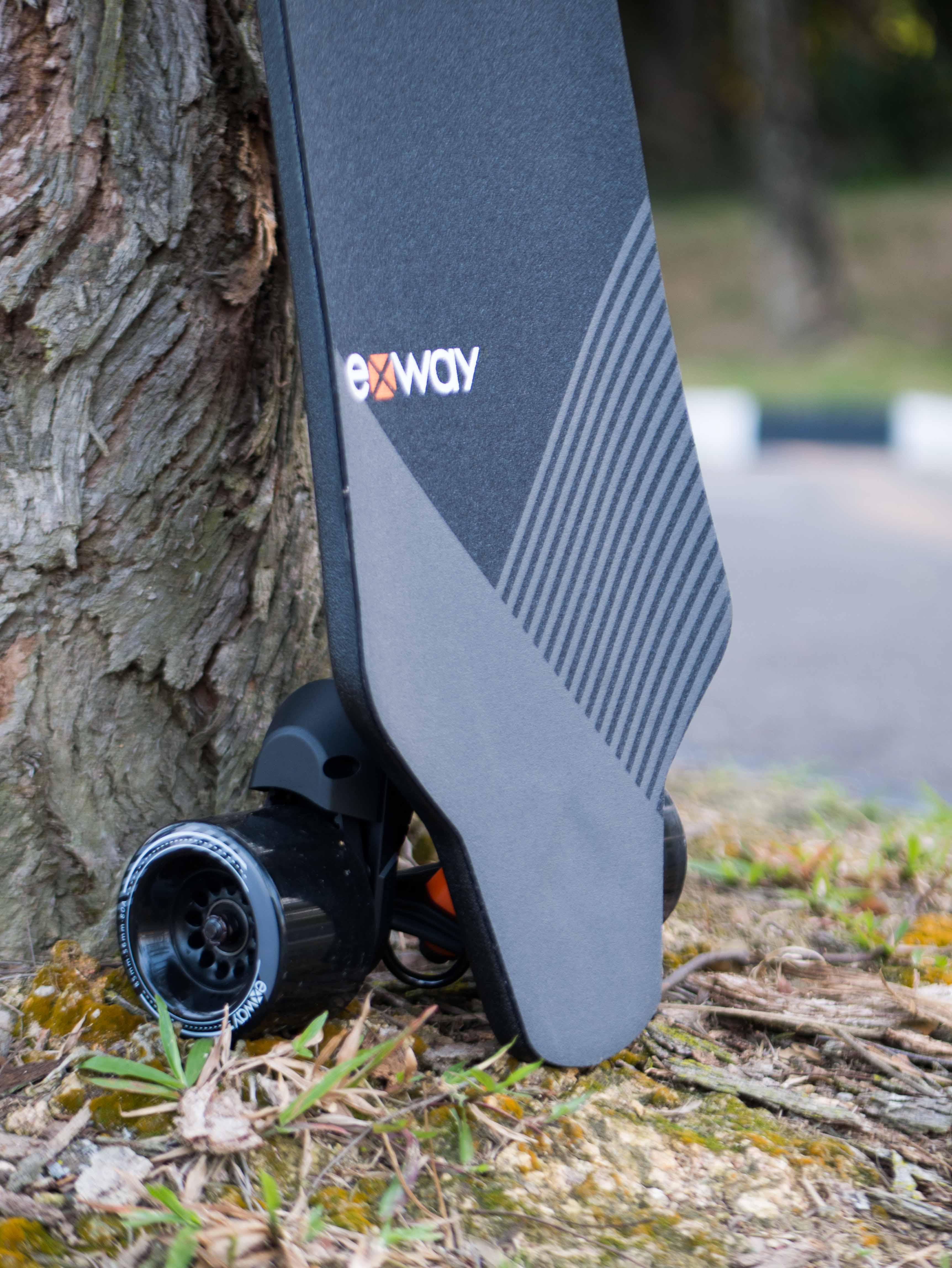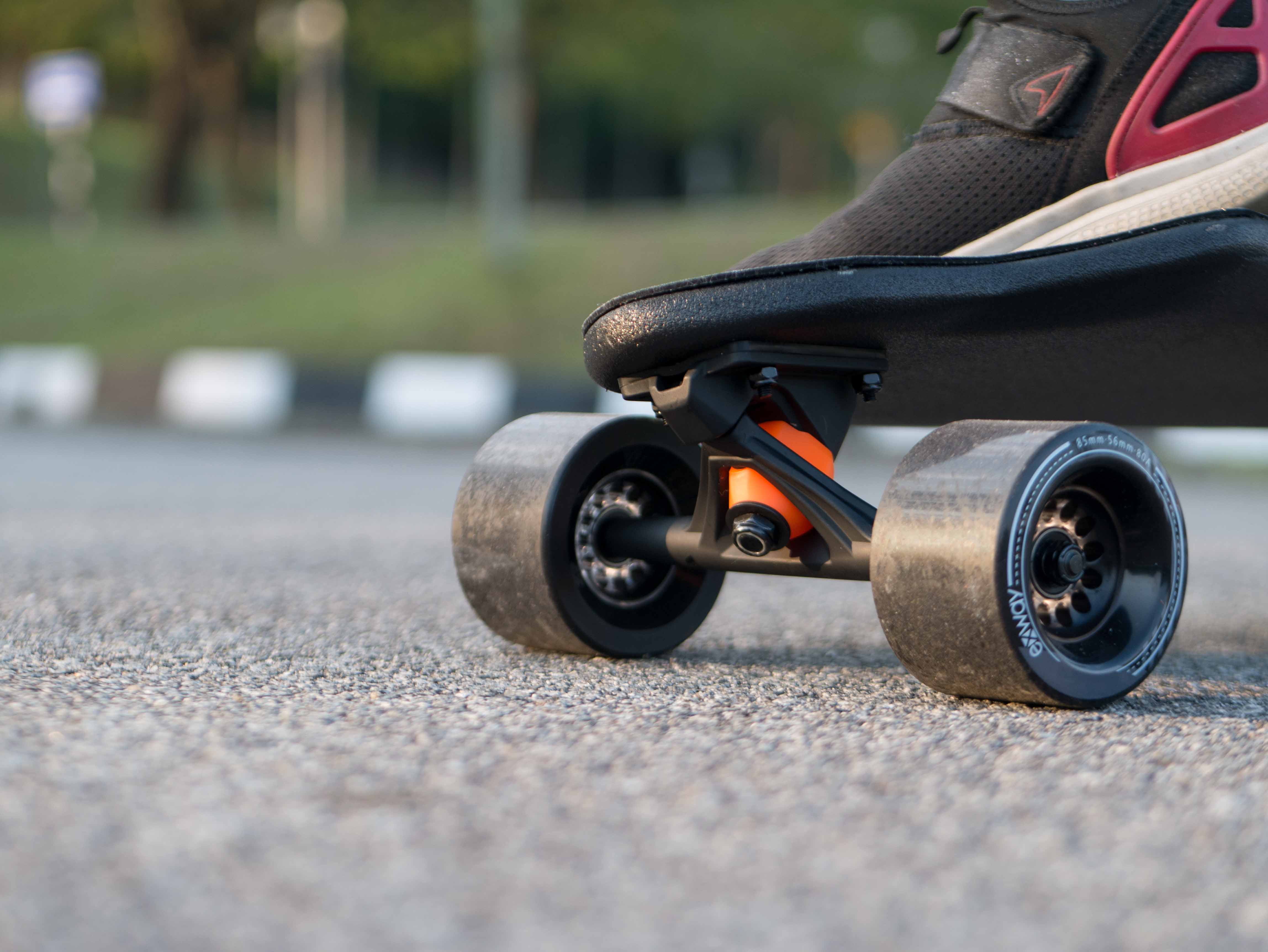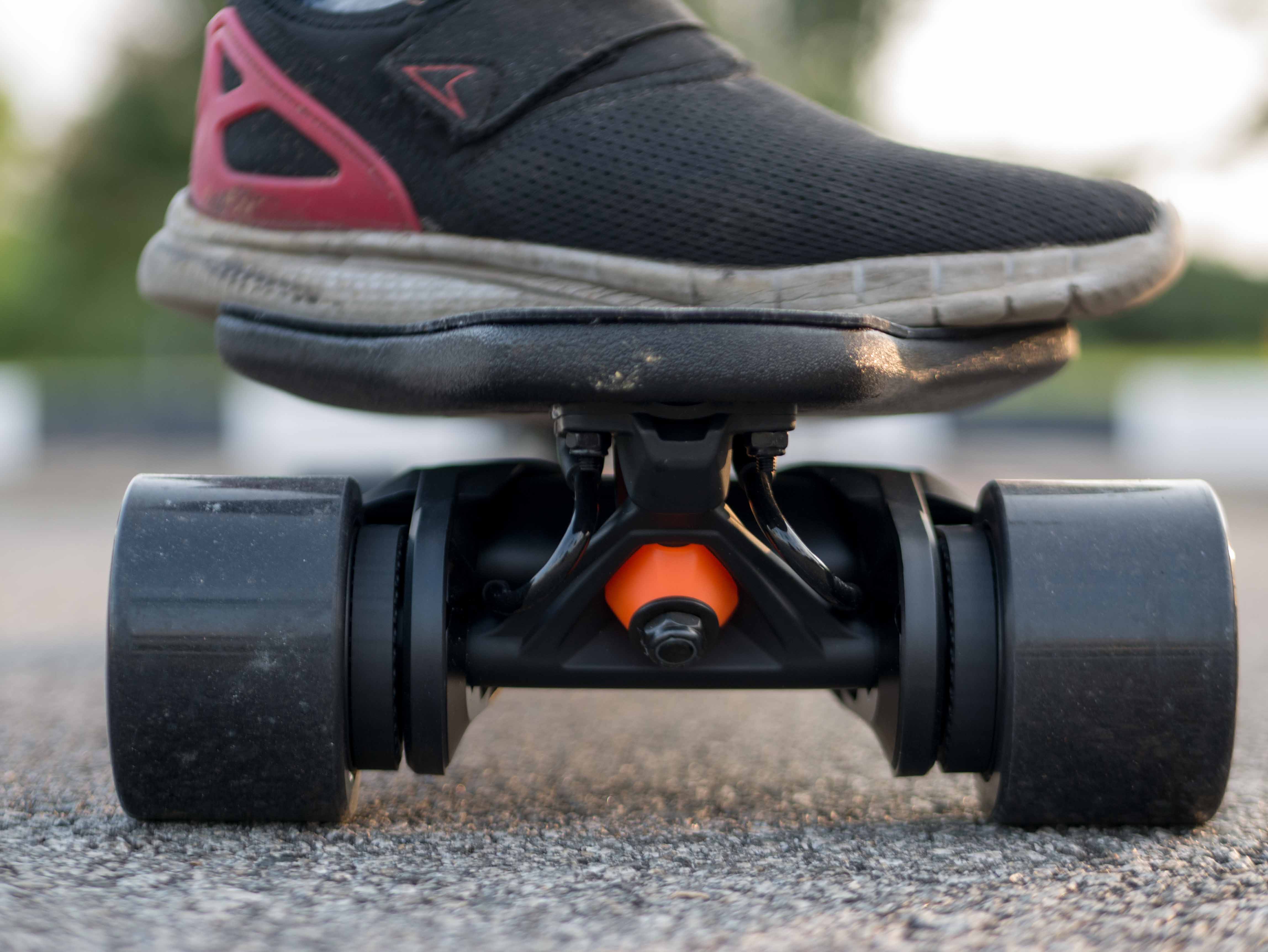
Lycaon GR – Incredible range. and…?

Important: This is the review is written when the Lycaon GR was still selling at $599, and was still using LingYi ESC. Lycaon GR is now $399 (OMG), and is using Hobbywing ESC, which means the control now is perfectly smooth and silky.

Foreword/Introduction

For something new that piques the interest of electric skateboarders everywhere, we were recently approached to review the Lycaon GR, a newcomer brand in the market. 

While we have rejected a few review requests for budget boards as they literally look like cookie-cutter molds of each other, the Lycaon GR caught our attention as it offers a really good battery life without asking a lot in price ($549). 

Will it measure up and prove itself worthy? Here’s what we uncovered.

Unboxing

Straight off the bat, the Lycaon GR came in a cleanly packaged double box that served well to protect the board while in transit. The phrase “Helmet when skating [,] Lycaon when getting board” is written on the packaging and at first glance I didn’t understand it — eventually, I understood its pun as board = bored.

Riding Experience

Update: As mentioned, Lycaon GR is no longer using Winboard Panther like LingYi ESC. It now using Hobbywing ESC means perfectly smooth acceleration and braking.

In terms of control, the Lycaon GR uses ESC and remote settings that are similar to the ones on the Winboard Panther. I already liked the control on Winboard Panther and it seems that with time, it has been further improved to what we now have on the Lycaon GR.

The one on the Lycaon GR came with 4 speed modes and 4 brake modes; the usual stuff. When I reached out to the Lycaon team, they said they were aiming for a thrilling and punchy ride. “Wild like Lycaon.” Honestly, that description wasn’t accurate at all – and that’s not necessarily a bad result,
hear me out:

On the fastest acceleration mode — H+ mode — the Lycaon GR accelerates abruptly if you pushed on the throttle, resulting in a small jolt and giving you a sensation of being ‘fast’. But it wasn’t. It’s been tested time and time again in drag races that an abrupt jolt during acceleration doesn’t make the board go any faster than it really is but just adds to the sense of thrill. 

The H mode on the Lycaon GR is just as smooth as Hobbywing’s and comfortable to ride on. However, it’s fairly noticeable that the board is hurting for torque when you try to accelerate uphill. It happens to the H+ mode too, only that it’s less noticeable.

On the other hand, the L mode and M mode are both pretty tame and gentle. I would go as far as saying that this type of ESC and remote pairing has the easiest control for newbies to try on, as the L mode accelerates so gently that I feel it’s literally kid-safe/kid-proof.

With that being said, most riders might find themselves using exclusively the H mode for relaxed riding and the H+ mode for a little bit more thrill.

Braking comes in 4 modes as well. The lowest brake mode is pretty sufficient for most whereas the highest brake mode is very tight. All in all, they’re all relatively smooth but on the tighter side. In terms of comparison, it’s tighter than your traditional Hobbywing brakes, making it very LingYi ESC-like here.

On the skateboard part of things, the Lycaon GR does a pretty okay job. The 8 ply Canadian maple deck is very similar to the one on the Backfire Galaxy series. It has a subtle concave and rocker to it which I like. It also has a fair amount of flex. 

The not so great part about the Lycaon GR is definitely the trucks. The use of generic trucks plus subpar barrel and cones bushing is not a really good combination in my book. The truck is either too loose to be stable or if you tighten it up too much, it becomes difficult to turn. 

I eventually relented and put my Orangatang purple nipples on it and it felt much, much better. As expected, this is a value for money product and besides the bushing, the other smaller parts such as the bearing, riser, and wheels are not top-quality, to say the least. 

The not-soft 90mm wheels, rigid riser, and hub motor make the Lycaon GR a little under average in vibration handling, so we’ll award it a B- or C+ here really.

Specs

It appears to be that numbers is what the Lycaon GR tries to be good at.

Range

Hands down, the biggest highlight of the Lycaon GR would be the range. It has a pack of 10S3P (270wh) batteries. It’s marketed to have a range of 23miles (37km), which is obviously an overstatement unless you are planning to ride on M mode throughout. 

For little ol’ 145lbs (66kg) me, it gave me a ride of 19.5miles (31.5km) in H and H+ mode before completely draining the battery, which is impressive. The voltage sag also sets in pretty late.

Top speed

On top speed, I’m able to hit around 25mph (40kmh) which is pretty standard for e-skates nowadays. Not so sure if 26mph can be achieved though but it never fails to try.

Conclusion

It turns out that the Lycaon GR is everything we expected it to be: a decent board with a very big battery pack. However, there are a few things that you have to be completely sure and okay with before deciding to purchase the Lycaon GR.

1) You have to be okay with the fact that Lycaon is a pretty new company with no previous track record, and the performance of their post-sale service is pretty unknown. From my few interactions with them, they seem like good people though so there’s that.

2) Although they offer free shipping to most countries, Lycaon doesn’t cover custom duty so it’s up to you to take the risk of paying extra for customs.
(They now have warehouse in US, so no shipping or custom issue for US buyers.)

If you are interested in buying a Lycaon board, be sure to check out our affiliated discount code here. It will help you get a small monetary discount and helps us out too. And you will be tagged as an Electric Skateboard HQ customer and probably be treated better. =)

Meepo NLS Pro Review – Goodbye Hobbywing.

Following the recent announcement on NLS Pro switching over to LingYi ESC, I figured that an updated review of the board would probably be helpful.
(Just to clarify things up, I did my NLS Pro review by upgrading the internal of NLS to NLS Pro, so I didn’t have the new shock-absorbing griptapes.)

Introduction to NLS Pro

As many already know, NLS Pro is the upgraded version of the original NLS which was priced at $599. It is a hundred bucks more expensive than the now-discontinued NLS, but it has a few important upgrades. The new NLS Pro has a much bigger battery and a new ESC. That means higher speed and smoother control.

It also gets a few upgrades on the parts among which includes upgrading the bushings used to macaroon bushing, change and rechange of ESC and use of a shock-absorbing layer of griptape which would help to make the ride even more comfortable. (I don’t have it)

So it’s ESC was changed twice

The first change to Hobbywing ESC was a celebrated move, but the recent announcement of yet another ESC change to the new iteration of LingYi ESC is a move that I took with mixed feelings. In my V3 review, I mentioned that LingYi ESC of the V3 came very close to Hobbywing ESC in terms of smoothness and was superior in braking, however, that 5% difference in smoothness does translate to an absolute refined experience vs a smooth ride with some grain to it. 

While the brake is indeed improved with the switch to Ling Yi ESC, the complaint on Hobbywing’s ‘weak’ brakes is one that I heard from friends who tried mine NLS Pro but a view I do not share. After trying countless Hobbywing boards from the 1st gen Hobbywing in the likes of Wowgo 2s, Ownboard W1s, and coming to the 2nd gen AKA Turbo generation Hobbywing like the Backfire G2T, Wowgo 3 and NLS Pro; Hobbywing ESC on NLS Pro is amongst the strongest with no sacrifice on smoothness. 

Although I see why those who are accustomed to strong brakes may find the brake on this Hobbywing ESC weak, I see that as nitpicking and am pretty sure most wouldn’t mind. But what to do, what’s done’s done.


It is important to point out that braking strength in LingYi ESC is adjustable. 1st brake mode offers the same tame brakes of the Hobbywing ESC.
2nd brake mode and above are smooth but significantly stronger. I personally would not go to mode 3 or 4 as I find them excessively strong for safe use.

Another interesting talking point after the change to LingYi ESC is that the 4th acceleration mode (AKA Pro mode) gives a more thrilling and punchy acceleration. I put both ESC on a side by side comparison and it was clear to me that punchier acceleration doesn’t equate to faster acceleration. New LingYi felt aggressive, but it wasn’t exactly faster. Hobbywing ESC in the old NLS Pro is smooth yet as fast as the new LingYi ESC on Pro mode, which becomes smooth only after the initial jerk. This is not to say that LingYi ESC wasn’t good, it’s just that the old Hobbywing ESC is freaking good.

To summarize, the ESC changes give NLS Pro yet another personality change. It converts NLS Pro from a calming comfortable ride to something more edgy and thrilling. Less boring, some had said. (For me? Boring is good.)

While the changes in control may make some happy and some sad, I’m pretty sure the addition of ‘push to turn on’ feature following the ESC change is going to be universally welcomed. ‘Push to turn on’ is a super underrated feature and I’m sure anyone who had tried that feature feels the same.

Handling

Aside from my disagreement on the change brought by the latest ESC change, NLS Pro is pretty awesome in any other aspects.
Having a bigger 100mm wheels and a very flexible deck reduced vibrations from rough roads as much as possible. Many hate hubs because of that thin urethane layer, big hub wheels in NLS Pro addressed that as much as any hub board could.
The most frequent complaint on the original NLS is the wobbliness, which I notice could be solved by changing to a harder and better bushing. With the NLS Pro, Meepo addressed the issue by upgrading to a better bushing that they named as Macroon. 100a Macroon bushing solved the wobbliness for me while still allows the NLS Pro to carve comfortably. This double tall Macroon bushing actually works better than my purple nipples on the shredder trucks (probably because nipples are not double tall bushing and shredder trucks were supposed to pair with double tall. =P). I’m no bushing expert, so I can’t explain why it works so well but it does work, NLS Pro now carves like a dream and still handles top speed like a champ.

Speaking of top speed, this board goes 32mph (51kmh). Crazy! I was able to hit that too! But honestly, 25mph (40kmh) is where my comfort zone ends and although NLS Pro is pretty stable even when pushed to the limit, no way I am staying there.

Wowgo 3 has been dubbed the best carving board of the mid-tier segment with its buttery smooth control and Paris truck set-up. With that said, to compare the smoothness and carving between Wowgo 3 and NLS Pro when it was with Hobbywing ESC is like splitting hair. I personally will take Hobbywing NLS Pro over Wowgo 3 as best carving board.

Just hear me out, Hobbywing NLS Pro is every bit as smooth while much more powerful than the Wowgo 3. It has faster acceleration and stronger brakes. Deck on NLS Pro is more flexible and to me felt better than the one on Wowgo 3. Wowgo 3’s Paris trucks theoretically should be better than the Shredder trucks with Macroon bushing, but honestly, I couldn’t tell. Again, it is like splitting hair. The real difference will be in the wheels size, 100mm wheels on the NLS Pro VS 90mm on Wowgo 3. Smaller wheels ride closer to the ground while with 100mms on NLS Pro I float abit higher.

However, now with LingYi’s NLS Pro, the 5% loss in smoothness after the switch to LingYi ESC lose the new NLS Pro that comparison due to that tiny setback in smoothness. It’s now have significantly better brakes, but on the question are “which one is most buttery smooth?” Wowgo 3 retook the crown.

Specs

When it comes to specs and number, Meepo NLS Pro is without a doubt, one of the best.

Using an 8AH pack of Samsung 40T in a 10s2p setting (288wh), the NLS hits 20miles (32km) range and that 32mph (51kmh) top speed for me. This number is pretty high up there compares to any boards and outside of those high premium boards, only Raptor 2 can best that numbers!

As always, Meepo might not win it all in terms of refinement and polish but it has without fail always having the top performance in its class.

Again, 100mm wheels are practically semi-AT

Conclusion

So, what is the verdict for the NLS Pro with LingYi ESC?

At $699, the NLS Pro is amazing both on paper and in actual riding.
It outperformed its peers in both top speeds, acceleration, and range.
It has good strong brake and control that leans on the aggressive side.
It is very enjoyable in both aggressively ride or comfortable carve.

What more can you ask for?
(Me: I want that 5% of smoothness in acceleration back…)

Check-out Meepo NLS Pro here.

Exway X1 Pro Riot Review – Hello Torque

You know how sometimes you really like something and you use it a lot, like every day a lot? That’s me and my X1 Pro. I use it every single day for commuting to work, for running errands, for going to eat, for groceries, everything. I love this board. But you know, I always thought there was a little bit something missing. “you know what?” I would think, “This board needs belt drives.”

My wish was answered when the Riot kit for the X1 Pro came out. It’s a very impressive piece of kit. It comes in a nice box with the drivetrain already assembled for forward mount and all the tools and screws you could possibly need packaged very securely. There’s also an instructions manual with clear steps explaining how everything fits together. The kit also comes with new 2nd generation Exway wheels that have improved urethane and profile.

And also these cute stickers

Let’s talk Riot specs

Since my last review, the Riot specs have changed. Here are the new specs:

  • Dual 5255 motors with 4235 stators (for reference 5065 motors have 4035 stators)
  • 200KV 160KV winding
  • 1:2.57 gear ratio
  • 35MPH 26MPH top speed
  • 255-5m-10 255-5m-12 belts
  • Rear mountable for better pothole and curb clearance

When I reviewed Riot last, it was still a prototype and Exway was still trying to figure out a good balance. If they had gone to market with the original motor KV, the Exway would have been the fastest production board on the market. However, Exway decided to lessen the motor KV for more torque, which I appreciate as well. It’s a fine balance act between the two, and I don’t envy manufacturers having to make these decisions and sticking with them forever.

Installation

As soon as I received the kit, I immediately installed it on my X1 Pro. I was excited to have belt drives and full urethane on one of my favorite boards.

The installation was simple and straightforward. Slightly peel back the griptape above the back trucks to expose the four baseplate screws, and unscrew them.

The drivetrain simply comes off. Now simply pop Riot on and use the new slightly longer screws provided with the kit to screw them back in. Don’t forget the rubber riser!

But wait, the remote is telling us something

Don’t forget to change your board settings to Riot mode in the Exway app. I love Exway’s attention to detail.

Oh also, Exway’s 2nd generation wheels come in clear and they’re great. They don’t really yellow at all.

Now that it’s installed,

It’s time to ride!

The first thing I immediately noticed was the increase in torque. Off the line, the X1 Pro Riot is significantly more torquey. Braking is also significantly more torquey as well. Before on hubs, the brakes will stop you. But now, they will seriously stop you. I’m able to come to a full stop on steep SF hills without free mode on. That’s an accomplishment on any board.

The ride quality and handling is also significantly improved as well. I feel like a lot of people don’t realize how much of a difference hubs vs full urethane is. A lot of times I see people online talking about belt versus hubs, and in my opinion one of the main things they miss is handling. Most people might not care, but assuming the same exact bushings setup, truck setup, and urethane durometer, the hub setup will loose out on handling. The reason for this is because with a full urethane wheel, depending on the size, you have at least three or four times the amount of urethane to compress when riding. But on a hub motor, you have that one outer layer of urethane, then you hit the solid hub motor can. This means that you will have less grip (less urethane to deform), lower rebound, (again, less urethane to deform), less road imperfection absorption, etcetera.

Ahem. Please excuse my rant.

This isn’t to say that there aren’t some caveats

The standard configuration that Riot comes in has the motors mounted under the board, otherwise commonly known as forward mounting. There are a couple advantages to this configuration, most notably it’s still generally “stealth” looking if you don’t look closely, and you can still kick your board up by the tail into your hand. However, on the Exway, it sort of hinders access to the charge port. This is not to say it’s not completely unreachable, just slightly more difficult to reach.

In front mount, the charging port is partially hidden behind the motor.

There is another configuration supported by Riot, called rear mounting. Basically this means you flip your motor mounts around so that they’re sticking out the back. This is easily done by taking the drive cover, wheel, belt, and wheel pulley off each side, unscrewing the big clamp screw on the side each mount, and turning the mount around until the key sits properly in the keyway in the rear mount position. I must say I’m a fan of Exway’s mount design, especially since it’s for Seismic trucks. I love Seismic trucks.

Anyways, in this rear mounted configuration, port access is no longer a problem. However, now another slight inconvenience arises. You can now no longer easily kick your board up by the tail. To be honest, for me this is a big inconvenience. I use this board for lots of situations where I need to quickly pick it up, and bending down often to pick the board up off the ground gets tiring real quick. I know I’m lazy, but, well, there it is.

Another caveat of the Riot kit is that it’s quite loud. Personally I’m ok with this and like it a bit, but for some people it might be a deal breaker. There is also the issue of belt induced kickpush resistance, however I would say if you tension the belts properly on your kit, you shouldn’t have any big issues. As a general rule, the correct tension should be 3mm of give when you press down on the belt with one finger lightly. There is also a very slight reduction in range in my testing, but i’m talking about near statistically insignificant reductions, so I’m saying this as a warning rather than a true caveat.

All in all,

I think the Riot kit is worth it if you live in a hilly area or if you are a chunkier individual in need of more torque. I also think it’s worth it if you want great ride quality. So what about me? For me, I think I’ll swap back to hubs because bending down every time I want to pick the board up is getting to me. I know I did wish for a proper belt drive for the X1 Pro, but alas, I’m just too lazy.

Click here to check out the Exway X1 Pro Riot (Asia), (USA).

Shredlights SL200 – A Surprise To Be Sure, But A Welcome One

First, A Forward

I don’t typically review accessories as I don’t usually accessorise a whole lot when I skate. The most I usually do are helmets, pads, and gloves. I think accessories are fairly personal things and people may or may not like something based on their own personal perferences. Pads and gloves are obvious items here. But what about lights? Lights are fairly universal with specs that can be objectively discussed. This is why when Shredlights asked if I would like to take a look at the new SL200, I agreed to write my thoughts down. So, without further ado, let’s jump right in.

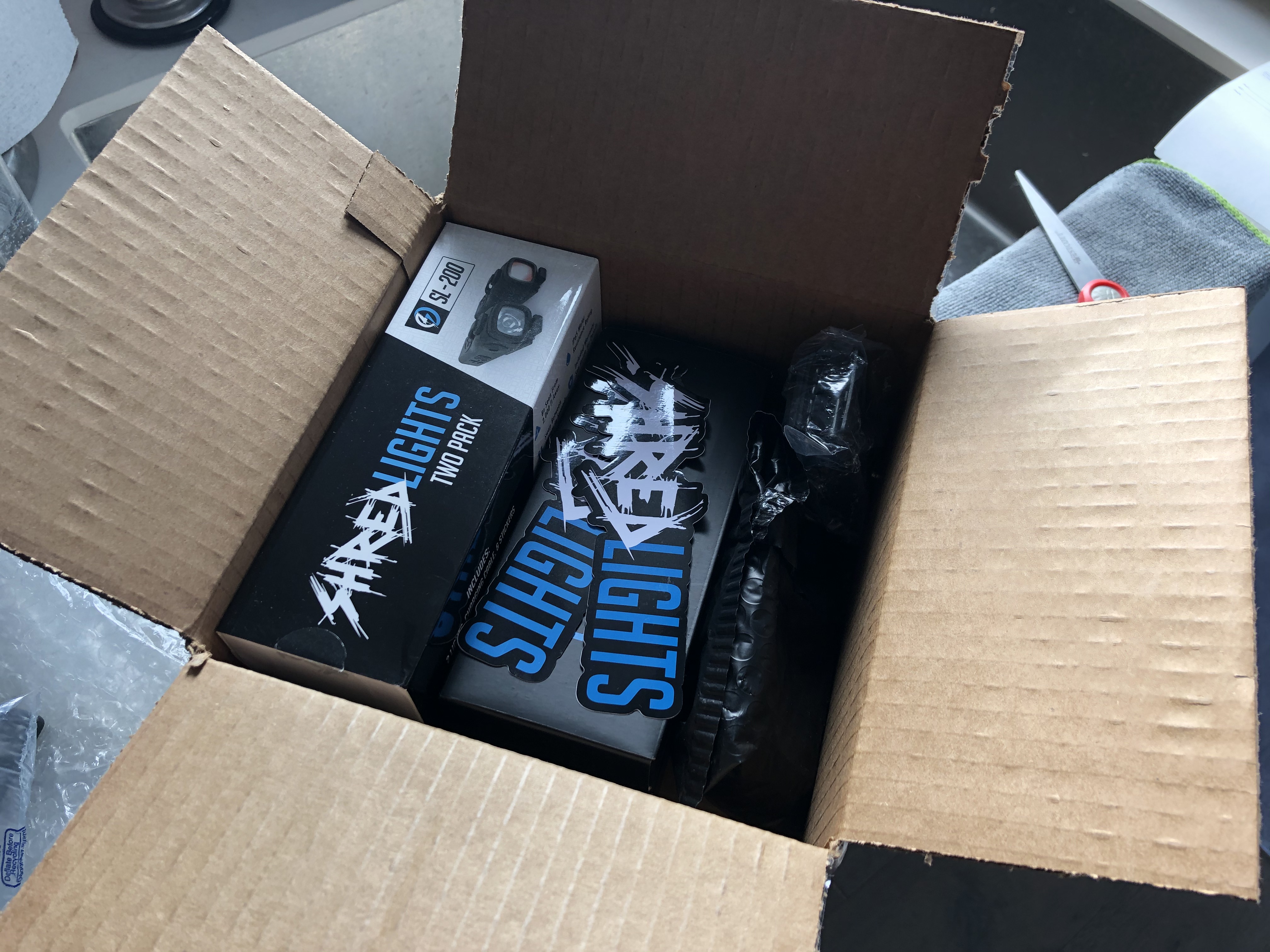
Shredlights sent me a big box

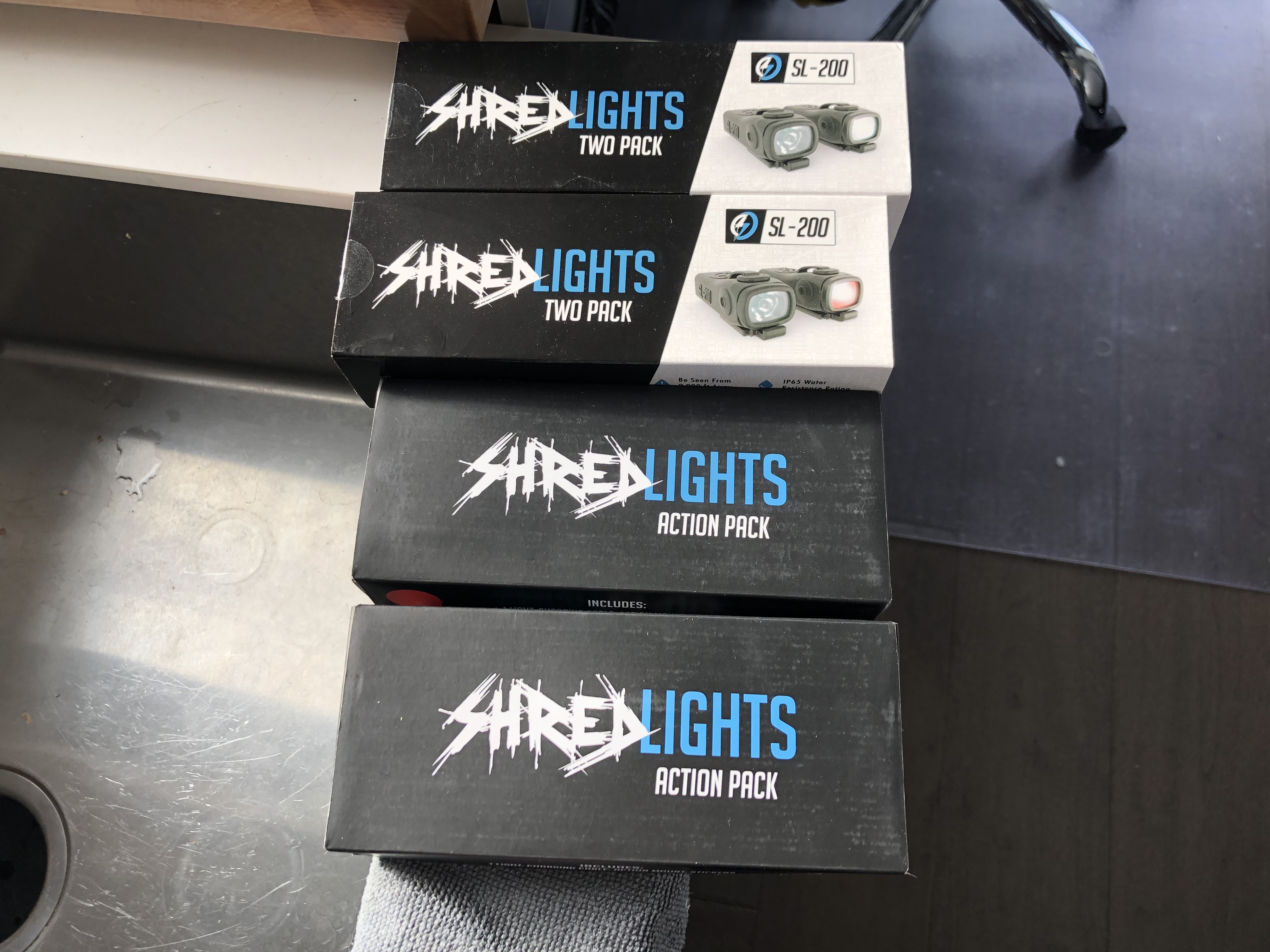
Yeah. I thought they would just send me a pack but instead they sent me a big box of like a bazillion lights. There were Action Packs, Combo Packs, Night Ops Packs, and a buttload of mounting brackets for basically any kind of board. There was also a stack of stickers included which I certainly appreciated. Did you know each sticker on your board adds 5MPH to your top end?

Let’s talk about the mounting system.

The original Shredlights were possibly the most popular eskate specific lights in the world. The mounting system that screwed in using the existing hardware mounting screws on your board was innovative and convenient at the time. However, reports of light housing rubber tearing due to fatigue and lights falling off mid-ride started appearing. The double hook system itself wasn’t very easy to take on and off either, and was disliked by not a few people, myself amongst them.

So what’s changed there then?

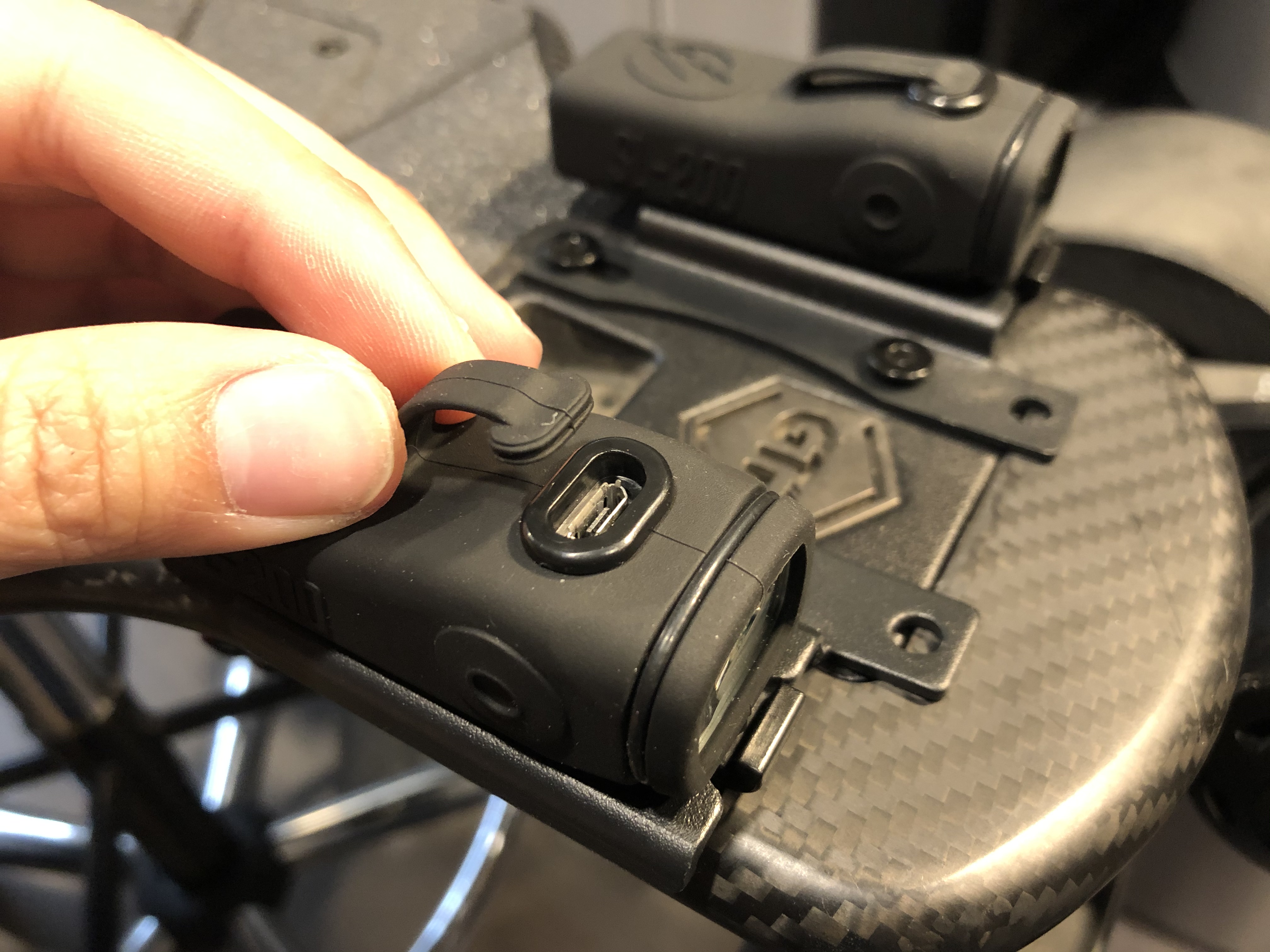
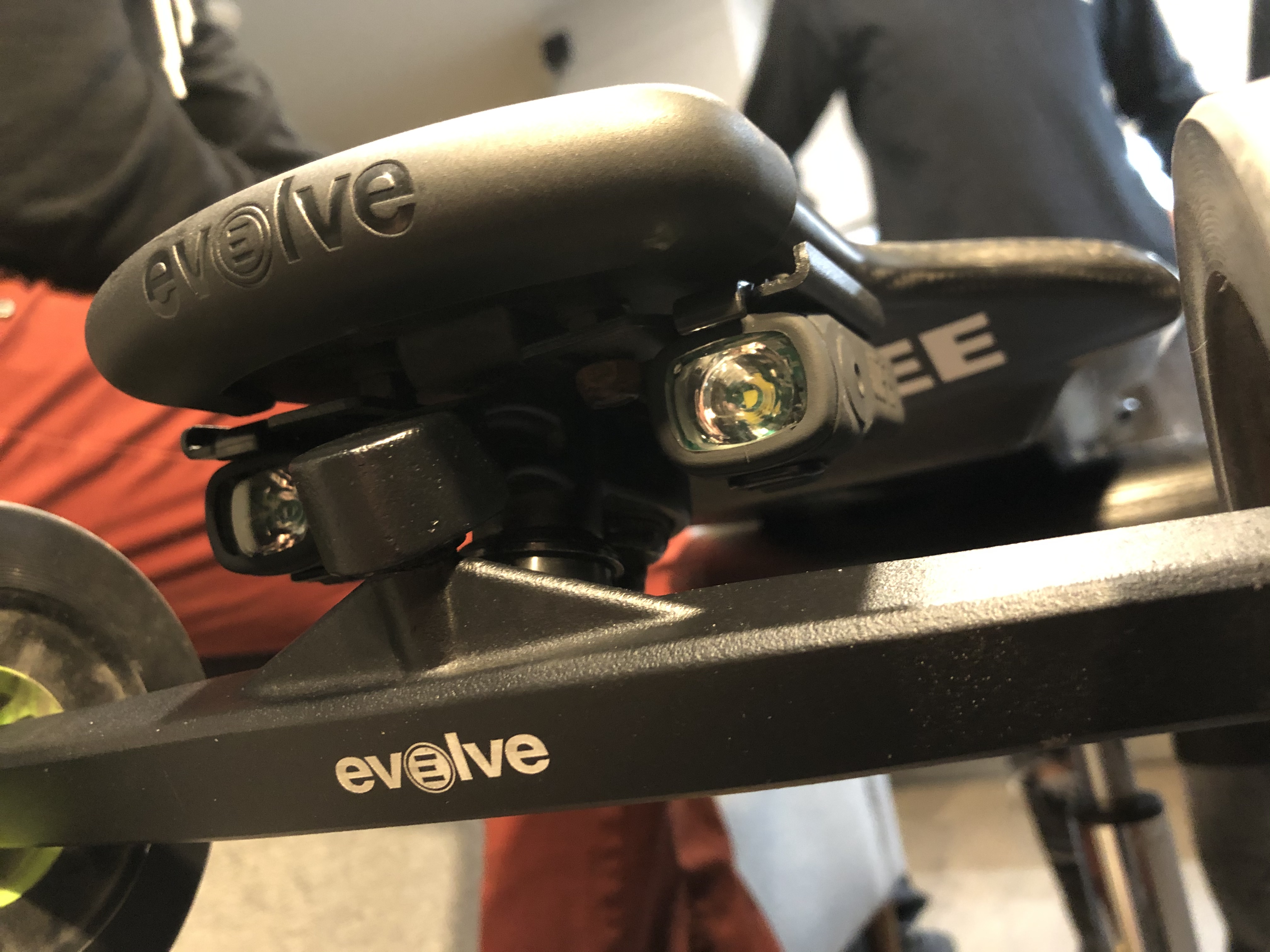
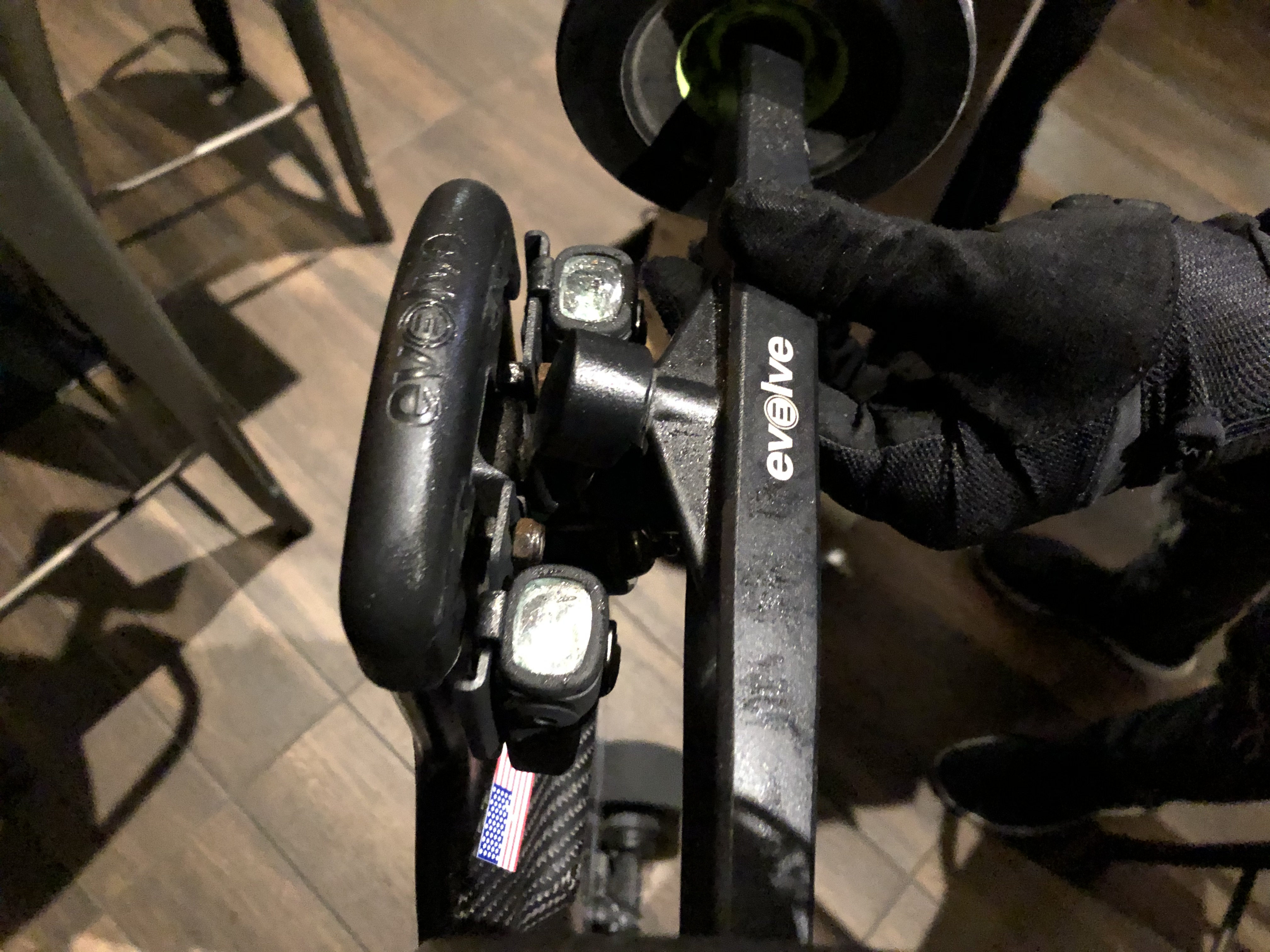
Well, the mounting system has been completely redesigned. Folks, I would be very surprised if your lights fell off. It’s very rock solid. Instead of stretch-the-rubber push-pull-help-how-do-I-get-this-off-oops-I-tore-the-casing, it’s now a slide on and spring-loaded click-in. The new mounting plates are more robust as well. Thicker steel is now used, and the mounting plates now have a matte finish instead of the glossy black paint they used previously that liked to chip off. The variety of mounting configurations also impressed me. There are flat mounts, vertical mounts, and diagonal mounts. They’ve really thought of everything this time.

In addition to board mounts, Shredlights have also gotten into mounting on other objects and surfaces. In the Night Ops pack, they include a bunch of different mounting plates and clips that can stick onto various surfaces. The most notable thing is Shredlights have decided to use GoPro style pivots. This means you can buy any accessory that’s got a GoPro pivot system on it and it’ll fit right away. I think this is a great decision and really increases the usability of the product.

One last thing worth mentioning is the clip mount. This is possibly my single favorite improvement of the SL200, and is really what makes the product for me. The clip clips onto most anything, but I most often clip it onto the strap of my sling bag at night. The clip allows for near 360 degrees of freedom for you to angle the light, and is a great solution when riding with others as for me it is often annoying to have lights mounted on the helmet because when you look at somebody you might blind them.

Speaking of the lights…

All the best mounts in the world would be moot if the lights didn’t perform right?

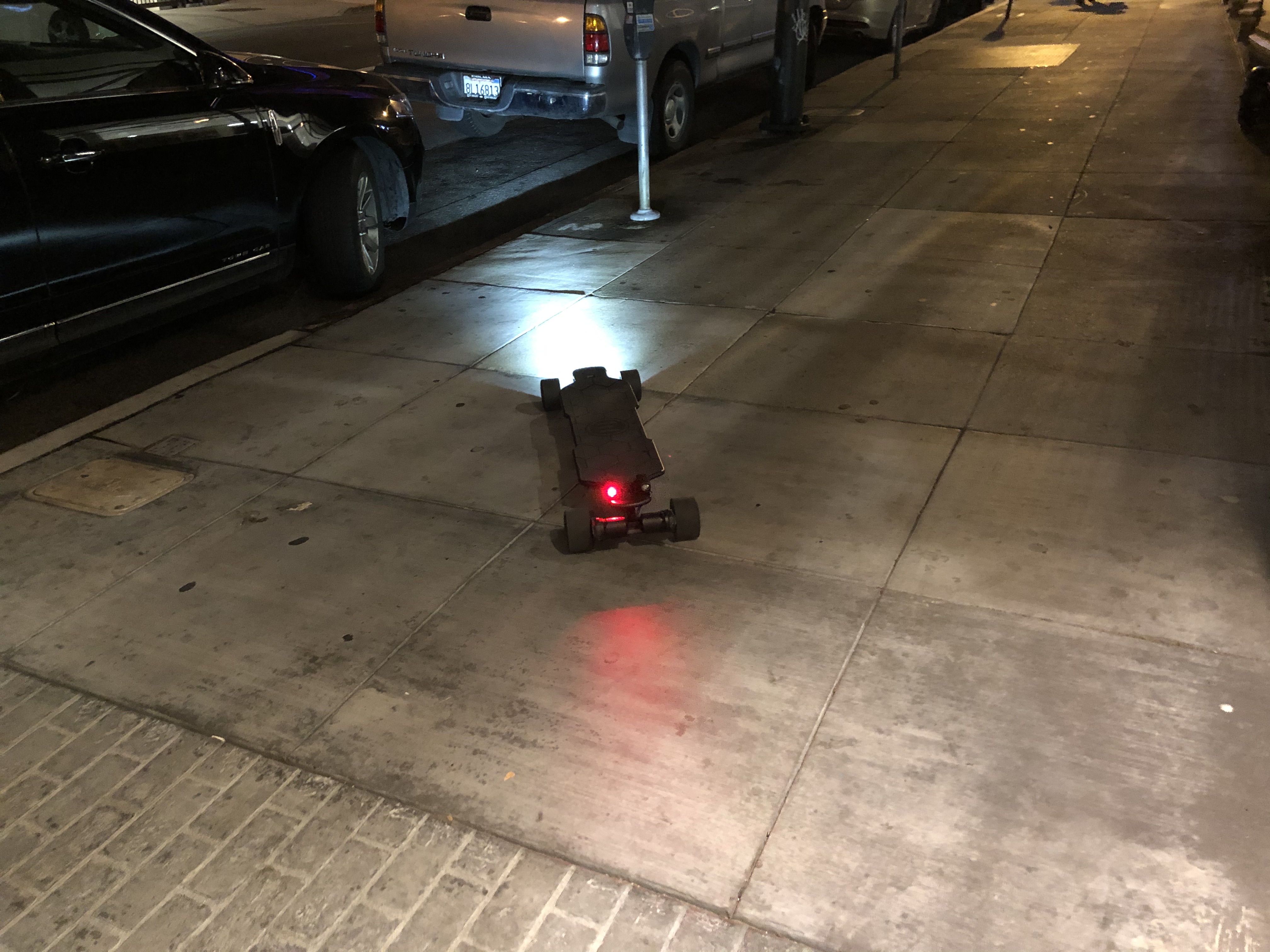
Well, I’m glad to say they perform, and perform well. In my personal testing, my single backpack strap clipped SL200 effortlessly lit up the road around 20 feet in front of me with a constant-on beam to a satisfying degree. That’s a win in my book. On the highest constant brightness setting, one light lasts a few long rides before needing to be recharged. That’s another win in my book. So much better than the V1 Shredlights already.

Now, I don’t really like putting lights on my board, so I only have cursory first hand experience with board mounted lights. However, my good friend and esteemed videographer Justin Yee is an avid user of the V1 Shredlights, so I gave him a set of front and back SL200s to test on his eskating adventures. Here’s what he said (paraphrased):

“They’re way brighter than the original. It’s got really sick light patterns, and the new mounting mechanism is great. The new charge port covers stay great and don’t tear off. They light up a lot more of the road compared to the old ones, now you can actually see bumps and cracks and have time to react. The rear lights are also very noticeable. I have no complaints. Steep price but for the convenience and function I’d say worth if you like having lights on your board”

To sum up,

What we have here are bright, quality, durable lights purpose made for eskates and eskaters. At $100 for two front lights, two rear lights, and mounting brackets, it might seem a little steep. However I think what you’re really buying into here is an ecosystem, and personally I think it’s a really flexible ecosystem and a great choice of lights. I was certainly surprised by the quality and performance, and I think you will be too.

Click here to check out Shredlight!
Use promo-code: ESKATEHQ to get 10% off

Chargiot Bomb – Boom or Bust?

Foreword and Introductions

Chargiot was not a brand under my radar when they first approached me to review this particular product – Chargiot Bomb. Apparently, they have been around for almost a year now, selling via Amazon and resellers such as www.ElectricSkateHQ.com (which has totally no connection with us, I am serious in this one.)

Initially reluctant to take on the review as I have just done one on a very similar product in Yecoo GT, Alex from Chargiot assured me that this is not a regular DIYeboard AT setup. This is something with a much more powerful battery, as well as motors which come with an App that allows tuning of the ESC. So I took the review.

After putting this big guy with flamboyant graphic design through its paces, these are my thoughts on it.

Chargiot Bomb

These are the marketed specs of the Chargiot Bomb:

  • Top Speed: 30mph/ 48kmh
  • Range: 15mil/ 24km
  • Weight: 22lbs/ 10kg
  • Charge Time: 4.5hrs
  • Features: 2 x 2400W motors, regenerative braking, handles up to 30% slope, Remote with telemetry, All Terrain ability, Bluetooth speakers.
  • Price: 999USD with shipping included.

Unboxing

Despite the very “in your face” design of the site and the board, the box and package come as plain as it could be. The board is well protected with foams and that’s all that matters really.

The board comes with a bash guard, a T-tool and the charger.

Riding Experience:

Acceleration and Deceleration

Chargiot Bomb uses LingYi ESC and as its typical fashion, it comes with 4 acceleration modes and 4 braking modes. Chargiot added a little bit extra by allowing further adjustment of acceleration and braking (another 4 levels of adjustment on acceleration, braking and gearing).

Straight out of the box, Chargiot had all the settings adjusted to the highest power and that translated into less than perfectly smooth acceleration and weak to suddenly strong braking.

same issue here.

After failing to use the application from android and ending up borrowing an iPhone to adjust the setting, I managed to find a setting that I can live with.

With the adjusted setting, both the acceleration and braking are okay. It’s not perfectly smooth but not jarring either. Average, I would say. One particular trouble that I have is the board will give a jolty start when accelerating from a stop. Chargiot Bomb couldn’t transit from a halt to moving smoothly.

Stability

That said, however, my biggest gripe on the Chargiot Bomb is not the control but the set-up of the board. Most importantly, the biggest of all deck choice. Chargiot picked a 38.5 inches(98cm) deck with Kicktail, and while having a kicktail is one of the unique features that Bomb has, having a kicktail eats into the length of the wheelbase. What’s worse, one couldn’t practically place one’s foot on top of where the truck is because the AT wheels will bite into your shoes and the functional wheelbase is even shorter. At the end of the day, I was forced to ride with a stance not wider than I can have on a shortboard, which doesn’t help with balance.

The problem is compounded with the fact that Chargiot Bomb was pretty tall. It sits on 6″ wheels on a double riser. I felt as if I was riding on heels, and I don’t have the training of what Sookie has to do so.

One way to reclaim a wider stance is to rest the backfoot on the kicktail all the time. That did allow a more stable control and as the Bomb is heavy, you won’t get unwanted wheelies happening to you. However, this patch is not ideal for me as I find that it tired out my leg a lot faster and made turning difficult. On top of that, every minor adjustment of backfoot is wheelbite by shoe waiting to happen.

To compound the problem further, the truck uses a barrel and cone set-up which are pretty soft and made it wobbly at a highish speed. There is always the option of tightening the truck but that will instead make turning difficult. I never attempted to challenge the top-speed of Bomb, 18mph(30kmh) is about the highest I dare to go.

I’ve reached out to Chargiot complaining to them about the design and they’ve informed me that it was a conscious choice to allow the board to be more compact, and for the kicktail to have an extra benefit to be easily draggable (which is totally true… the height and handle on the kicktail made dragging it around so much easier; but I shouldn’t have more fun dragging the board around than I have riding it, should I?)

I totally get what they are trying to do.. I just completely disagree with it. In my opinion, an all terrain set-up and portability should be two mutually exclusive concepts. Trying to accomplish both of these will inevitably leave you in no man’s zone, which unfortunately is where I felt the Bombs are right now.

Chargiot team told me that they are planning to offer other options of wheels kits selections (eg. MBS 100mm), which by theory would address most of the issues I have with it. This would improve the board by eliminating wheel bites by shoes and allowing a wider stance, all while still being a capable semi-AT board.

107mm Flywheel set-up

So Chargiot sent me a set of 107mm flywheels. Unfortunately, I was unable to get a perfect system set-up, as the wheel pulley that I have wasn’t playing nicely with the 107mm wheels and the rest of the motor systems. The two pulleys are not aligned properly, resulting in skip belts. (I think.)

However, I am still able to get a general ride feel on the 107mm’s and I should say, the improvement is as much as expected.

The riding height is much lower and it felt much stable, though I still limit myself below 22mph(35kmh) as it got wobbly for me beyond that.
There was no longer wheel bite by shoes, and you can use the full length of the wheelbase as a standing platform now. 107mm wheels still allow semi-AT uses. For example, it crosses sharp speed bumps without issues and is comfortable on the poorer roads.

A change of wheel doesn’t improve on the speed controls, but it did improve on every other aspect of the ride. I honestly think Chargiot should put 107mm set-up as default, instead of going for the AT version.

Manoeuvrability

I know I said the truck was loose and wobbly, but it is pretty difficulty to turn due to the heaviness of the board. Again, I think this is something that improved significantly after changing to street wheels. Kickturns on the Bomb is pretty difficult to execute due to its weight. A better skater might incorporate it into normal rides but I know I can’t.

Vibration and Terrain capability

Despite my unhappiness with how the board handles, I have to say that it fights through terrain quite well. The 6″ honeycomb wheels and double riser soaks up small vibration completely and rolls through stones, sand, sticks and whatever without any issues. 107mm flywheels are A+ in handling rough pavement too, as expected.

The Bomb would have been a very good vehicle to roll through rough trails in AT if only it allowed a wider stance (deck swap?), but semi-AT uses with 107mm is pretty fine.

Range

I get around 14miles(23km) of range on the Chargiot Bomb.

10S5P 36V, 11Ah, 396Wh Samsung battery pack give me a 14miles(23km) of range. As I couldn’t test the top speed, I didn’t notice any significant sag until the very end of it.

On 107mm flywheels, 12miles(19km) only drain the battery to 66%. Wow.

*Rider weighs around 165lbs (70kg) and was riding in a mostly flat area in a warm climate. 

A closer look at the parts:

Deck

The deck is 7ply maples + 1 ply bamboo. The kicktail is not as functional for me as I thought it would, as the board is heavy and difficult to kickturn (this will change if you ever switch to 100mms). The handle cut out on the tails make the board very draggable when not riding. If there is such a prize, Chargiot bomb would win the prize for being the most draggable eskate ever.

There isn’t much concave on the deck.

Component Enclosures and ESC

The aluminum enclosure, though looks to have generic origin, has some fun spin on it. The ‘radioactive patterns’ are actually LEDs and can glow at night to help you to be seen. Inside the enclosure is also a Bluetooth speaker, which is not of the highest quality, but allows you to blast music to announce your presence.

Wheels

6″ honeycomb wheels works pretty well, almost as well as pneumatic wheels. I like them.

Trucks

Chargiot Bomb uses the generic mountainboard trucks that can be found in DIYeboard. It’s 250mm in hanger width. The stock bushing is a barrel and cone bushing which I blame for the truck unstableness. My opinion is that this set-up put the truck in a no man’s zone. Not turny enough for agility, yet not stable enough for high speed. On a 107mm, a correct tightness and bushing set would work fine, but it was never awesome.

Remote

This is the face of LingYi ESC now. It has a screen for telemetry, which shows current speed, battery and other settings.

The remote itself is pretty comfortable on hand and provides stable connection. As mentioned, there are 4 speed modes available separately for both acceleration and braking. The reverse function is available too.

Verdict

Can an all-terrain board be compact too? I don’t think so.
Chargiot Bomb in its default AT setup proves that you can’t have your cake and eat it too. The big 6″ airless honeycomb wheels are not comfortable on a kicktail deck that is limiting on the standing platform.

On a set of 107mm wheels, however, the board did achieve what the Chargiot team designed it to do.
107mm allows for semi-AT uses.
The shorter wheelbase with kicktail does allow the board to be more compact and allows the board to be dragged around like a luggage bag.
The battery and motor are big and powerful enough for torque and power.

Unfortunately, as the board felt pretty raw overall, be it in control, looks, the ride feels or even the phone app it uses, it couldn’t make it to the top of our list when it comes to boards to recommend.

Checkout Chargiot Bomb by clicking here.